
Free iPhone Cleaner: What iOS Does for Free and What Apps Charge For
By CleanX TeamPublished
Quick answer
- iOS has free built-in tools for most of what cleaner apps do: the Duplicates album in Photos, View Duplicates in Contacts, Settings › General › iPhone Storage, which may show recommendations, and Offload Unused Apps (Settings › Apps › App Store).
- Most of the cleaner apps we checked are free to download, but full use usually needs a subscription, often after a free trial of 3 to 7 days.
- If you start a trial, Apple says to cancel at least 24 hours before it ends if you don’t want it to renew.
There’s no separate cleaner app from Apple, but iOS covers the main jobs: finding duplicate photos and contacts, showing what uses storage and removing apps you don’t use. Try those first, then decide whether an app is worth paying for.
Clean your iPhone for free with built-in tools
Step 1: See what uses space
Open Settings › General › iPhone Storage. You’ll see your apps and the space each uses, and sometimes recommendations. See how to free up space on iPhone.
Step 2: Merge duplicate photos
In Photos, tap Collections, then Utilities › Duplicates, and tap Merge. See how to delete duplicate photos.
Step 3: Clear screenshots
In Photos, open Collections › Media Types › Screenshots, tap Select, choose the ones to remove and delete them.
Step 4: Merge duplicate contacts
In Contacts, tap View Duplicates below My Card, then Merge All, or tap contacts one by one to review them first. See how to merge duplicate contacts.
Step 5: Remove unused apps
Turn on Settings › Apps › App Store › Offload Unused Apps so iPhone removes apps you don’t use when storage is low, keeping their data.
Step 6: Empty Recently Deleted
Deleted photos stay in Recently Deleted for 30 days. Once you’re sure, empty it to get the space back. See Recently Deleted on iPhone.
Other free options: the free iMovie app can export a smaller copy of a video (how to compress a video), and Safari’s website data can be cleared in Settings › Apps › Safari (how to clear cache).
What “free” means in cleaner apps
- Free to download: the App Store listing usually doesn’t say what works without paying.
- Free trial, then a subscription: of the 7 cleaner apps we checked on the US App Store on October 27, 2026, the trials we could find lasted 3 to 7 days, and visible weekly prices ranged from $3.99 to $11.99.
- Free use stated: only 2 of those 7 descriptions mention free use beyond a trial: Clever Cleaner within daily limits, Cleaner Kit for essential tools. Details are in our comparison of iPhone cleaner apps.
- Trials renew: Apple says that if you don’t want a trial subscription to renew, cancel it at least 24 hours before it ends, in Settings › [your name] › Subscriptions.
| Free in iOS | CleanX | |
|---|---|---|
| Duplicate photos | Duplicate copies in the Duplicates album | Duplicates and similar photos, grouped |
| Screenshots and videos | Screenshots and Videos under Media Types; select and delete | Similar screenshots and similar videos grouped; videos listed largest first for compressing |
| Video compression | iMovie export, one video at a time | In the app, one video at a time |
| Duplicate contacts | View Duplicates in Contacts (same first and last name) | Duplicates plus contacts with missing info |
| Cost | Free | Scanning free; deleting, merging and compressing need CleanX Pro |
CleanX
What’s free in CleanX
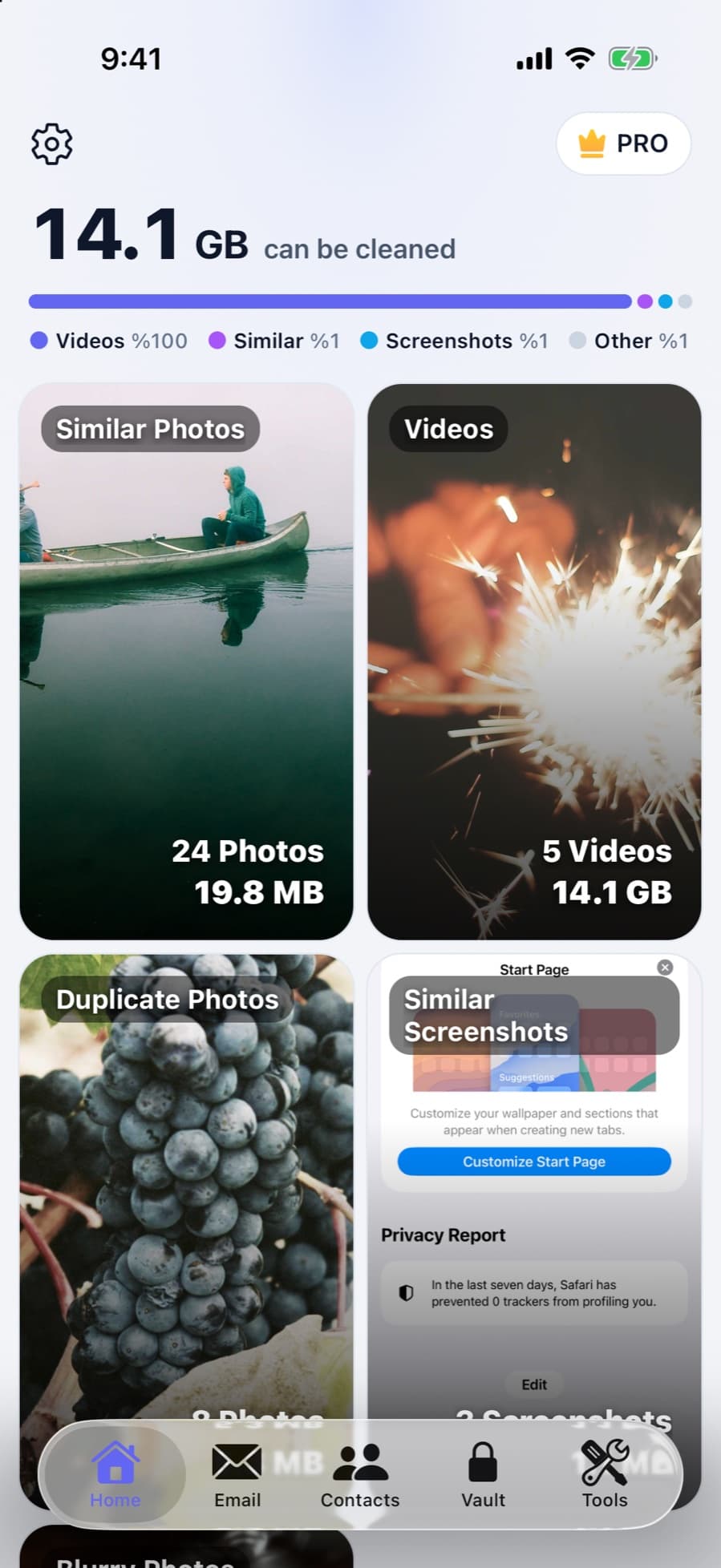
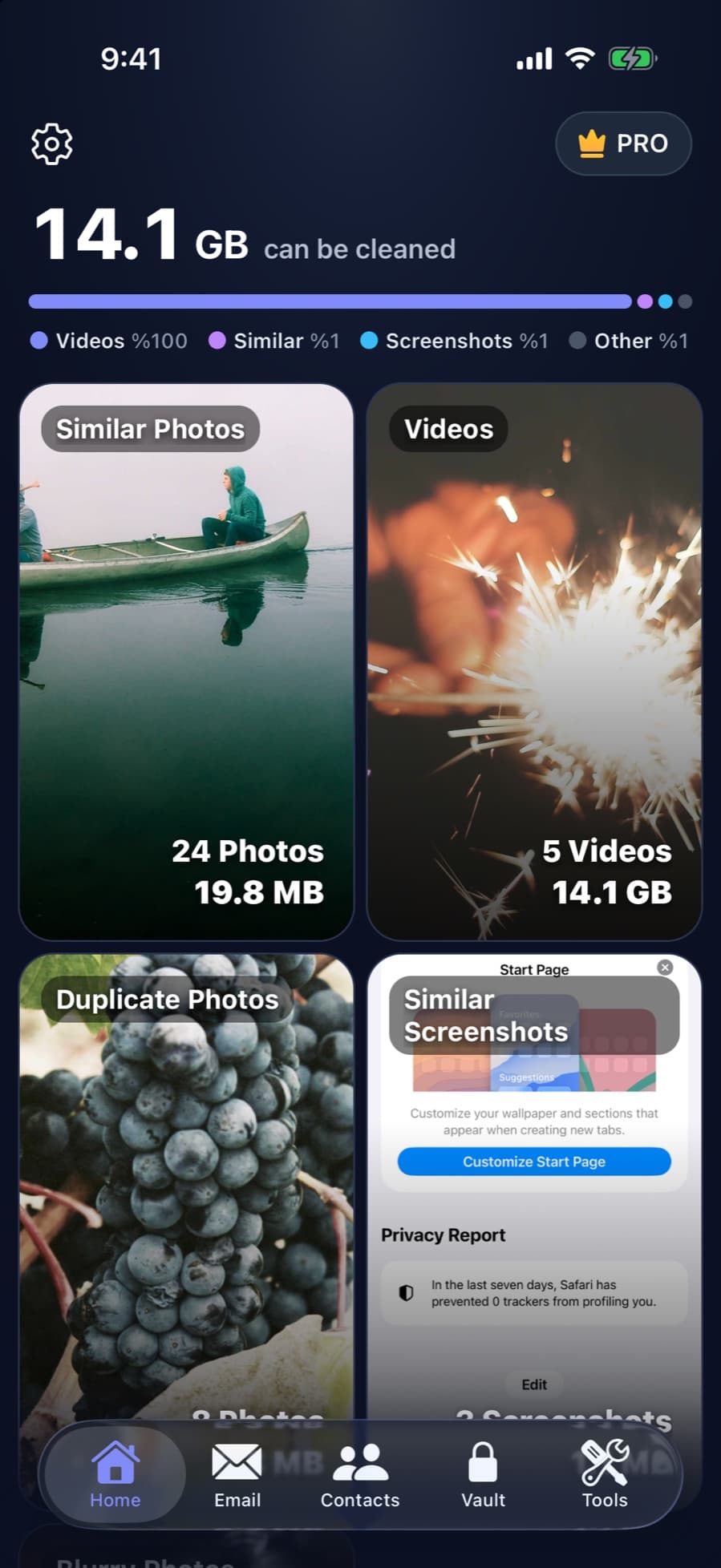
CleanX lets you browse and scan everything without paying: duplicate and similar photos, screenshots, videos, contacts and Gmail. Actions such as deleting, merging, compressing, backing up contacts and adding to the vault need CleanX Pro, available as a weekly plan with a 7-day free trial for new subscribers or as a one-time lifetime purchase with no subscription. Restoring a contacts backup is free.
- Scanning and browsing are free
- Weekly plan with a 7-day free trial, or a one-time lifetime purchase
- Cancel a trial at least 24 hours before it ends to avoid renewal
When a paid app can be worth it
- Similar photos, not just exact copies: the Duplicates album finds duplicate copies; bursts and near-identical shots need you to review them yourself.
- Many videos to shrink: iMovie exports one video at a time with a few steps for each.
- Gmail from your phone: the Gmail iPhone app selects up to 50 emails at a time. See how to delete all emails in Gmail.
Frequently asked questions
Is there a completely free iPhone cleaner?
iOS itself: the Duplicates album in Photos, View Duplicates in Contacts, Offload Unused Apps and iPhone Storage in Settings are free. Most cleaner apps we checked are free to download but charge for full use.
How can I clean my iPhone for free?
Check Settings › General › iPhone Storage, merge duplicates in Photos and Contacts, delete screenshots and large videos you don’t need, then empty Recently Deleted.
Are free cleaner apps safe?
An App Store app can only reach your photos or contacts if you allow it. The bigger risk is a trial that renews into a paid subscription, so read the price and the trial’s end date first.
Do free cleaner apps really work?
Most can find duplicates and large files, but most of those we checked need a subscription for full use. iOS’s own tools do the basic jobs for free.
How do I avoid being charged after a free trial?
Apple says to cancel at least 24 hours before the trial ends, in Settings › [your name] › Subscriptions.
Related guides
- How to Free Up Space on iPhoneSee what fills your iPhone and clear it with the settings Apple already gives you.
- Are iPhone Cleaner Apps Safe?What cleaner apps can access, where people actually get burned, and what to check first.
- Best iPhone Cleaner App? Seven Apps Compared on Features, Price and PrivacySeven cleaner apps and CleanX compared on features, trials, prices and privacy labels.
