
Are iPhone Cleaner Apps Safe?
By CleanX TeamPublished
Quick answer
- An App Store cleaner app can’t read other apps’ data on its own: Apple says every third-party app is sandboxed, and it reaches information like Photos or Contacts only through iOS, after you allow it.
- The most common complaint in negative reviews is billing, not lost photos: unexpected subscription charges after a trial.
- Before installing, read the App Privacy section on the App Store page and the price on the payment screen, and know how to cancel: Settings › [your name] › Subscriptions.
“Safe” covers a few different worries: whether an app can see your data, whether it sends it anywhere, whether it charges you more than you expected, and whether it deletes something you wanted. iOS answers the first one well; the rest depend on the app.
What a cleaner app can and can’t access on iPhone
- Sandboxed: Apple says all third-party apps are sandboxed, which is designed to prevent them from gathering or modifying information stored by other apps or making changes to the device.
- Only what you allow: the first time an app wants information from another app, such as Photos or Contacts, iOS asks you. You can change it later in Settings › Privacy & Security.
Do phone cleaner apps really work?
They can find and delete photos, videos and contacts you give them access to, which is often where the space goes. They can’t do a system clean-up: Apple’s sandboxing is designed to stop apps from changing other apps’ data or the device, so a cleaner app has no way to clear System Data or another app’s cache. Those are cleared by iOS or inside each app: see how to clear cache on iPhone and System Data on iPhone.
What we found in cleaner app reviews
In October 2026 we collected the latest App Store reviews of five cleaner apps with large numbers of reviews, from the US and Turkish stores: 4,036 reviews, 1,456 of them with one or two stars. We sorted those negative reviews by topic. Roughly three in five were about subscriptions, unexpected charges or refunds, and about one in seven about ads. Complaints that an app didn’t free up space were far rarer, and reports of an app deleting the wrong photo were rarer still.
How to check a cleaner app before you install it
- App Privacy on the App Store page: Apple says each app’s product page shows some of the data types the app may collect, and whether that data is linked to you or used to track you. The developer provides this information. For a worked example, see is the Cleanup app safe.
- The payment screen should show the price, any free trial, and when the first charge happens. If it doesn’t, don’t start the trial.
- Give only the access it needs. A photo cleaner needs Photos; it has no reason to ask for your location.
- Turn on the App Privacy Report in Settings › Privacy & Security › App Privacy Report. It starts recording only after you turn it on, then shows how apps use the permissions you granted and their network activity.
How to cancel a cleaner app subscription and ask for a refund
Step 1: Open Subscriptions
In Settings, tap your name, then Subscriptions.
Step 2: Cancel
Tap the subscription, then Cancel Subscription (you may need to scroll). If there’s no Cancel button or you see an expiration message in red, it’s already canceled.
Step 3: Ask for a refund
Sign in to reportaproblem.apple.com, choose “I’d like to” › “Request a refund”, pick a reason and the subscription, then submit. Apple says to wait 24 to 48 hours for an update; Apple decides whether a purchase is eligible.
| What to look for | CleanX | |
|---|---|---|
| Your photos and contacts | Analyzed on the iPhone, not uploaded | Scanned on your iPhone; not sent to a server |
| Price before you pay | Price, trial length and first charge date shown up front | With the free trial, the payment screen shows nothing due today and when the first charge happens |
| Without a subscription | Ideally a one-time option | A one-time Lifetime purchase besides the weekly plan |
| Deleting | Nothing removed without your approval | You choose every deletion; photos and videos go to Recently Deleted |
| Ads | No ads once you’ve paid | No ads |
CleanX
How CleanX approaches this
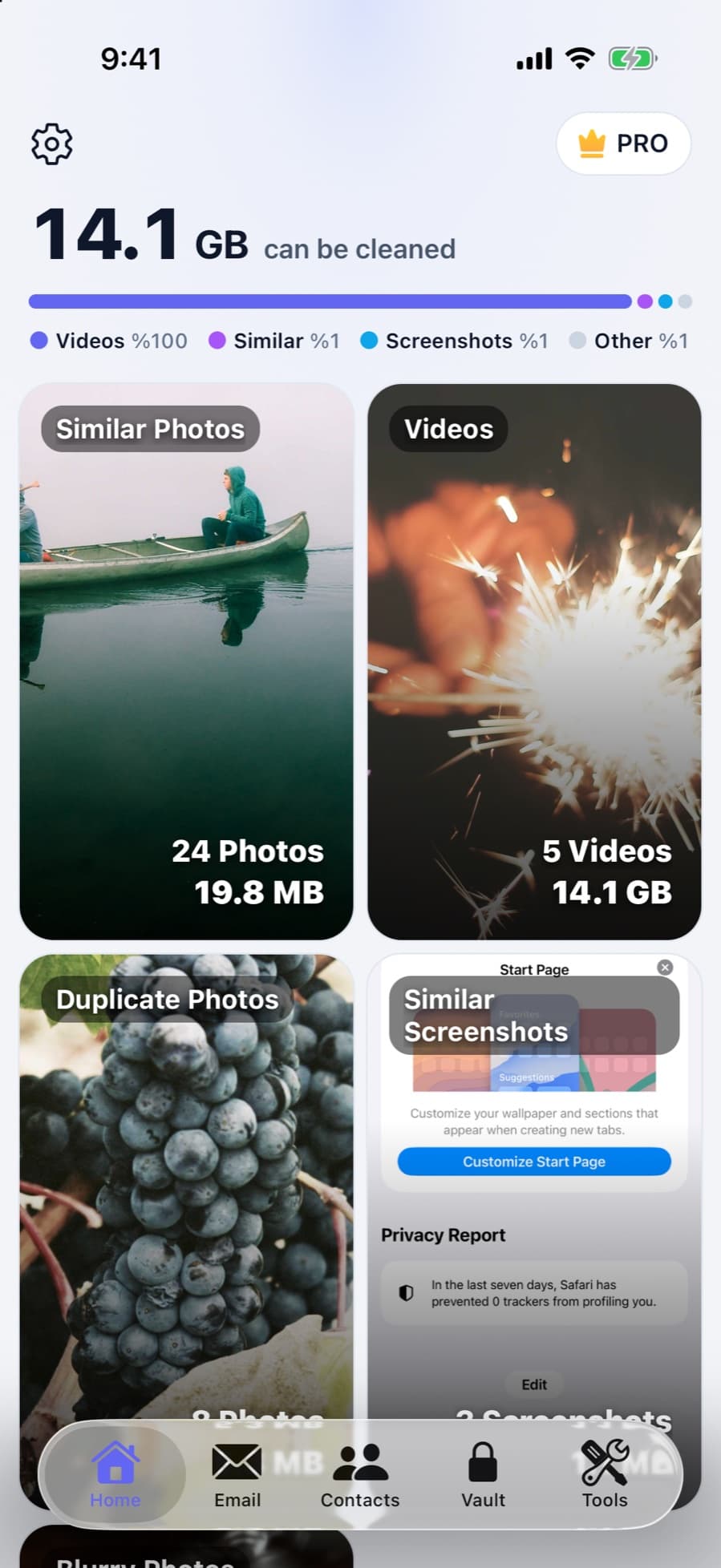
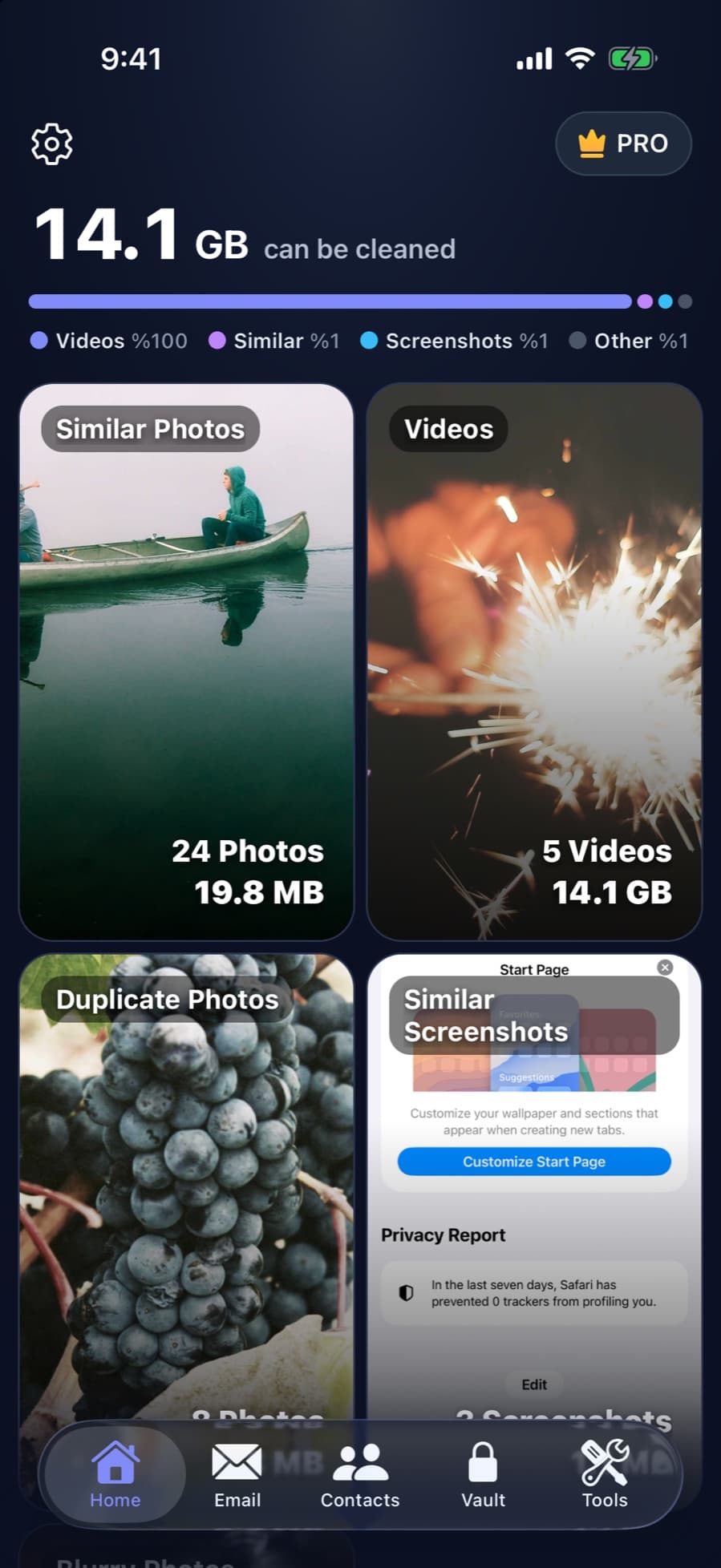
CleanX compares your photos, videos and contacts on your iPhone; they aren’t uploaded anywhere. Email cleanup connects to your Gmail account through Google’s API, and your emails stay in Gmail; purchases go through Apple and RevenueCat. Scanning is free, so you can see what it finds before paying anything. CleanX Pro is a weekly subscription with a free trial, or a one-time Lifetime purchase; with the trial, the payment screen shows when the first charge happens. Nothing is deleted until you choose it.
- On-device scanning of photos, videos and contacts
- Free scan; weekly plan with free trial, or one-time Lifetime
- No ads; you approve every deletion
Try the free iOS options first
Much of what cleaner apps offer has a built-in version in iOS: the Duplicates album in Photos, storage recommendations in Settings, and Optimize iPhone Storage for iCloud Photos. Start with how to free up space on iPhone, and use an app where iOS doesn’t go far enough.
Frequently asked questions
Is it safe to use a phone cleaner app on iPhone?
App Store apps are sandboxed and reach information like Photos only through iOS, after you allow it. The bigger risk is billing, so read the payment screen and know how to cancel.
Does Apple recommend cleaner apps?
Apple’s support articles on storage and Photos point to built-in tools, such as storage recommendations in Settings, Optimize iPhone Storage and the Duplicates album, rather than third-party cleaner apps.
Do phone cleaner apps really work?
They can find and delete photos, videos and contacts you allow them to access. They have no way to clear System Data or other apps’ caches, because sandboxing is designed to stop apps from changing other apps or the device.
Can a cleaner app see all my photos?
Only if you give it access to your photo library. You can turn access off at any time in Settings › Privacy & Security › Photos.
How do I stop a cleaner app from charging me?
Cancel it in Settings › [your name] › Subscriptions. To ask for money back, use reportaproblem.apple.com.
Related guides
- How to Free Up Space on iPhoneSee what fills your iPhone and clear it with the settings Apple already gives you.
- How to Clear Cache on iPhoneClear Safari’s cache in Settings and learn what really clears an app’s data.
- Free iPhone Cleaner: What iOS Does for Free and What Apps Charge ForiOS covers the basic cleaner-app jobs for free. Most cleaner apps we checked are free to download but charge for full use.
- Phone Cleaner: Free Tools on iPhone and Android, and What Apps AddThe free clean-up tools on iPhone and Android, what phone cleaner apps can and can’t do, and how to wipe the screen safely.
