System Data on iPhone: What It Is and What You Can Do
By CleanX TeamPublished
Quick answer
- iOS describes System Data as “caches, logs and other resources currently in use by the system”.
- iOS says its size fluctuates according to system needs. Settings has no option to clear it.
- If you need space, free it where you have control: photos and videos, apps you don’t use, Safari’s website data.
In Settings › General › iPhone Storage, your storage is split into categories. System Data is one people often ask about, because it can be large and it isn’t something you can open or delete.
What is System Data on iPhone?
Tap System Data in Settings › General › iPhone Storage and iOS describes it in its own words: “System Data includes caches, logs and other resources currently in use by the system. This value will fluctuate according to system needs.”
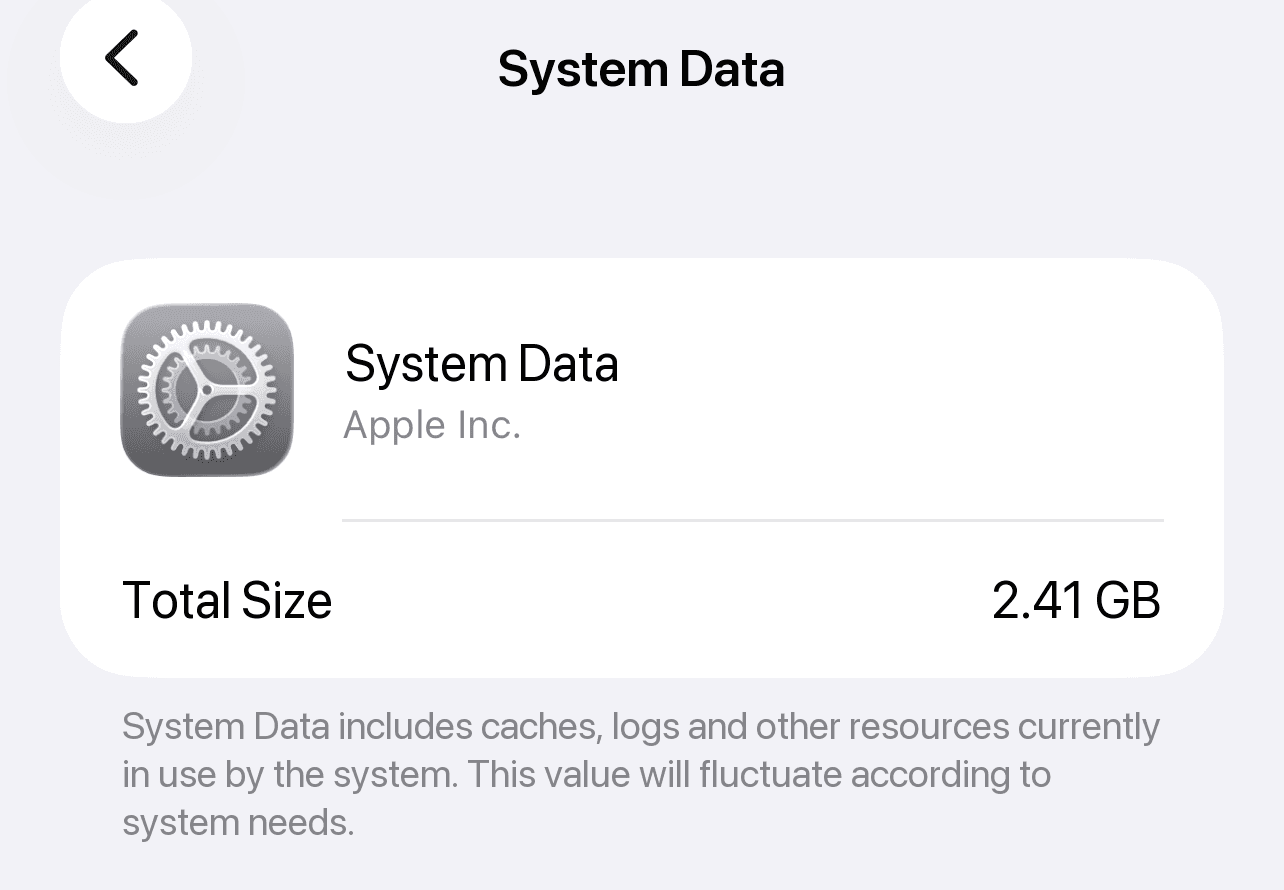
Apple’s storage article uses a category it calls “Other” for similar content: non-removable assets such as Siri voices, fonts and dictionaries, non-removable logs and caches, the Spotlight index, and system data such as the Keychain and CloudKit database. That description matches what iOS shows as System Data, though Apple doesn’t equate the two names. The operating system itself appears separately as iOS.
Why System Data changes size
- iOS says so. Its own description says the value fluctuates according to system needs, so seeing it grow or shrink between visits is expected.
- It contains caches and logs, which by nature are created and replaced as you use your iPhone.
- Part of it can’t be removed, such as voices, fonts and the search index, according to Apple’s description of “Other”.
You can’t clear System Data. Here’s what you can do instead
There’s no setting for System Data. If your iPhone is running out of space, free up space in categories you control:
Step 1: Clear photos and videos you don’t need
Apple names photos and videos as a common source of storage use: merge duplicates and empty Recently Deleted. See how to free up space on iPhone.
Step 2: Delete apps you don’t use
In Settings › General › iPhone Storage, tap an app and choose Delete App. This removes the app and its data from your iPhone.
Step 3: Clear Safari’s website data
Go to Settings › Apps › Safari and tap Clear History and Website Data, or use Advanced › Website Data › Remove All Website Data to keep your history. See how to clear cache on iPhone.
| Built into iPhone | CleanX | |
|---|---|---|
| System Data | Managed by iOS; no option to clear it | Not covered |
| Safari website data | Clear History and Website Data in Settings | Not covered |
| Photos and videos | Duplicates album and Recently Deleted in Photos | Similar and duplicate photos, screenshots, blurry shots, video compression |
| Cost | Free | Scanning free; deleting and compressing need CleanX Pro |
CleanX
Free up the space you control
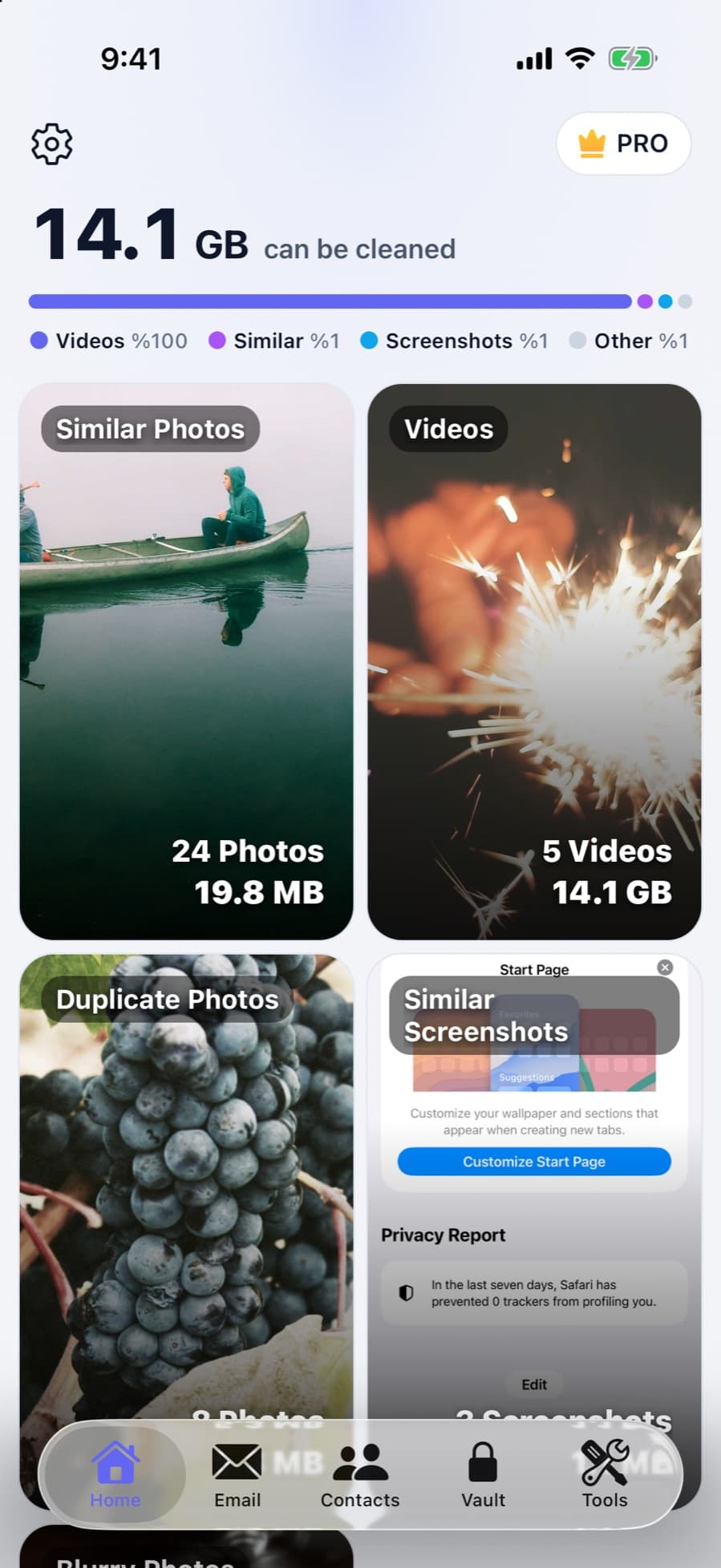
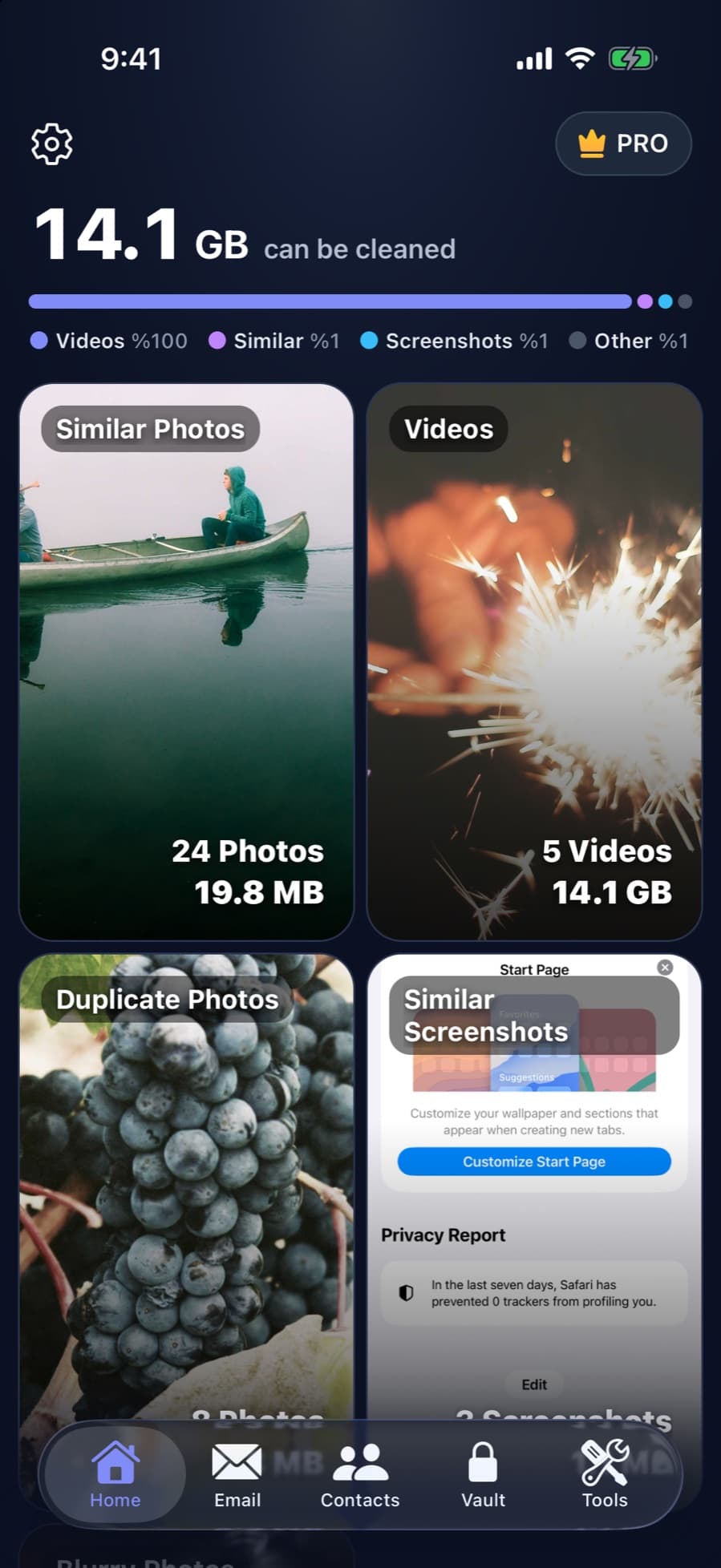
CleanX doesn’t clear System Data. It scans your photos and videos on your iPhone and shows how much space similar photos, duplicates, screenshots, blurry shots and videos take, so you can free space where you have a say.
- Counts and sizes for each group of photos and videos
- Compress large videos to 1080p, 720p or 480p
- Scanning is free; deleting and compressing need CleanX Pro
Where to see System Data
Go to Settings › General › iPhone Storage. The bar at the top shows System Data next to categories such as Photos, Apps and iOS; find System Data in the list and tap it for its size and description. The figure may differ from one visit to the next.
Frequently asked questions
Can I delete System Data on iPhone?
No. Settings has no option for it. iOS describes it as caches, logs and other resources in use by the system, and manages it itself.
Why is my System Data so high?
It holds caches and logs, and iOS says its size fluctuates with system needs. A large value isn’t a fault on its own.
Is System Data the same as iOS?
No. In iPhone Storage they’re separate entries: iOS is the operating system, System Data is the caches, logs and other resources the system uses.
Does clearing Safari reduce System Data?
Clearing Safari’s website data removes its cache and cookies. Apple doesn’t say whether that data is counted in System Data, so check iPhone Storage afterwards rather than expecting a set result.
Can a cleaner app delete System Data?
Be wary of apps that promise to, because iOS manages System Data itself. CleanX doesn’t clear it; it helps with photos and videos instead.