
Your photos never leave your device
A phone cleaner that frees up space, not memories
CleanX finds duplicate photos, lookalike shots and oversized videos, groups them for you and clears what you choose in a few taps.
Everything that fills up your phone, in one place
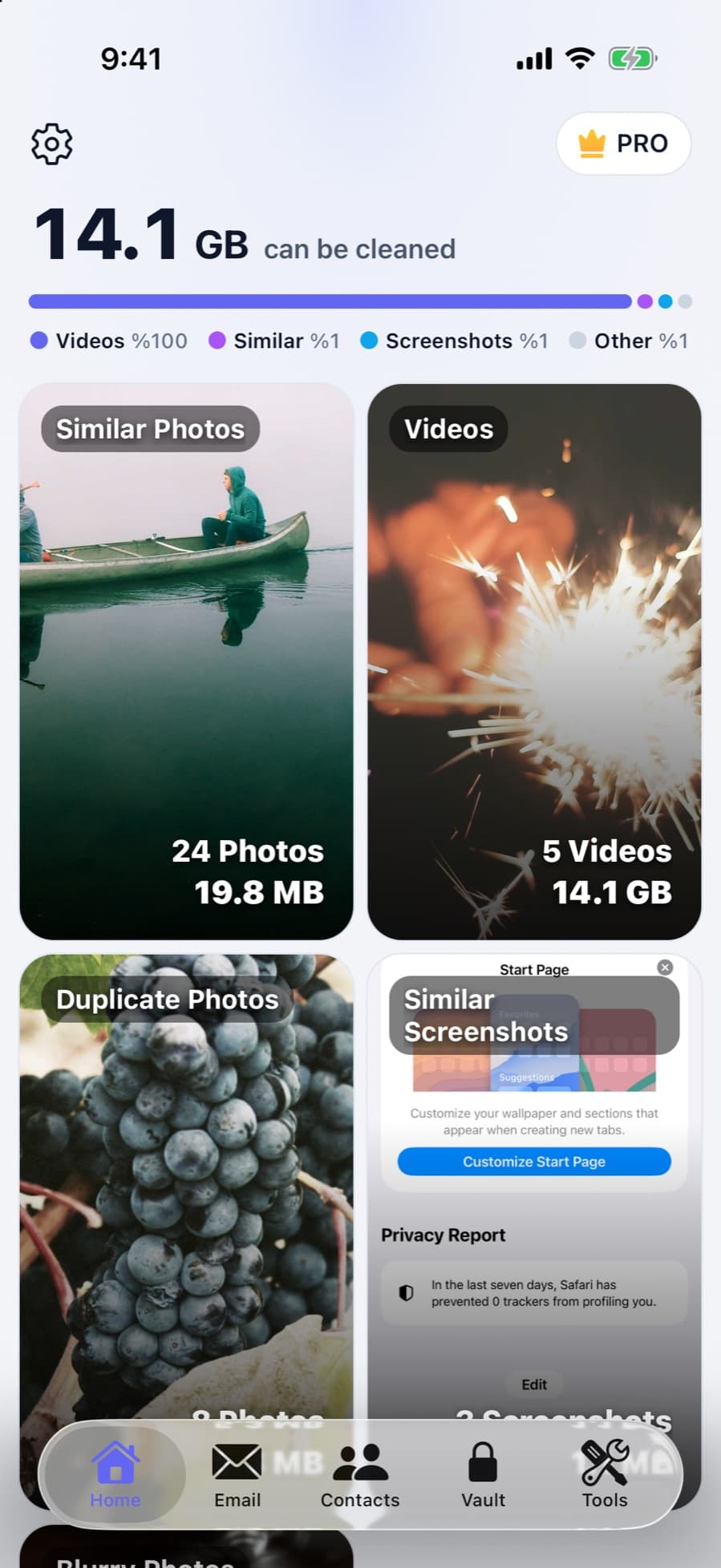
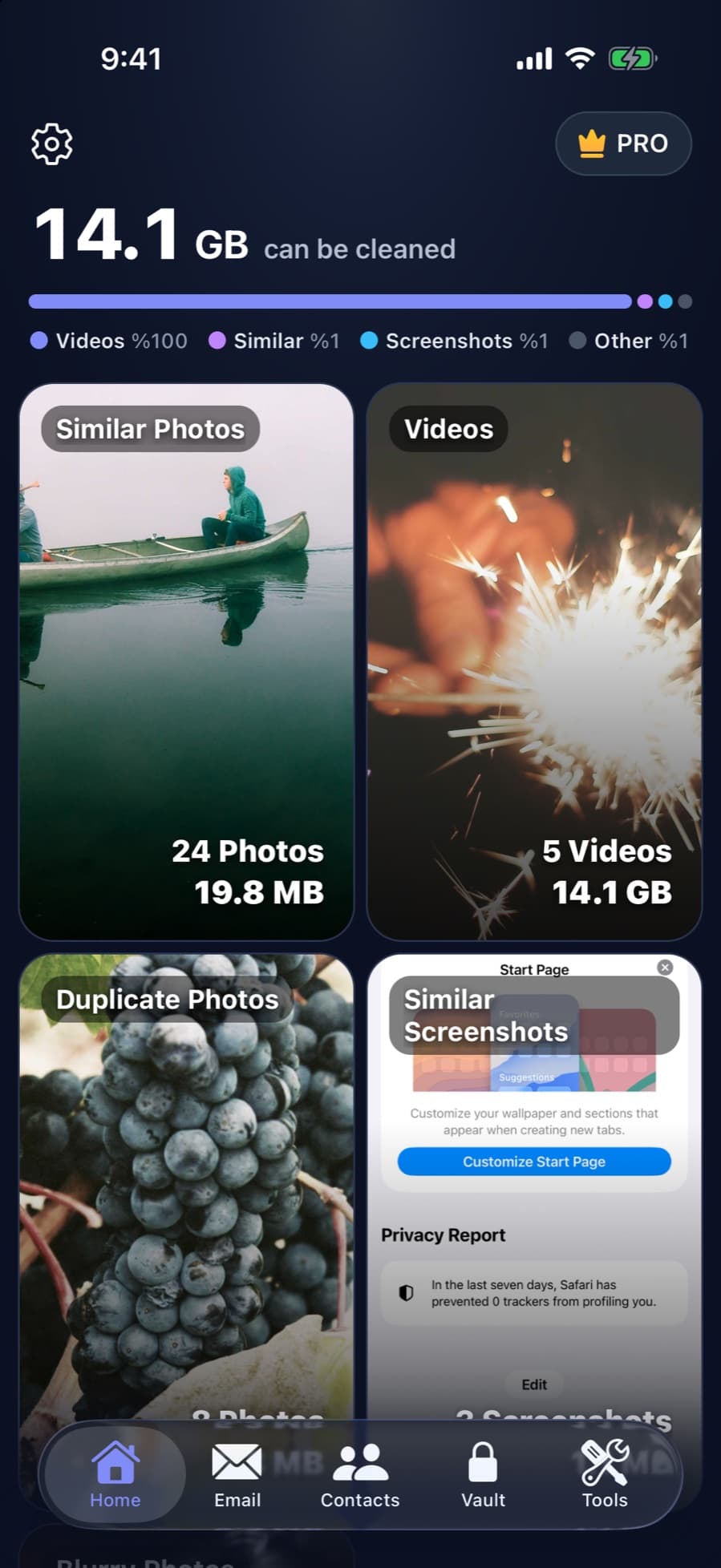
Photos, videos, contacts, email and private files. Each tool shows what it found and waits for your approval.
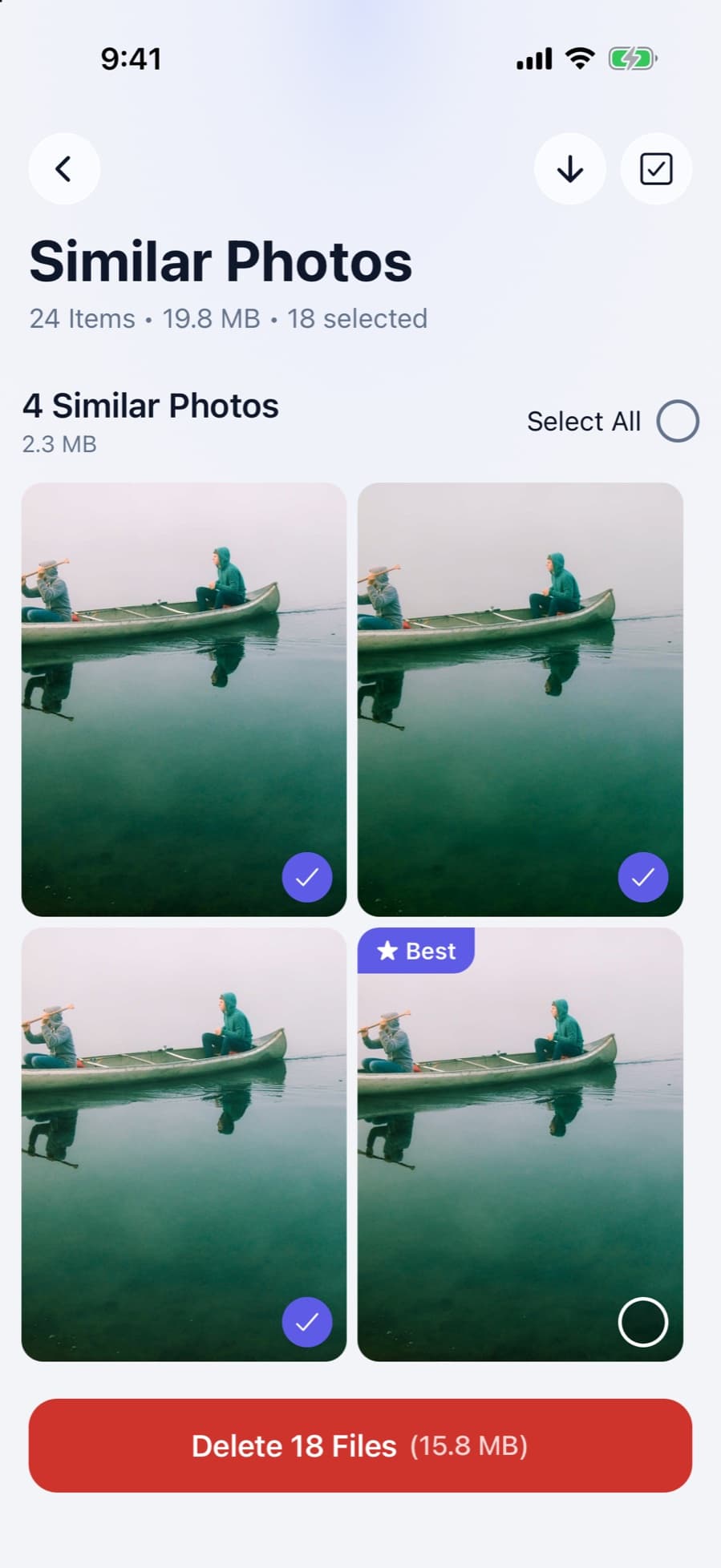
Duplicate and similar photos
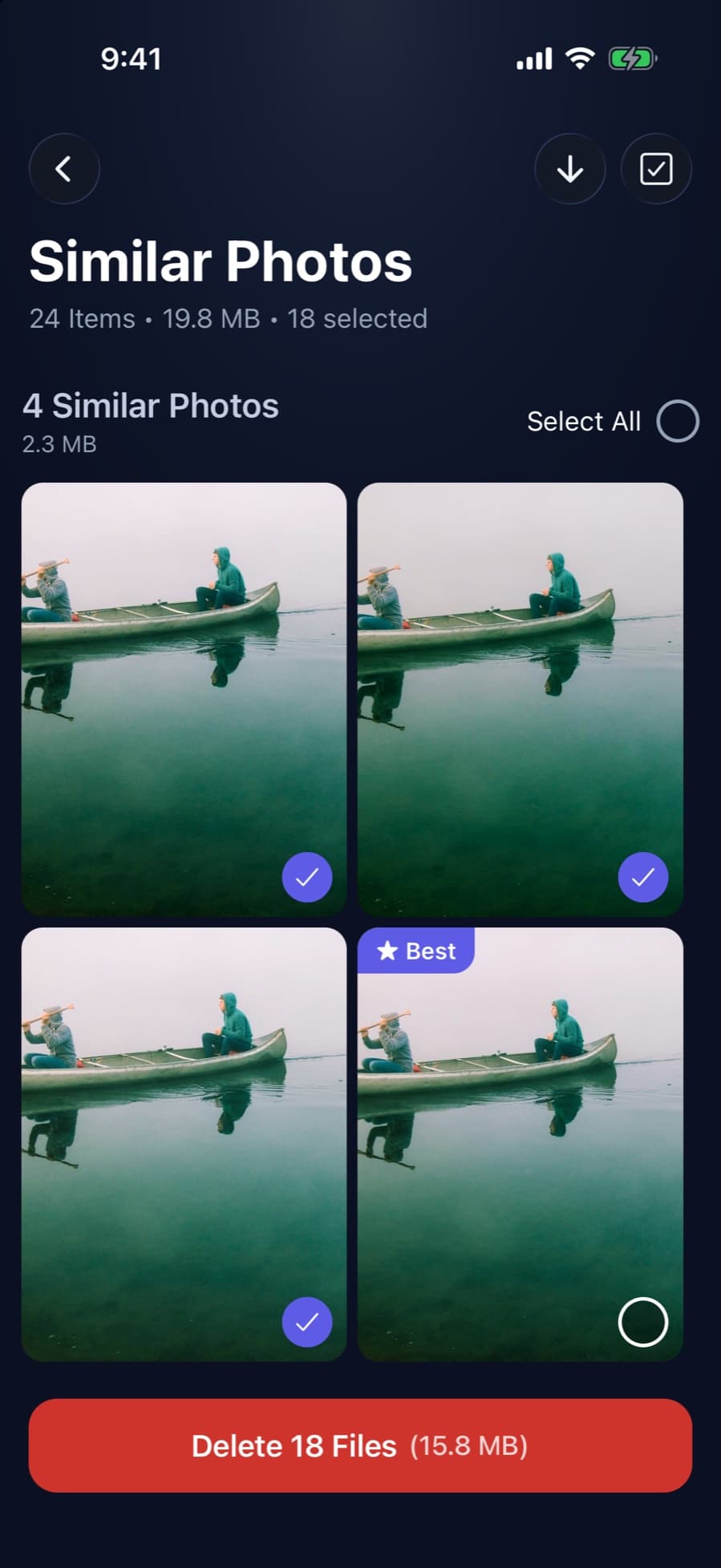
Exact copies, burst shots and lookalike series are grouped together. The best shot is suggested to keep; the rest go at once.
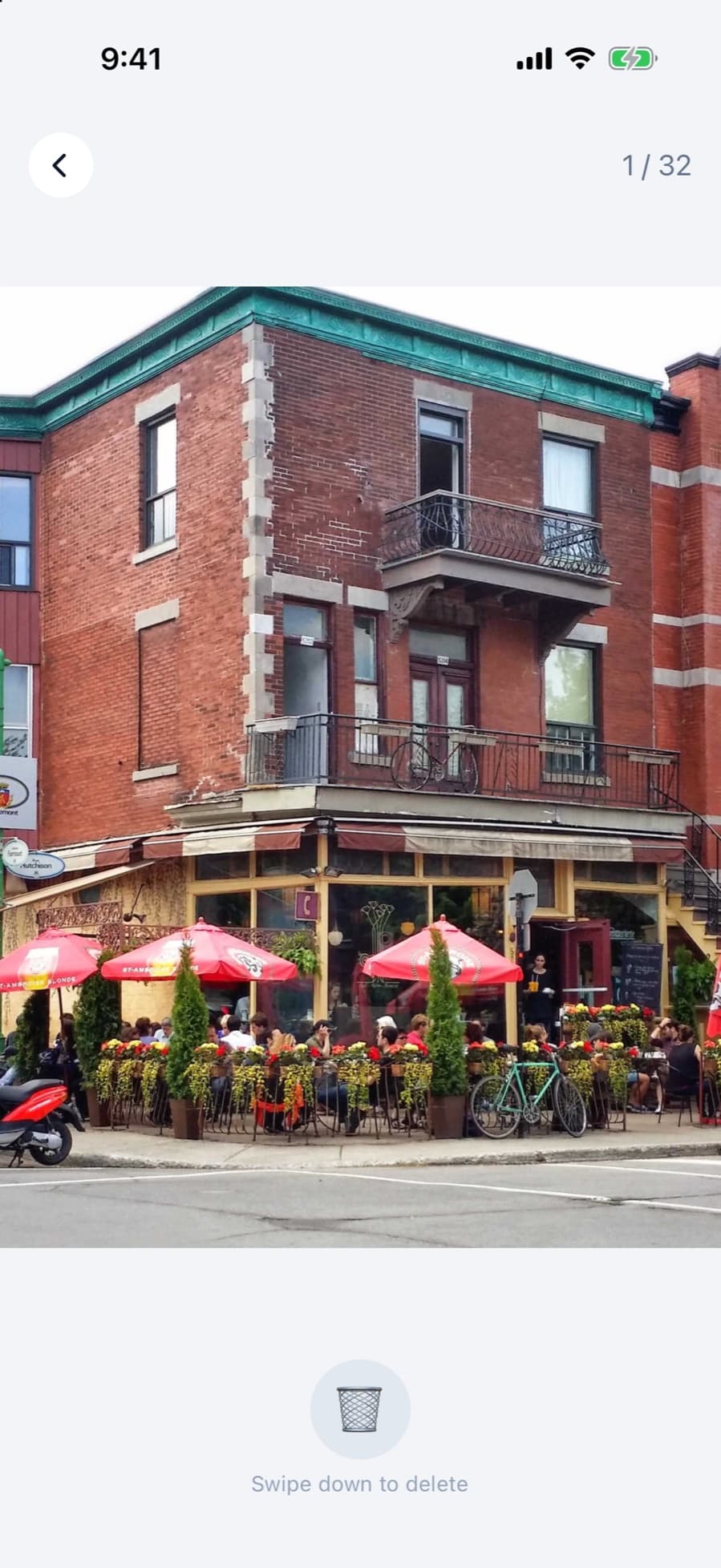
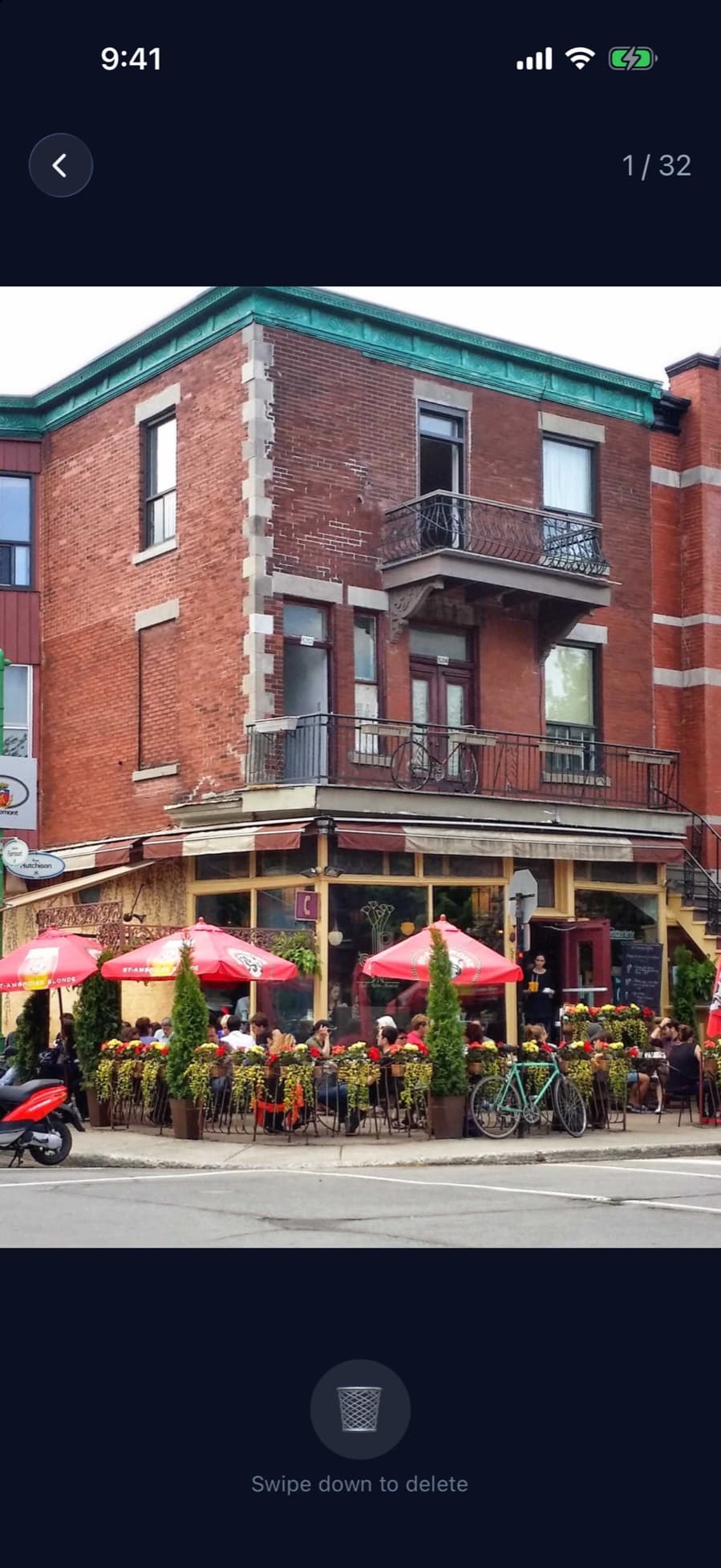
Swipe to clean
Prefer to decide yourself? Swipe through your photos one at a time and pull down the ones you want to delete.
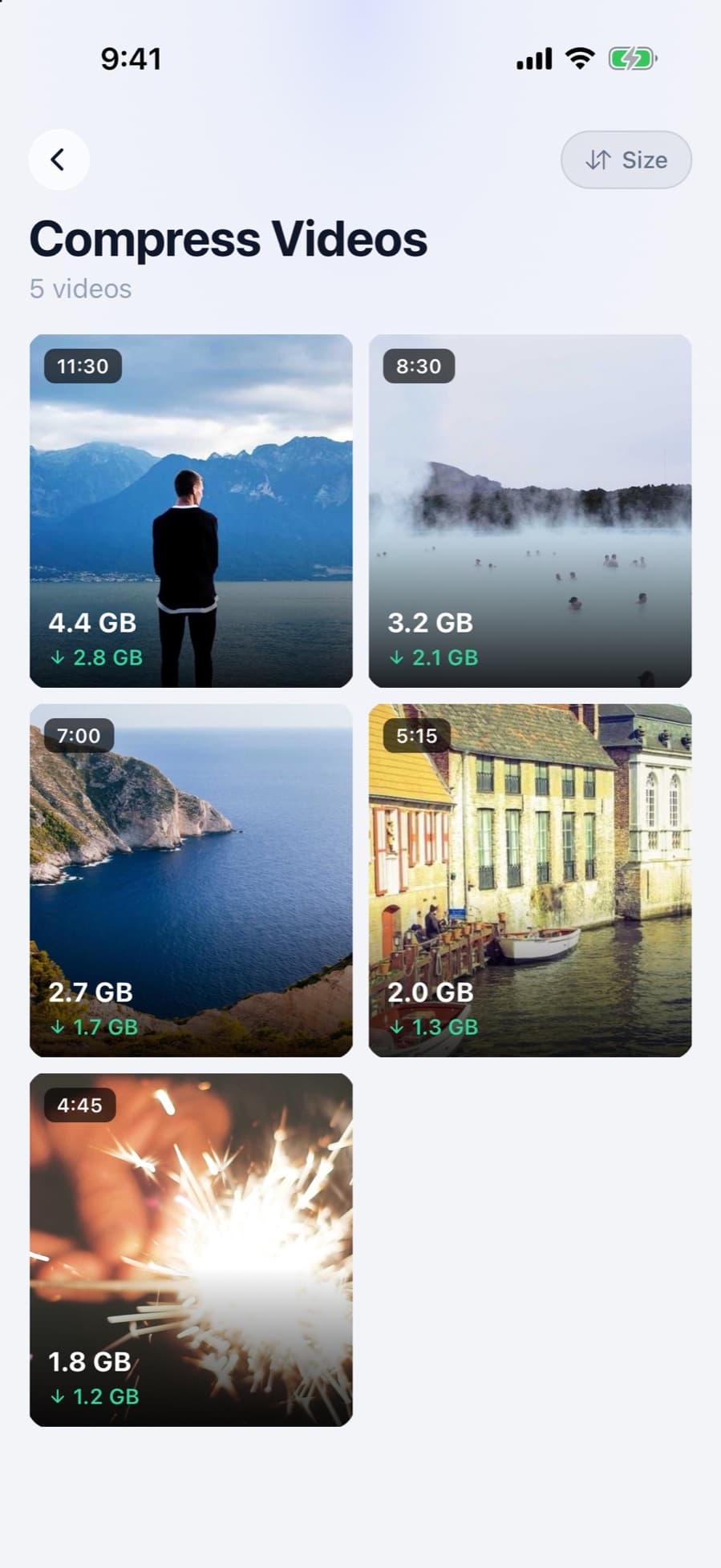
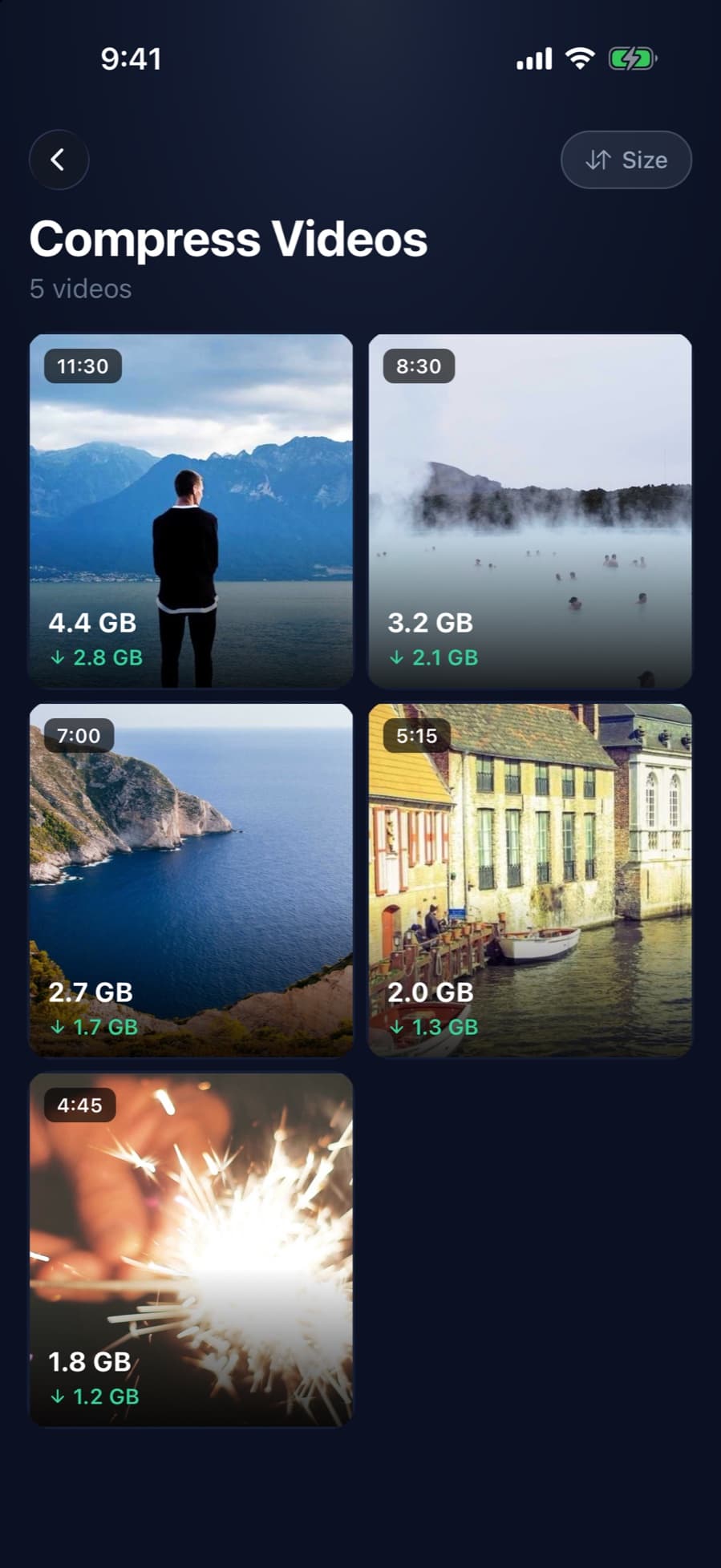
Compress videos
Pick 1080p, 720p or 480p and see the new size before you start. The compressed copy replaces the original.
Live Photos to stills
Every Live Photo hides a short video inside. Keep the photo and drop the video.
Private vault
Photos, videos, files and notes are encrypted on your device behind a passcode that is never backed up.
Contacts cleanup
Find duplicate and incomplete contacts and merge or remove them.
Gmail cleanup
See which senders fill your inbox, sorted by size, and delete their emails in bulk. Deleted mail stays in Gmail's Trash for 30 days.
And a few extras
A Home Screen widget and charging scenes on iPhone, and a list of forgotten apps on Android.






How CleanX works
Five steps, shown on real screens from the app. Nothing is deleted until you confirm.
01
Scan your library
CleanX looks through your photos and videos on your device and sorts what it finds: similar photos, videos, duplicates, screenshots and blurry shots.
02
Keep the best shot
In every group of lookalikes, CleanX suggests the best photo and selects the rest. Change any pick, then delete them in one go.
03
Decide one by one
Prefer to choose yourself? Swipe through your photos and pull down the ones you want to delete.
04
Shrink large videos
See how much space each video will free before you start, then pick 1080p, 720p or 480p.
05
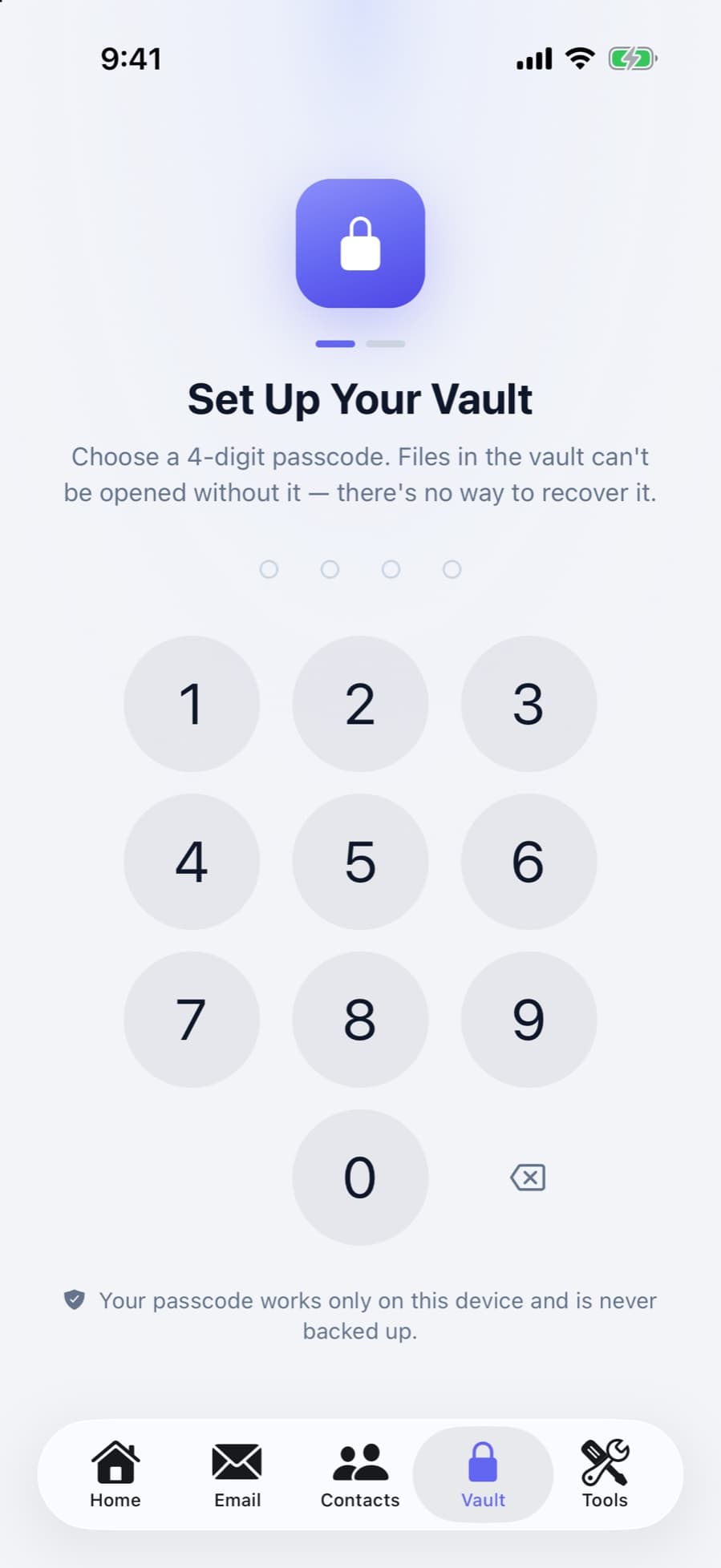
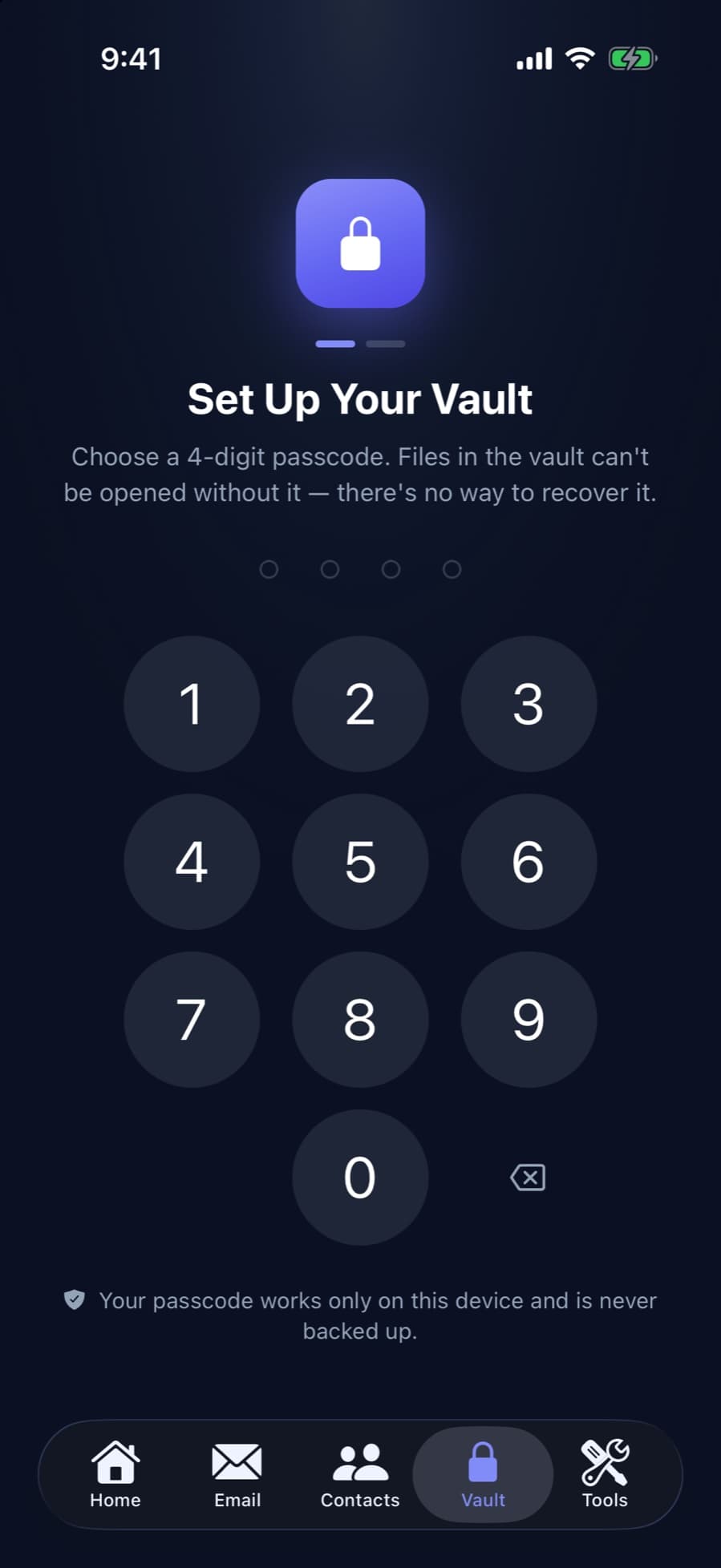
Lock what's private
Move photos, videos, files and notes into a vault that is encrypted on your device. Its passcode is never backed up.
Your photos stay on your phone
Cleaning your library doesn't require uploading it anywhere.
On-device analysis
Photos and videos are compared on your phone. They are not sent to a server.
You approve every change
Nothing is deleted or changed without your approval.
A passcode only you know
The vault passcode works only on your device and is never backed up, so no one else can open it.
Frequently asked questions
Is CleanX free?
CleanX is free to download. A Pro membership unlocks every tool and is available as a subscription or a one-time purchase.
Does CleanX upload my photos?
No. Photo and video analysis runs entirely on your device. Your library is not sent to a server.
Will CleanX delete anything without asking?
No. CleanX shows what it found and only deletes the items you select and confirm.
Does it work on both iPhone and Android?
Yes. CleanX is built for iPhone and Android. A few extras depend on the platform: the widget and charging scenes are on iPhone, the forgotten apps list is on Android.
What happens to the original when I compress a video?
The compressed copy is saved to your library and the original is deleted. You see the new size before you start.
Does Gmail cleanup free up space on my phone?
No. It frees space in your Google account storage. To free space on your phone, use the photo and video tools.
What if I forget my vault passcode?
The passcode can't be recovered. It isn't stored anywhere outside your device, which is why no one else can open your vault.

Make room for new photos
Download CleanX and see what's taking up space on your phone.