
Is the Cleanup App Safe? What Its App Store Page Shows
By CleanX TeamPublished
Quick answer
- Cleanup: Phone Storage Cleaner is a regular App Store app from DEEP FLOW SOFTWARE SERVICES (copyright Codeway), on the store since December 2020. Like every App Store app, it’s sandboxed and sees your photos only if you allow it.
- Its privacy label, filled in by the developer, lists Purchases, Identifiers and Usage Data as data that may be used to track you. Photos and contacts aren’t listed.
- The main thing to watch is the subscription: a 7-day free trial, then weekly plans of $5.95 to $11.99 or a $29.99 yearly plan on the US App Store. Deleting the app doesn’t cancel it.
We didn’t test Cleanup. Everything below comes from its US App Store page on October 28, 2026, and from Apple’s documentation on how iOS handles apps. We make CleanX, another cleaner app, so we stick to what anyone can check.
Who makes the Cleanup app
The App Store lists the developer as DEEP FLOW SOFTWARE SERVICES, and the page’s copyright line reads Codeway; the same developer also publishes apps such as Chat AI and Nerd AI. Cleanup was released in December 2020, was last updated in October 2026 and had more than 740,000 ratings on the US App Store when we checked.
What Cleanup can access on your iPhone
The same as any App Store app: Apple says third-party apps are sandboxed and reach Photos or Contacts only after iOS asks you, and you can change that in Settings › Privacy & Security. Photos it deletes go to Recently Deleted for 30 days, and its description says nothing is removed without your approval and that a final review screen comes first. For what this means for any cleaner app, see are cleaner apps safe.
What its privacy label says
The App Privacy section on the App Store page is filled in by the developer; Apple notes on the page that it hasn’t verified it. For Cleanup, it lists:
- Data Used to Track You: Purchases, Identifiers and Usage Data, which may be used to track you across other companies’ apps and websites.
- Data Linked to You: contact info (email address), identifiers (user ID), and usage data including advertising data, for the developer’s advertising or marketing, analytics and app functionality.
- Data Not Linked to You: purchase history, device ID, product interaction, and crash and performance data.
Photos, videos and contacts don’t appear in the label, which fits the description’s statement that no files leave your phone. The same description also says “No tracking or data misuse”, while the label lists data that may be used to track you; Apple says apps must ask your permission before tracking your activity across other companies’ apps and websites, and you can say no.
The subscription: the part to read carefully
- Free trial: the description offers 7 days of unlimited access, after which the subscription renews automatically unless you cancel at least 24 hours before the trial ends.
- Prices: on the US App Store, the in-app purchases shown were weekly plans from $5.95 to $11.99 and a $29.99 yearly plan. The description mentions a lifetime subscription, but none was among the purchases shown (the App Store lists only some).
- Free use: the description doesn’t mention any free use beyond the trial.
How to cancel Cleanup and ask for a refund
Step 1: Find Cleanup
Go to Settings › [your name] › Subscriptions and tap the Cleanup subscription.
Step 2: Cancel
Tap Cancel Subscription. If there’s no Cancel button or you see an expiration message in red, it’s already canceled.
Step 3: Ask Apple for a refund
Cleanup is billed through the App Store, so refunds go through Apple at reportaproblem.apple.com. See how to ask for a refund.
| Cleanup | iOS (free) | CleanX | |
|---|---|---|---|
| Where photos are compared | On the phone, per its description | On the iPhone | On the phone; not uploaded |
| Data that may track you | Purchases, Identifiers and Usage Data, per its privacy label | Apps must ask first (App Tracking Transparency) | No ad or analytics SDKs in the app |
| Free trial | 7 days on the US page | Not needed | 7 days for new subscribers, weekly plan |
| Deleting photos | Review screen first, per its description | In Photos, one selection at a time | You choose every deletion |
CleanX
How CleanX approaches the same worries
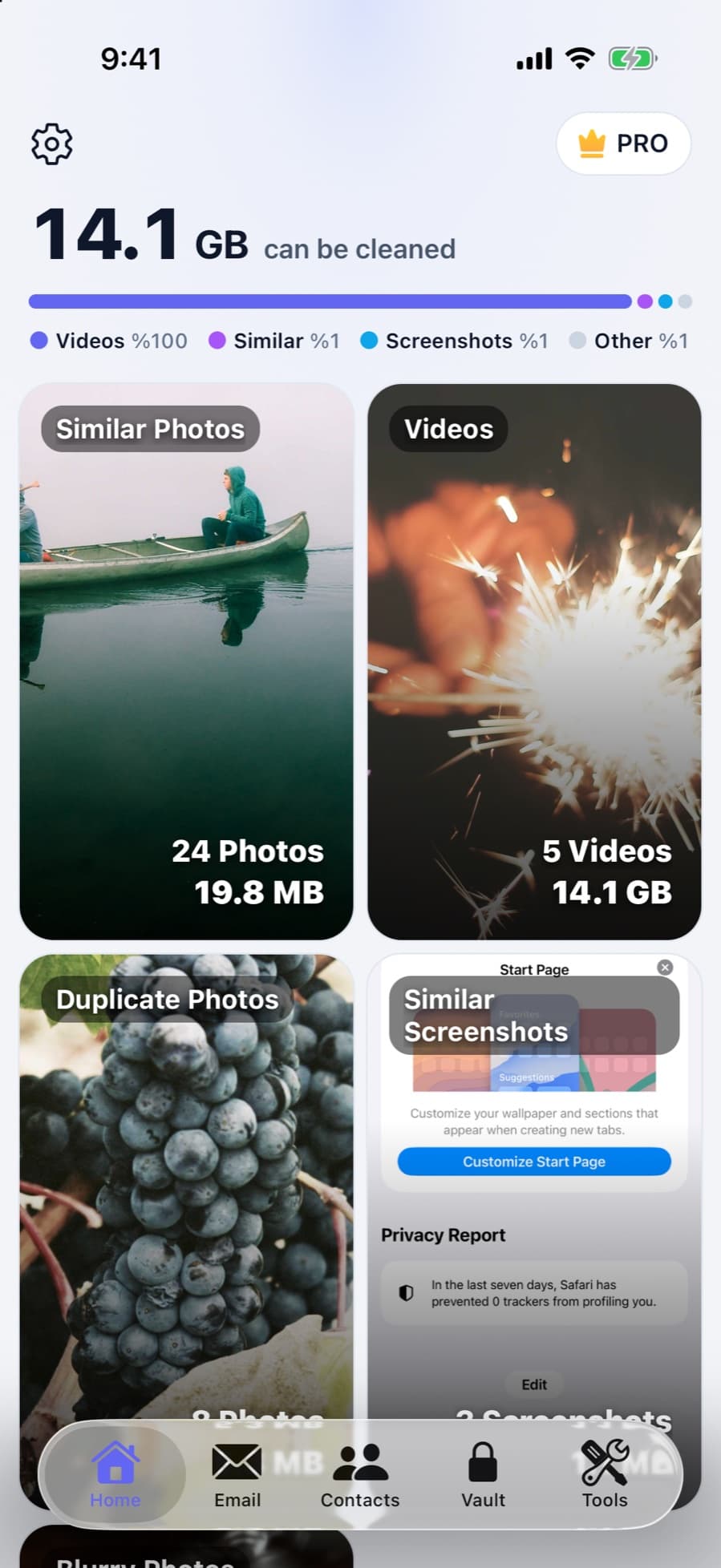
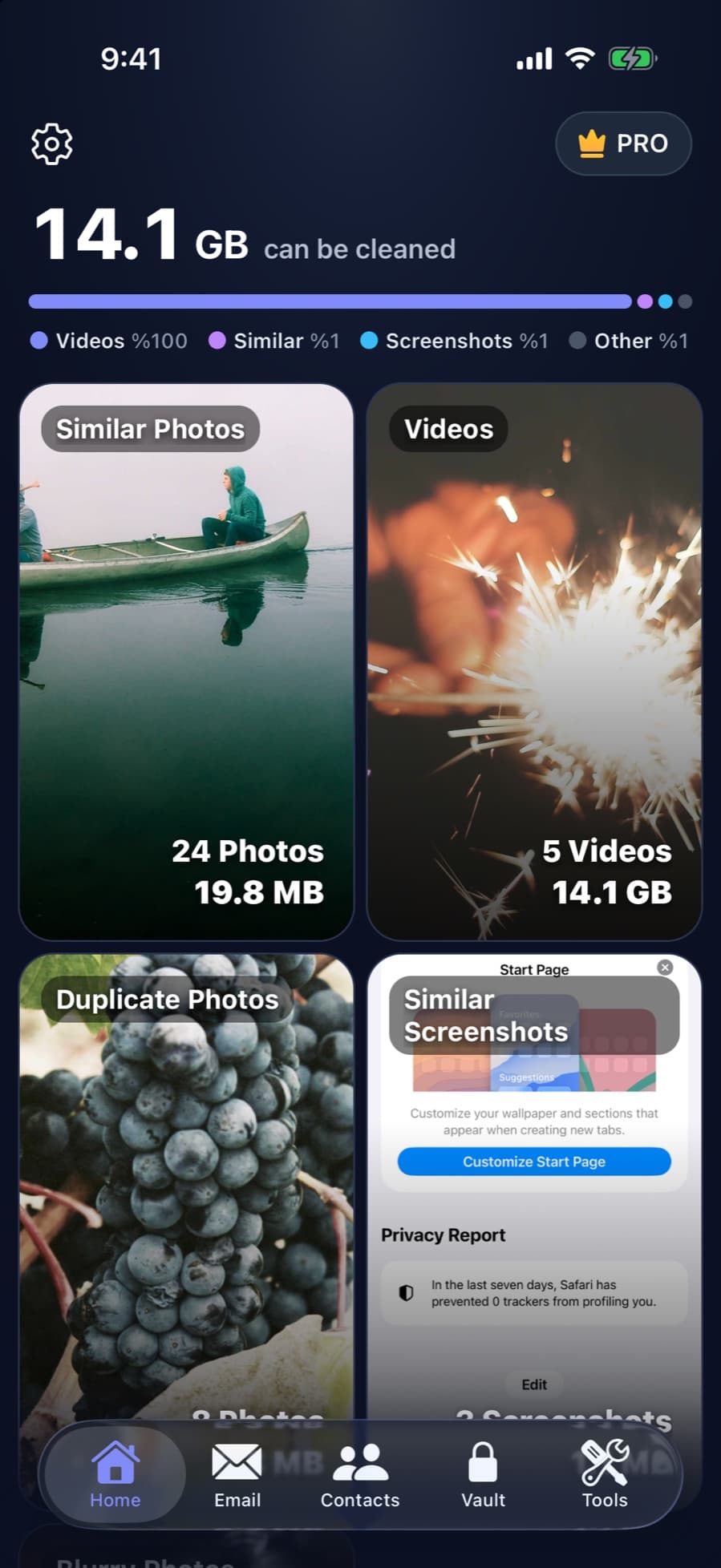
CleanX compares your photos, videos and contacts on your phone; they aren’t uploaded anywhere. Scanning is free, so you can see what it finds before paying. CleanX Pro is a weekly plan with a 7-day free trial for new subscribers, or a one-time Lifetime purchase with no subscription; with the trial, the payment screen shows when the first charge happens. There are no ads, and nothing is deleted until you choose it.
- On-device scanning of photos, videos and contacts
- Free scan; weekly plan with free trial, or one-time Lifetime
- No ads; you approve every deletion
Before you install it, or if you already have
- Try the free iOS tools first: the Duplicates album in Photos, View Duplicates in Contacts and Offload Unused Apps. See free iPhone cleaner options.
- Give only the photo access it needs, and turn on App Privacy Report in Settings › Privacy & Security to see which permissions and network domains an app uses.
- Looking for something else? See Cleanup app alternatives and what to check in any cleaner app.
Frequently asked questions
Is the Cleanup app a scam?
It’s a regular App Store app from a known developer, sandboxed like every other app. The common complaint about cleaner apps is billing after a free trial, so read the payment screen and cancel in time if you don’t want to pay.
Does the Cleanup app upload my photos?
Its description says no files leave your phone, and photos aren’t listed in its privacy label. We didn’t test this ourselves.
Does deleting the Cleanup app cancel my subscription?
No. Cancel it in Settings › [your name] › Subscriptions. Deleting the app doesn’t stop the subscription.
How much does Cleanup cost?
On the US App Store on October 28, 2026, its visible plans were weekly at $5.95 to $11.99 and yearly at $29.99, after a 7-day free trial. Prices vary, so check the payment screen.
Can I get a refund from Cleanup?
Subscriptions are billed by Apple, so ask Apple: sign in to reportaproblem.apple.com and choose Request a refund. Apple decides whether you’re eligible.
Related guides
- Are iPhone Cleaner Apps Safe?What cleaner apps can access, where people actually get burned, and what to check first.
- Free iPhone Cleaner: What iOS Does for Free and What Apps Charge ForiOS covers the basic cleaner-app jobs for free. Most cleaner apps we checked are free to download but charge for full use.
- Cleanup App Alternatives: Free iPhone Tools and Other Cleaner AppsWhat the Cleanup app lists and charges, the free iOS tools that do the same basic jobs, and other cleaner apps to compare.
