
Cleanup App Alternatives: Free iPhone Tools and Other Cleaner Apps
By CleanX TeamPublished
Quick answer
- Cleanup: Phone Storage Cleaner lists duplicates, similar photos, screenshots, video compression, contacts, email clean-up and a PIN vault. On the US App Store on October 27, 2026, its visible weekly plans were $5.95 to $11.99 and its yearly plan $29.99; the description mentions a 7-day trial.
- Free alternative: iOS itself has the Duplicates album in Photos, View Duplicates in Contacts and Offload Unused Apps.
- Other apps: if you want to avoid a weekly subscription, look for a listing that states free use or a one-time purchase, and read the price on the payment screen.
Cleanup has more than 700,000 ratings on the US App Store. If you’re looking for an alternative, you may want a different price model or a feature it doesn’t list. We didn’t test Cleanup; everything below comes from its US App Store page on October 27, 2026. We make CleanX, one of the apps compared here.
What the Cleanup app lists and costs
- Photos and videos: duplicate photos, similar photos with one marked “Best”, screenshots in bulk, lookalike videos and video compression.
- Contacts and email: merging duplicate contacts, removing incomplete entries, and removing promo, spam and unread emails.
- Other: a PIN-protected vault, charging animations, and battery and storage widgets.
- Price: a 7-day free trial in the description; visible in-app purchases were weekly plans from $5.95 to $11.99 and a $29.99 yearly plan. The description mentions a lifetime subscription, but it wasn’t among the in-app purchases the page showed (the App Store lists only some). It doesn’t state any free use beyond the trial.
- Privacy label: the developer’s App Store privacy label lists Purchases, Identifiers and Usage Data under Data Used to Track You. See is the Cleanup app safe for the full label.
Free alternative: what iOS already does
Step 1: Duplicate photos
In Photos, open Collections › Utilities › Duplicates and tap Merge. See how to delete duplicate photos on iPhone.
Step 2: Screenshots
Open Collections › Media Types › Screenshots, tap Select and delete the ones you don’t need. See how to delete screenshots on iPhone.
Step 3: Duplicate contacts
In Contacts, tap View Duplicates below My Card. See how to merge duplicate contacts.
Step 4: Videos and apps
The free iMovie app can export a smaller copy of a video, and Offload Unused Apps in Settings › Apps › App Store removes apps you don’t use. See free iPhone cleaner options.
iOS doesn’t group similar shots that aren’t exact duplicates, compress videos inside Photos or clean up email. That’s where a cleaner app can still save time.
| Cleanup | iOS (free) | CleanX | |
|---|---|---|---|
| Similar photos | Yes, with “Best” marked | Duplicates only, not similar shots | Yes, with “Best” marked |
| Blurry photos | Not listed | No | Yes |
| Video compression | Yes | iMovie, one video at a time | Yes, one video at a time |
| Promo, spam and unread emails | No | Gmail by sender or category, and unsubscribing | |
| Vault | PIN vault | Hidden collection | Passcode vault with AES-256 encryption |
| Without paying | Not stated beyond the trial | All built-in tools | Scanning; actions need CleanX Pro |
| Plans | Weekly or yearly, 7-day trial; lifetime mentioned but not among the purchases shown | Free | Weekly with a 7-day trial, or one-time Lifetime |
CleanX
CleanX as a Cleanup alternative
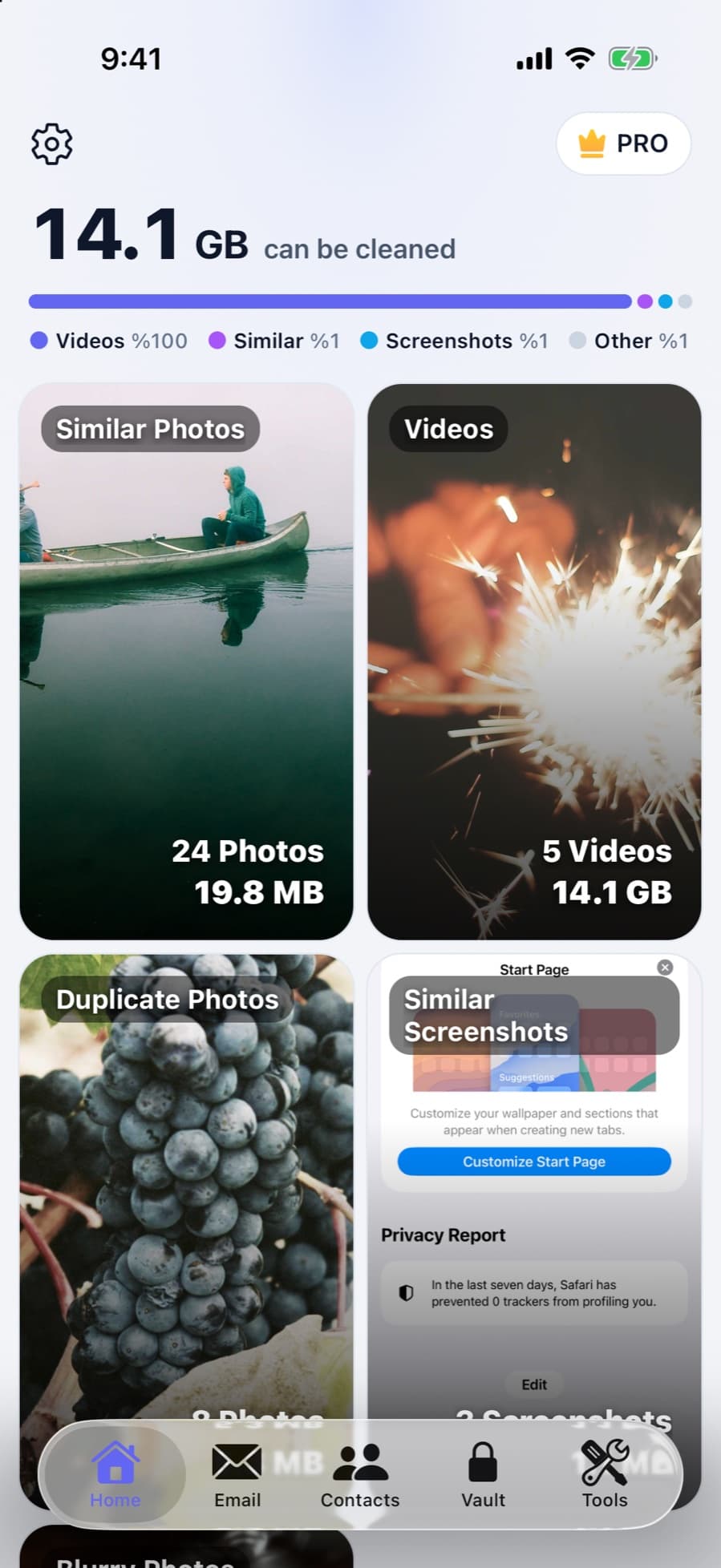
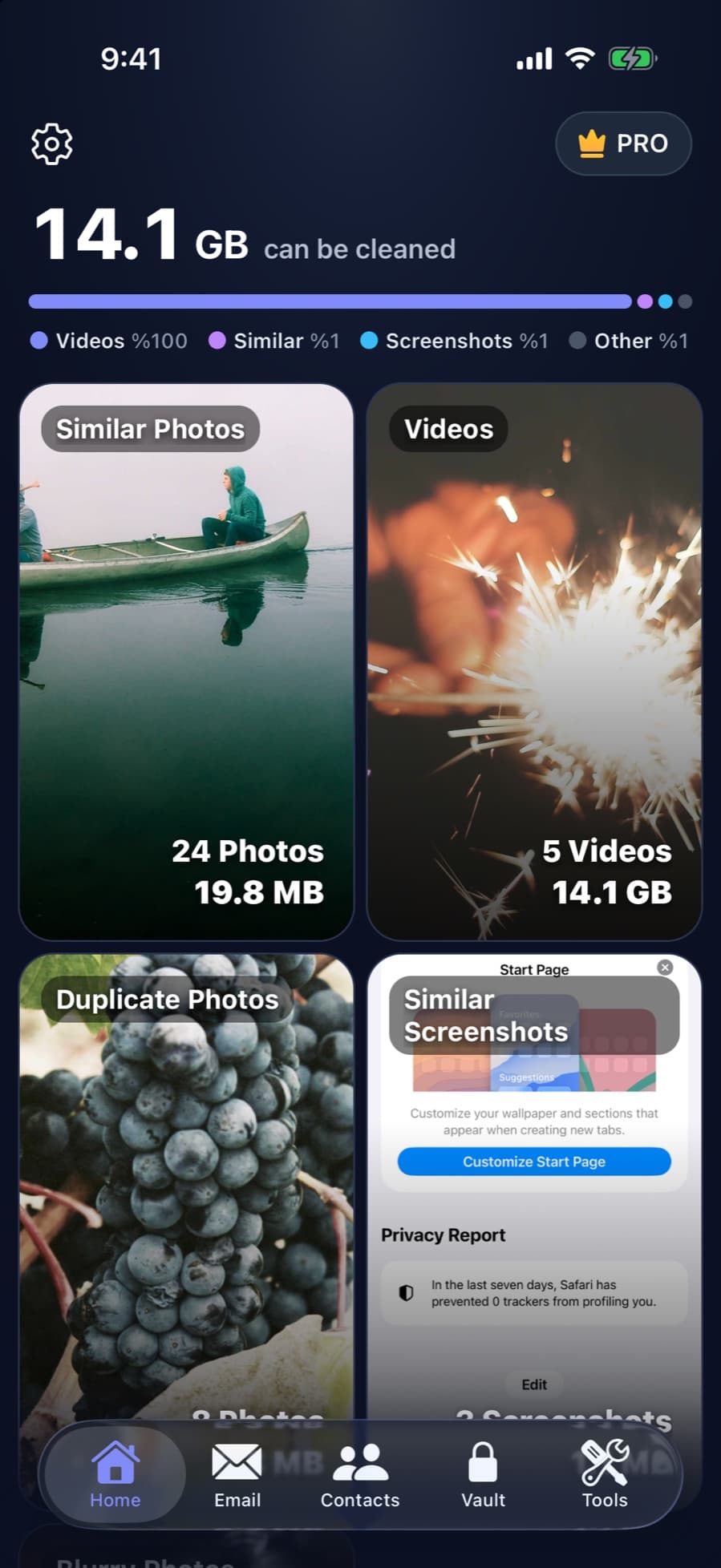
CleanX covers the same main jobs, similar and duplicate photos, screenshots, video compression, contacts and Gmail, as well as a passcode-protected vault, and adds blurry photos and a swipe review. It runs on iPhone and Android. Scanning is free; deleting, merging, compressing and adding to the vault need CleanX Pro, available as a weekly plan with a 7-day free trial or as a one-time Lifetime purchase with no subscription.
- Similar photos, blurry shots, videos, contacts and Gmail
- One-time Lifetime option, no subscription needed
- iPhone and Android
Other cleaner apps to compare
In our comparison of iPhone cleaner apps, from the same App Store check: Clever Cleaner lists free use within daily limits and a $39.99 lifetime purchase, Cleaner Kit mentions free essential tools, and Swipewipe focuses on swiping through photos. Prices change, so read the payment screen before a trial starts.
If you’re switching from Cleanup
- Cancel the subscription first: deleting the app doesn’t cancel it. Go to Settings › [your name] › Subscriptions. Apple says to cancel at least 24 hours before a trial ends if you don’t want it to renew.
- Move vault items out: before you delete a vault app, take out anything you keep in its vault, or it may be lost with the app.
- Check Recently Deleted: photos deleted by any cleaner app stay in Recently Deleted for 30 days on iPhone. See are cleaner apps safe.
Frequently asked questions
Is there a free alternative to the Cleanup app?
iOS itself: the Duplicates album in Photos, View Duplicates in Contacts, the Screenshots album and Offload Unused Apps are free. They don’t group similar shots or clean up email.
How much does the Cleanup app cost?
On the US App Store on October 27, 2026, its visible plans were weekly at $5.95 to $11.99 and yearly at $29.99, and the description mentions a 7-day trial. Prices can vary, so check the payment screen.
How do I cancel my Cleanup subscription?
Go to Settings › [your name] › Subscriptions, tap the subscription and cancel it. Deleting the app doesn’t cancel it.
Is there a cleaner app without a subscription?
Some listings offer a one-time purchase: Clever Cleaner lists a $39.99 lifetime purchase, and CleanX offers a one-time Lifetime option.
Related guides
- Are iPhone Cleaner Apps Safe?What cleaner apps can access, where people actually get burned, and what to check first.
- Best iPhone Cleaner App? Seven Apps Compared on Features, Price and PrivacySeven cleaner apps and CleanX compared on features, trials, prices and privacy labels.
- Free iPhone Cleaner: What iOS Does for Free and What Apps Charge ForiOS covers the basic cleaner-app jobs for free. Most cleaner apps we checked are free to download but charge for full use.
- Is the Cleanup App Safe? What Its App Store Page ShowsWho makes the Cleanup app, what iOS lets it access, what its privacy label and prices say, and how to cancel.
