
Phone Cleaner: Free Tools on iPhone and Android, and What Apps Add
By CleanX TeamPublished
Quick answer
- iPhone: check Settings › General › iPhone Storage, merge the Duplicates album in Photos, offload apps you don’t use and empty Recently Deleted.
- Android: open Settings › Storage › Free up space (Android 14 and later), clear junk files in Files by Google and clear app caches in Settings.
- A phone cleaner app helps most with photos, videos and contacts. On iPhone, it can’t reach other apps’ data.
Cleaning a phone usually means freeing up space: unneeded photos, large videos, unused apps and cache. Start with your phone’s own free tools; you only need an app where they fall short. If you want to clean the outside of your phone, see the end of this page.
Clean an iPhone for free
Step 1: See what uses space
Open Settings › General › iPhone Storage for categories, recommendations and apps by size. See how to free up space on iPhone.
Step 2: Merge duplicate photos
In Photos, open Collections › Utilities › Duplicates and tap Merge. See how to delete duplicate photos on iPhone.
Step 3: Remove apps you don’t use
Turn on Offload Unused Apps in Settings › Apps › App Store, so iPhone removes apps you don’t use when storage is low, keeping their data.
Step 4: Empty Recently Deleted
Deleted photos stay in Recently Deleted for 30 days and still take space. Once you’re sure, delete them there too.
Step 5: Clear Safari data
Safari’s website data can be cleared in Settings › Apps › Safari. See how to clear cache on iPhone.
Clean an Android phone for free
Step 1: Use Free up space
On Android 14 and later, go to Settings › Storage › Free up space, tap Select files in a category and pick what to delete. See how to free up space on Android.
Step 2: Clear junk files
In Files by Google, go to Menu › Clean and tap Clean xx MB on the Junk files card. Google says cleaned files are deleted permanently. The same Clean section has a Duplicate files card; see how to delete duplicate photos on Android.
Step 3: Clear app cache
Tap Clear cache on the app’s page in Settings. See how to clear cache on Android.
Step 4: Remove backed-up photos from the phone
If you back up with Google Photos, tap your profile photo or initial, then Free up space on this device. Google says the backed-up copies stay in Google Photos; photos and videos less than 30 days old may stay on the phone.
What a phone cleaner app can and can’t do
- Where it helps: photos, videos and contacts. Grouping similar shots, finding large videos or merging duplicate contacts takes a long time by hand.
- The limit on iPhone: Apple says all third-party apps are sandboxed, so a cleaner app can’t clear other apps’ caches or data. It reaches photos and contacts only if you allow it.
- Cost: most of the iPhone cleaner apps we checked are free to download, but full use usually needs a subscription, often after a 3 to 7 day trial. See free iPhone cleaner and are cleaner apps safe.
- Comparison: for the iPhone cleaner apps we compared, see our comparison of iPhone cleaner apps.
| iPhone (built in) | Android (built in and Google) | CleanX | |
|---|---|---|---|
| Duplicate photos | Duplicates album | Duplicate files card in Files by Google | Duplicates and similar photos grouped |
| Large videos | By hand; iMovie for a smaller copy, one at a time | By hand | Listed largest first, compressed in the app |
| Apps and cache | Offload Unused Apps, Safari data | Clear cache, Files by Google | Android: apps listed by size, uninstall several in a row; cache not covered |
| Contacts | View Duplicates (same first and last name) | Merge & fix in Contacts | Duplicates and contacts with missing info |
| Cost | Free | Free | Scanning free; deleting, merging and compressing need CleanX Pro |
CleanX
Clean up photos, videos, contacts and Gmail with CleanX
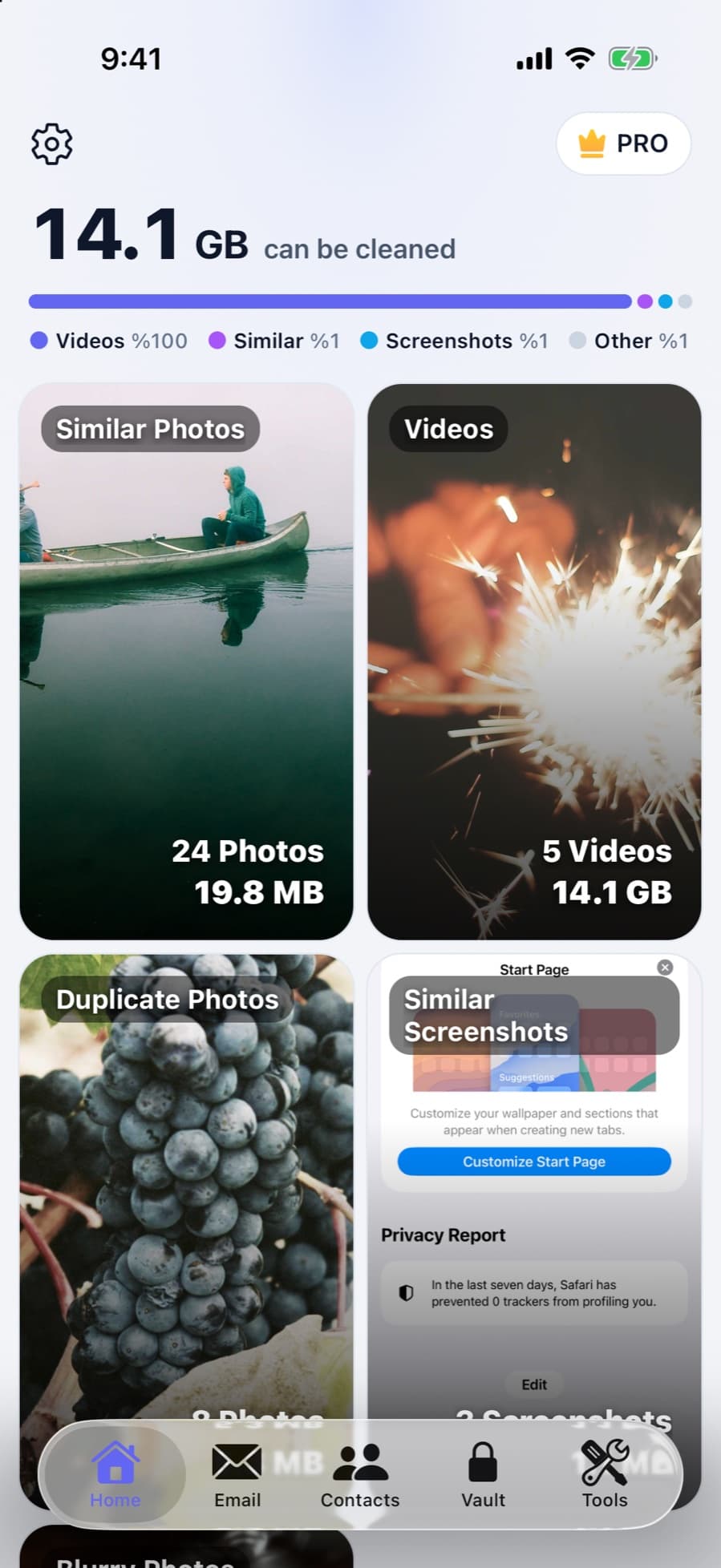
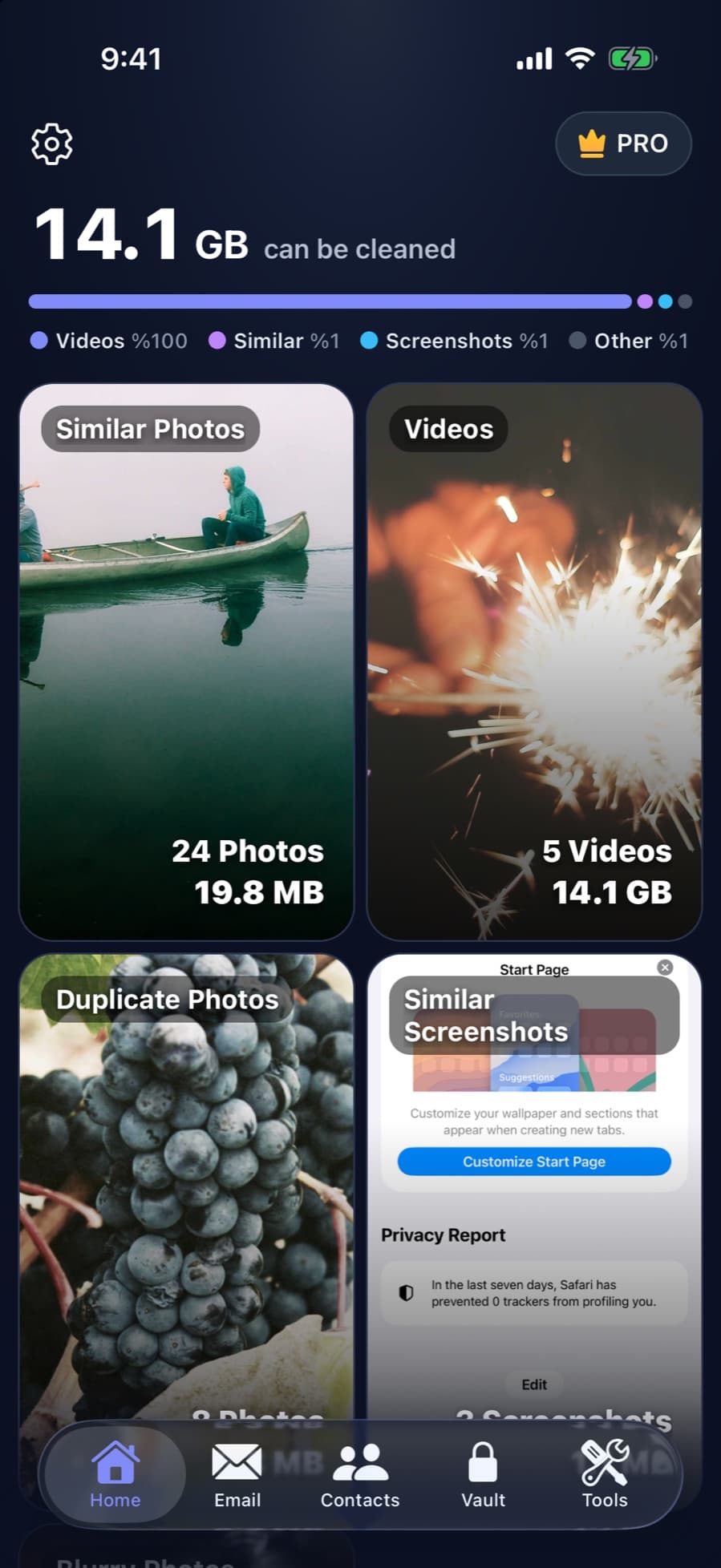
CleanX scans the photos, videos and contacts on your iPhone or Android phone: it shows how much space similar photos, duplicates, screenshots, blurry shots and large videos take, merges duplicate contacts and cleans up Gmail by sender or category. Scanning is free; deleting, merging and compressing need CleanX Pro. On iPhone, deleted photos go to Recently Deleted for 30 days; on Android, they’re deleted permanently, and on Android 11 and later Android asks you to confirm first.
- Photos, videos, contacts and Gmail in one app
- iPhone and Android
- Scanning is free; actions need CleanX Pro
Cleaning the screen and outside of your phone
- Turn it off and unplug it: for iPhone, Apple says to unplug all cables and turn the phone off first.
- Use a soft, lint-free cloth: Apple suggests a slightly damp lens or microfiber cloth and says to avoid abrasive cloths, towels and paper towels.
- Keep liquids and air away: Apple says not to spray cleaners directly onto the product, not to get moisture in any openings, not to use aerosol sprays, bleaches or abrasives, and not to use compressed air on an iPhone.
- Disinfecting: Apple’s page lists which disinfecting wipes are fine to use.
- On Android: Apple’s guidance is for its own products; check your phone maker’s instructions.
Frequently asked questions
Do phone cleaner apps really work?
They help with photos, videos and contacts, where finding similar shots, large videos and duplicate contacts by hand takes long. On iPhone, they can’t clear other apps’ caches or data.
How can I clean my phone for free?
On iPhone, check iPhone Storage, merge Duplicates and empty Recently Deleted. On Android, use Settings › Storage › Free up space and the Clean section of Files by Google.
How do I clear my phone’s cache?
On Android, tap Clear cache on the app’s page in Settings. On iPhone, iOS clears cached files by itself when space runs low; there’s no setting for other apps’ caches, so use the app’s own option or delete and reinstall it. Safari’s data is in Settings › Apps › Safari.
What should I clean my phone screen with?
For iPhone, Apple recommends turning it off and using a soft, slightly damp, lint-free cloth, and says not to use aerosol sprays, bleaches, abrasives or compressed air, or spray cleaners directly onto it.
Related guides
- How to Free Up Space on iPhoneSee what fills your iPhone and clear it with the settings Apple already gives you.
- Are iPhone Cleaner Apps Safe?What cleaner apps can access, where people actually get burned, and what to check first.
- How to Free Up Space on AndroidCheck Settings › Storage, remove backed-up photos, uninstall unused apps and clear junk files.
