
How to Delete Duplicate Photos on Android
By CleanX TeamPublished
Quick answer
- Open Files by Google, tap Menu › Clean, then Select files on the Duplicate files card. Pick the copies and move them to Trash.
- Google marks one file in each set with an Original badge and recommends keeping it.
- Deleting in Google Photos removes the item from your device too and, if it’s backed up, from all your devices with backup turned on.
Files by Google is Google’s file manager app for Android 8.0 and up. Its Clean screen includes a Duplicate files card that finds duplicate files on your device, and photos are files too.
Delete duplicates with Files by Google (free)
Step 1: Open the Clean screen
Open Files by Google and tap Menu › Clean.
Step 2: Open the duplicates
On the Duplicate files card, tap Select files.
Step 3: Choose the copies
Select the files to delete. The file Google treats as the original has an Original badge; Google recommends keeping it.
Step 4: Move them to Trash
Tap Move x file(s) to Trash at the bottom, then again to confirm.
If your photos are in Google Photos
- Deleting syncs: Google says deleting in the Google Photos app deletes the same items from your device, and if they’re backed up, from all devices with backup turned on.
- Trash for 30 days: Google says deleted items stay in its trash for 30 days if they’re backed up, or on Android 11 and later.
- One place only: to delete from Google Photos only, Google says to turn off backup on your phone first. To remove a photo from your phone only, open it in Google Photos and tap More › Delete from device.
- Duplicates in Google Photos itself? See how to delete duplicates in Google Photos.
| Files by Google | CleanX | |
|---|---|---|
| What it finds | Duplicate files on your device | Duplicate photos and similar photos, such as bursts and near-identical shots |
| Review | Original badge on one file per set | Photos grouped, with the space each group takes |
| After deleting | Trash for 30 days (where available) | Deleted permanently, without a trash; on Android 11 and later, Android asks you to confirm first |
| Cost | Free | Scanning free; deleting needs CleanX Pro |
CleanX
Find duplicates and similar photos with CleanX
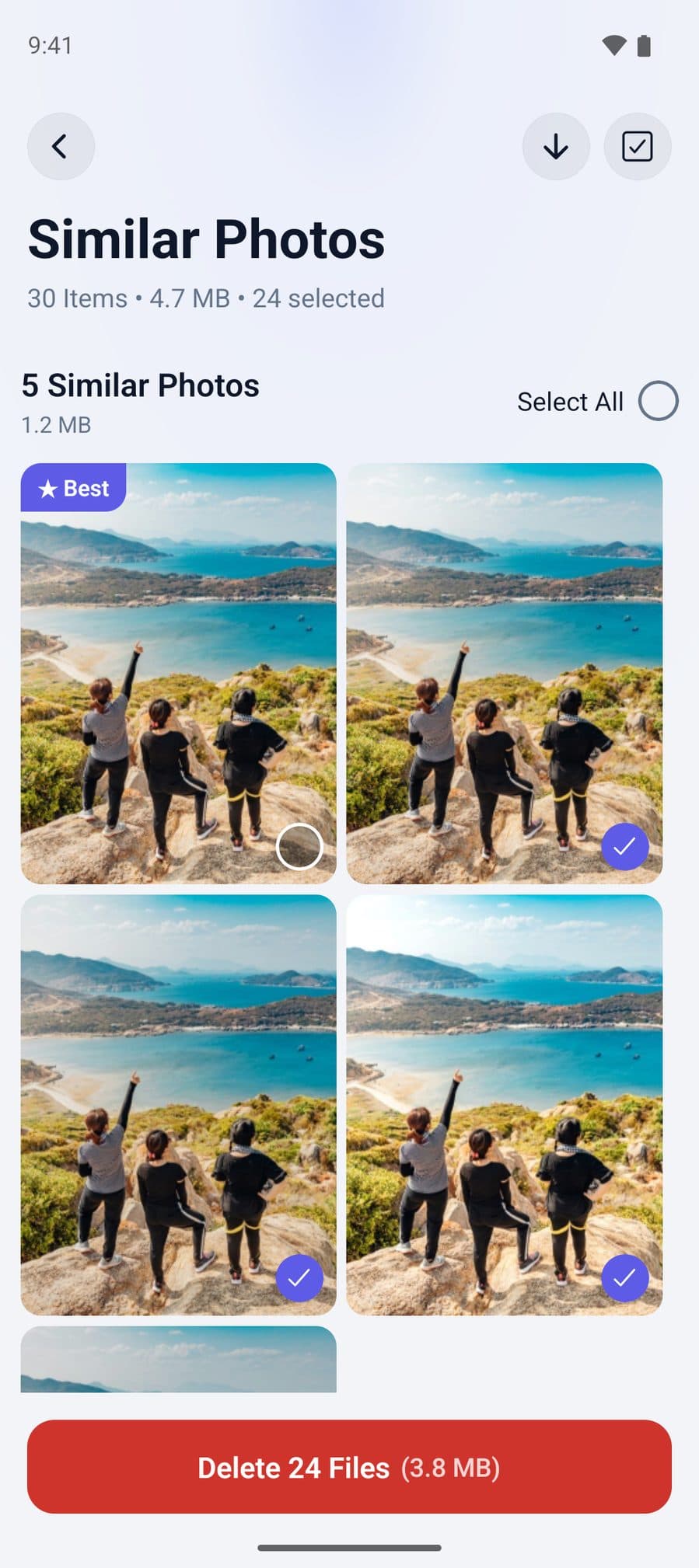
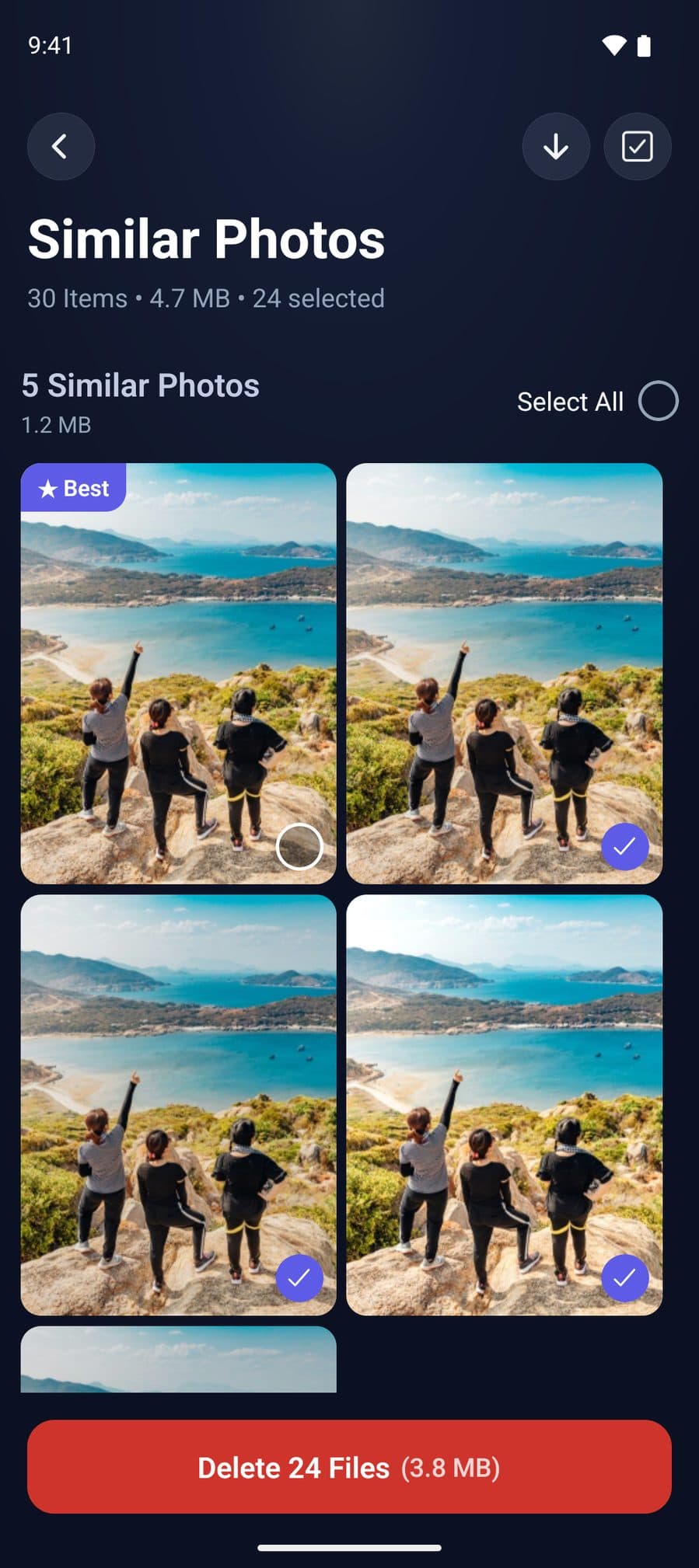
CleanX scans your photo library on Android for duplicates and similar photos, groups them and shows how much space each group takes. Select the ones to remove; on Android 11 and later, Android asks you to confirm first. Deleted photos are removed permanently, without a trash, so check your selection.
- Duplicates and similar photos grouped
- Space per group before you delete
- Scanning is free; deleting needs CleanX Pro
Before you delete
- Back up first anything you can’t replace.
- Check which copy you keep: edited versions and originals can look alike.
- On iPhone instead? See how to delete duplicate photos on iPhone.
Frequently asked questions
Does Android have a duplicate photo finder?
Files by Google has a Duplicate files card under Menu › Clean that finds duplicate files on your device, photos included.
Does Google Photos delete duplicates?
The Google Photos help pages cited here don’t describe a duplicate finder. It can group similar photos with Stack similar photos; stacking alone doesn’t change your storage, but inside a stack you can tap Keep this, delete rest. For duplicate files on your device, use Files by Google. See [how to delete duplicates in Google Photos](/en/how-to/google-photos-delete-duplicates).
Will deleting duplicates in Google Photos delete them from my phone?
Yes. Google says deleting in the Google Photos app deletes the same items from your device, and from all devices with backup on if they’re backed up.
Where do deleted duplicates go in Files by Google?
To Trash (where available), where Google says they stay for 30 days before they’re deleted automatically. You can restore them from Menu › Trash.
Related guides
- How to Delete Duplicate Photos on iPhoneUse the built-in Duplicates album, then deal with the similar shots it leaves behind.
- How to Free Up Space on AndroidCheck Settings › Storage, remove backed-up photos, uninstall unused apps and clear junk files.
- How to Delete Duplicate Photos in Google PhotosUse Review similar photos (iPhone, when out of storage) and Manage storage; stacks don’t free space.
- How to Find and Delete Blurry Photos on iPhone and AndroidiPhone has no blurry album: review Bursts and your Library yourself. Google Photos suggests blurry shots from your backed-up photos.
