
How to Free Up Space on Android
By CleanX TeamPublished
Quick answer
- See what’s using space: open Settings › Storage and tap a category.
- On recent Android versions, Settings › Storage › Free up space lists photos, videos and apps you haven’t used recently, and Smart Storage (Storage manager on some phones) can clear backed-up photos automatically.
- Uninstall apps you don’t use, clear an app’s cache in Settings, and clear junk files in Files by Google.
Google separates storage, where you keep data like photos and music, from memory, where apps run. When Android says storage is full, it’s the first one: files, photos and apps. Settings can vary by phone maker, and Google notes some steps only work on Android 14 and up.
See what’s using storage
Open your device’s Settings app, tap Storage and select a category to see what’s in it.
Free up space from Settings
Step 1: Open Free up space
Go to Settings › Storage › Free up space.
Step 2: Pick files
Scroll to a category, tap Select files (or Browse if it isn’t listed), and choose what to delete.
Step 3: Move them to Trash
Tap Move files to Trash.
Remove photos that are already backed up
If you back up with Google Photos, open it, tap your profile photo or initial, then Free up space on this device, and tap Free up [x] from device. Google says this deletes the copies on your phone while the backed-up copies stay in Google Photos; photos and videos less than 30 days old may stay on the device. Make sure they’re backed up first.
Uninstall apps and clear app data
- Uninstall apps you don’t use. Google says you can download them again later without paying again for paid apps.
- Clear cache: usually in the app’s page in Settings. Google says it deletes temporary data and some apps may be slow the next time you open them. See how to clear cache on Android.
- Clear storage: permanently deletes all of an app’s data. Google suggests deleting data inside the app first.
- Junk files: in Files by Google, tap Menu › Clean, then Clean xx MB on the Junk files card and Clear to confirm. Google says app settings aren’t affected, but cleared files are deleted permanently.
| Android and Google apps | CleanX | |
|---|---|---|
| Apps | Settings › Storage › Free up space lists apps you haven’t used recently; the Delete unused apps card in Files by Google can uninstall several at once | Your installed apps by size or least used, then uninstall several in a row |
| Photos | Google Photos removes backed-up copies; Files by Google finds duplicate files | Duplicate and similar photos grouped, with the space each group takes |
| Videos | Delete them, or let Google Photos remove backed-up copies | Compress a video to a smaller size |
| Cache and junk files | App settings and Files by Google | Not covered |
| Cost | Free | Scanning and uninstalling free; deleting photos and compressing need CleanX Pro |
CleanX
Find your biggest and least used apps with CleanX
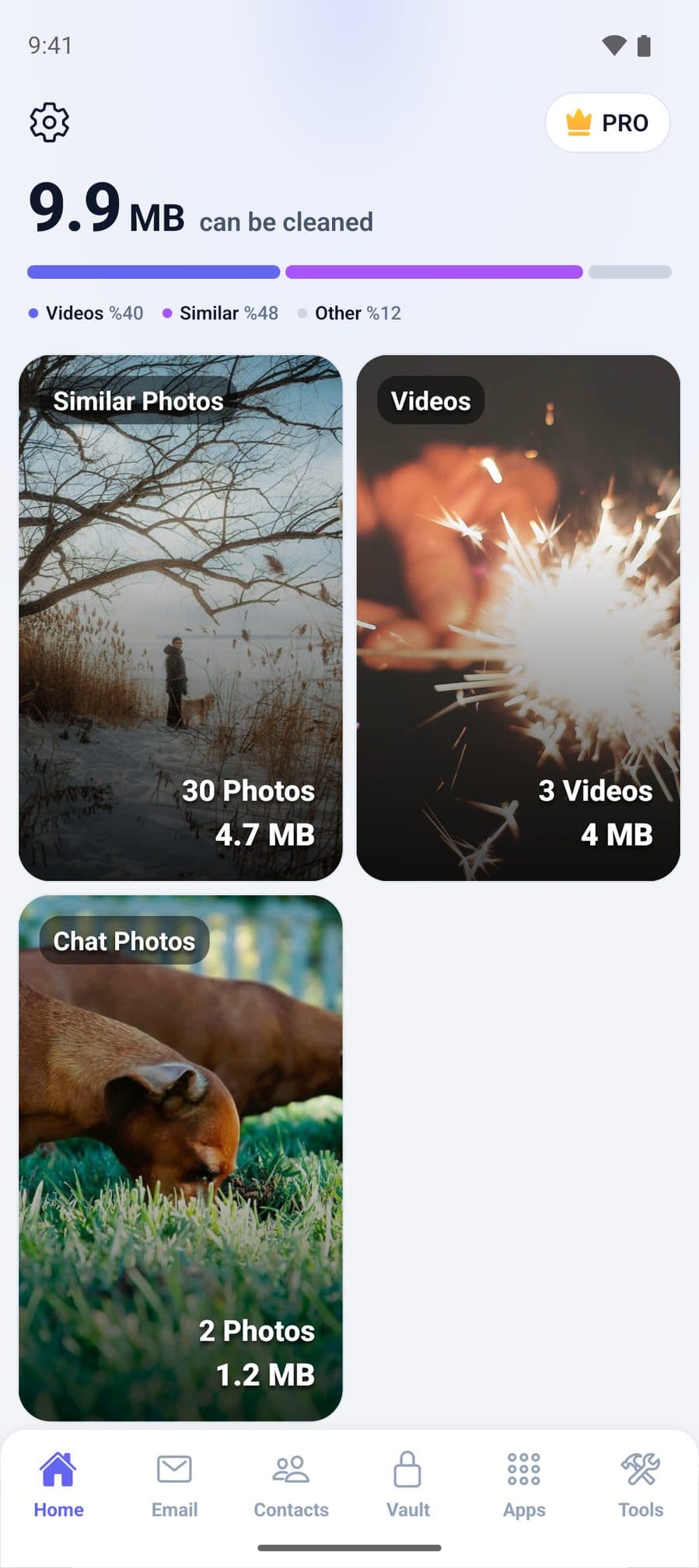
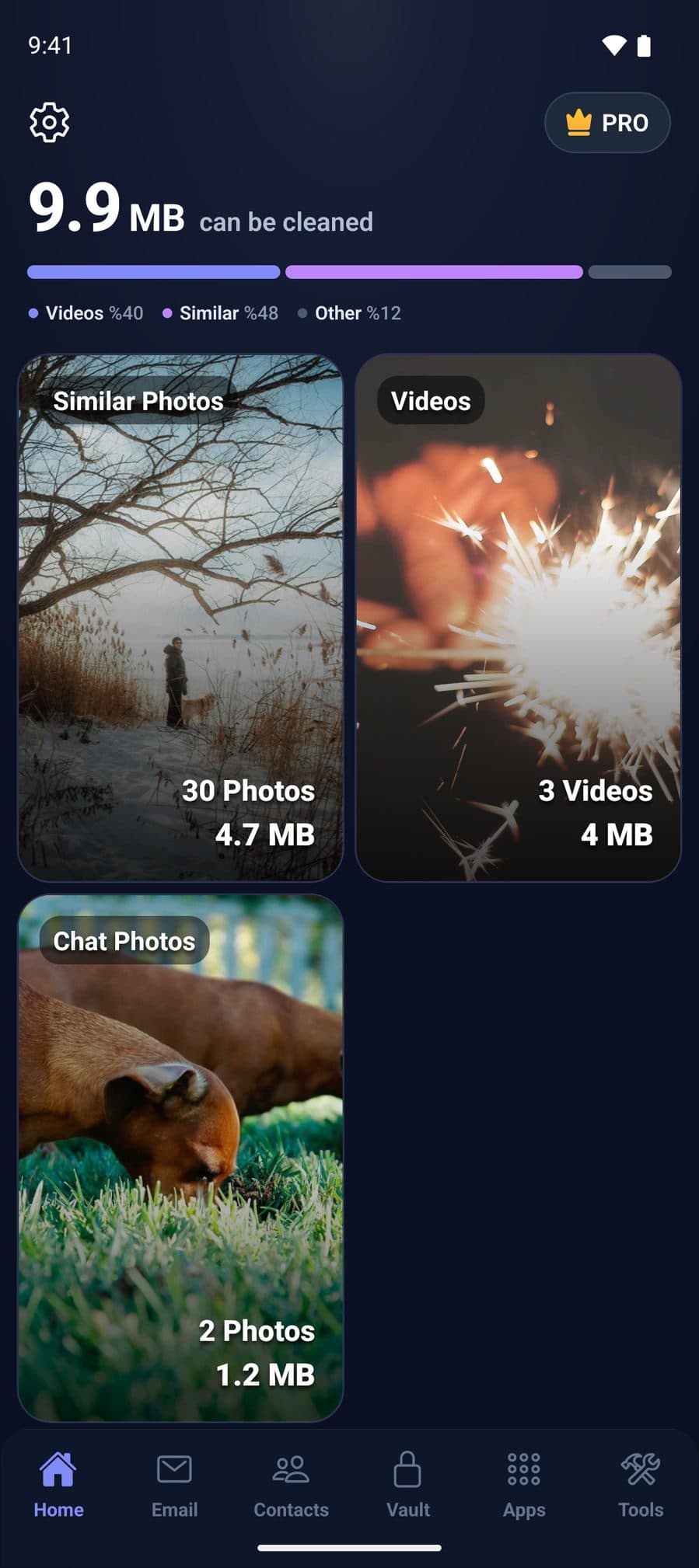
On Android, CleanX lists the apps you installed by size (exact once you allow Usage access in Settings) or, with the same permission, by how little you’ve used them. Select the ones you don’t need and CleanX opens Android’s uninstall prompt for each in turn, so you can still say no to any of them. It also groups duplicate and similar photos and shows how much space they take.
- Apps sorted by size or least used
- Uninstall the ones you pick, with Android’s confirmation for each
- Uninstalling is free; deleting photos needs CleanX Pro
Before you delete
- Copy to a computer: Google suggests moving files to a computer with a USB cable, then deleting them from the phone.
- Downloaded media: remove downloads in the app you used, such as Google TV or YouTube Music.
- Duplicate photos? See how to delete duplicate photos on Android.
Frequently asked questions
Why is my Android storage full?
Open Settings › Storage and tap each category to see what takes the space; photos, videos and apps are common. Settings can vary by phone maker.
Does clearing cache free up space on Android?
It deletes an app’s temporary data, which frees some space. Google notes some apps may be slow the next time you open them.
Will Free up space in Google Photos delete my photos?
It deletes the copies on your phone. Google says backed-up copies stay in Google Photos, so check your backup first. Items less than 30 days old may stay on the device.
What’s the difference between Clear cache and Clear storage?
Clear cache deletes temporary data. Clear storage permanently deletes all of the app’s data, so Google suggests deleting data inside the app first.
Is storage the same as memory on Android?
No. Google says storage holds data such as photos and music, and memory is where apps and the Android system run.
Related guides
- How to Delete Duplicate Photos on AndroidUse the Duplicate files card in Files by Google, keep the Original, then empty Trash.
- How to Clear Cache on Android (Apps and Chrome)Settings › Apps › See all apps › [app] › Storage & cache › Clear cache; Chrome has its own Delete browsing data.
- Phone Cleaner: Free Tools on iPhone and Android, and What Apps AddThe free clean-up tools on iPhone and Android, what phone cleaner apps can and can’t do, and how to wipe the screen safely.
- How to Uninstall Apps on AndroidUninstall from the home screen, Settings or the Play Store, archive apps you may need later, and disable pre-installed apps.
