
Not Enough Space to Update Your iPhone? How to Make Room
By CleanX TeamPublished
Quick answer
- If a message asks to temporarily remove apps for the update, tap Continue. Apple says those apps are reinstalled automatically after the update.
- Otherwise, open Settings › General › iPhone Storage and tap Enable next to Offload Unused Apps, or delete apps and content you don’t need.
- A computer may not get around it: Apple’s Finder and iTunes steps also say to free up storage on the iPhone if the update needs more space.
Apple says you need enough storage on your iPhone to download an update. When there isn’t, iPhone can make some room itself by temporarily removing app data, without deleting your personal information.
Let iPhone remove apps temporarily
During a wireless update, you might see a message asking to temporarily remove apps because the update needs more space. Apple says to tap Continue to let the system remove them; after installation, those apps are reinstalled automatically. If you tap Cancel, you can delete content yourself instead.
Make room yourself
Step 1: Offload unused apps
Go to Settings › General › iPhone Storage and tap Enable next to Offload Unused Apps. Offloaded apps keep their documents and data. You can also turn on Settings › Apps › App Store › Offload Unused Apps, which removes unused apps when storage is low.
Step 2: Delete apps you don’t use
In iPhone Storage, apps are listed with the space each one uses. Tap one, then Delete App.
Step 3: Clear photos and videos
Merge duplicates in Photos › Collections › Utilities › Duplicates and delete large videos you don’t need. Then empty Recently Deleted, where deleted photos stay for 30 days.
Step 4: Try the update again
Go to Settings › General › Software Update and tap Download and Install.
Does updating with a computer need less space?
Apple says you can use a computer to update if the update doesn’t appear on your iPhone: the Finder on a Mac with macOS Catalina or later, or iTunes on an older Mac or a Windows PC. But if you need more space, both of Apple’s articles tell you to free up storage on the iPhone itself.
If the update still won’t install
Step 1: Delete the downloaded update
Go to Settings › General › iPhone Storage, find the update in the list of apps, tap it, then tap Delete Update.
Step 2: Download it again
Go to Settings › General › Software Update and download the latest update.
Step 3: Use a computer
Apple says that if you don’t see the update in the list or the problem happens again, update using a Mac or iTunes.
| iPhone | CleanX | |
|---|---|---|
| Apps | Temporary removal during the update, Offload Unused Apps, Delete App | Not covered |
| Photos | Duplicates album; select and delete | Duplicate and similar photos and similar screenshots grouped; blurry shots listed |
| Videos | Delete; iMovie (free Apple app) exports a smaller copy | Similar videos grouped; compress one video at a time |
| Cost | Free | Scanning free; deleting and compressing need CleanX Pro |
CleanX
Clear photos and videos quickly with CleanX
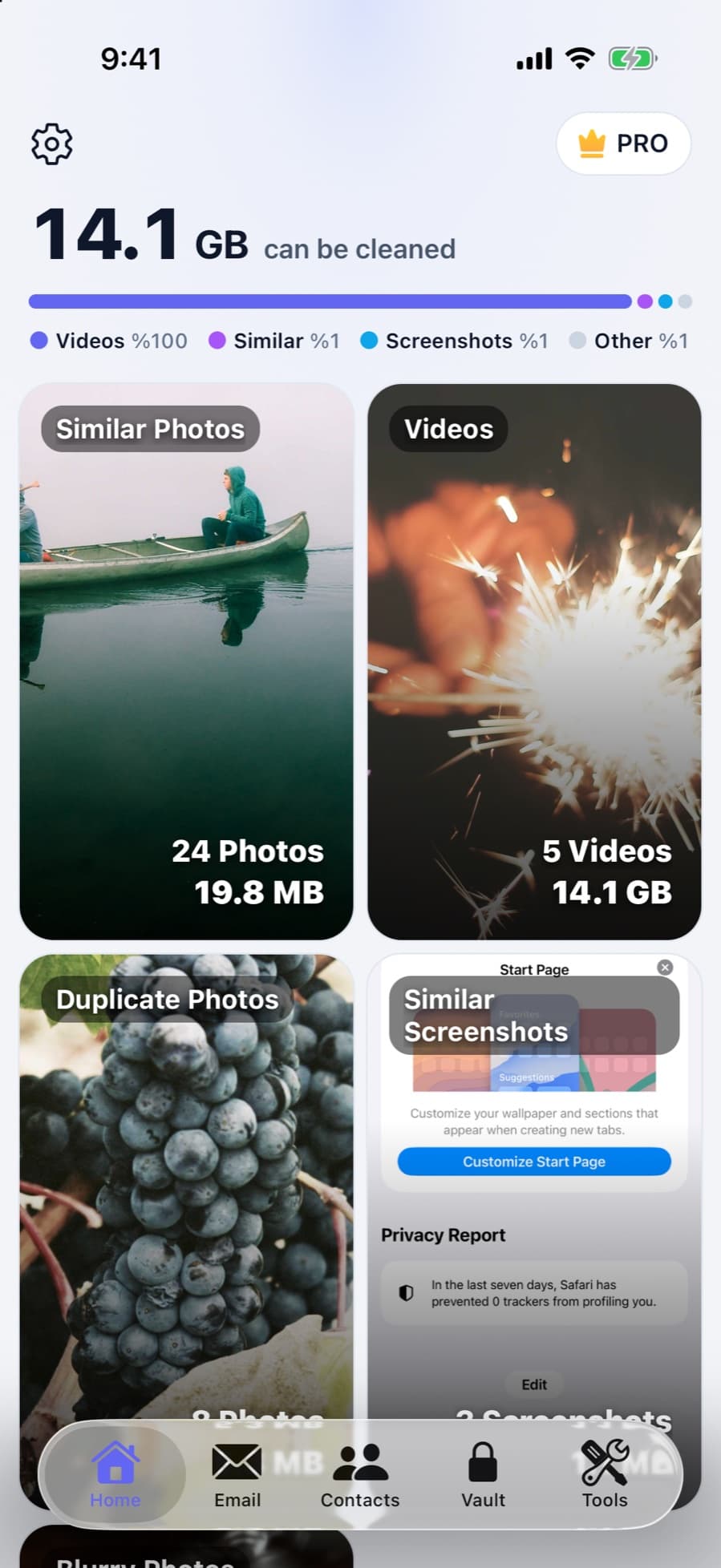
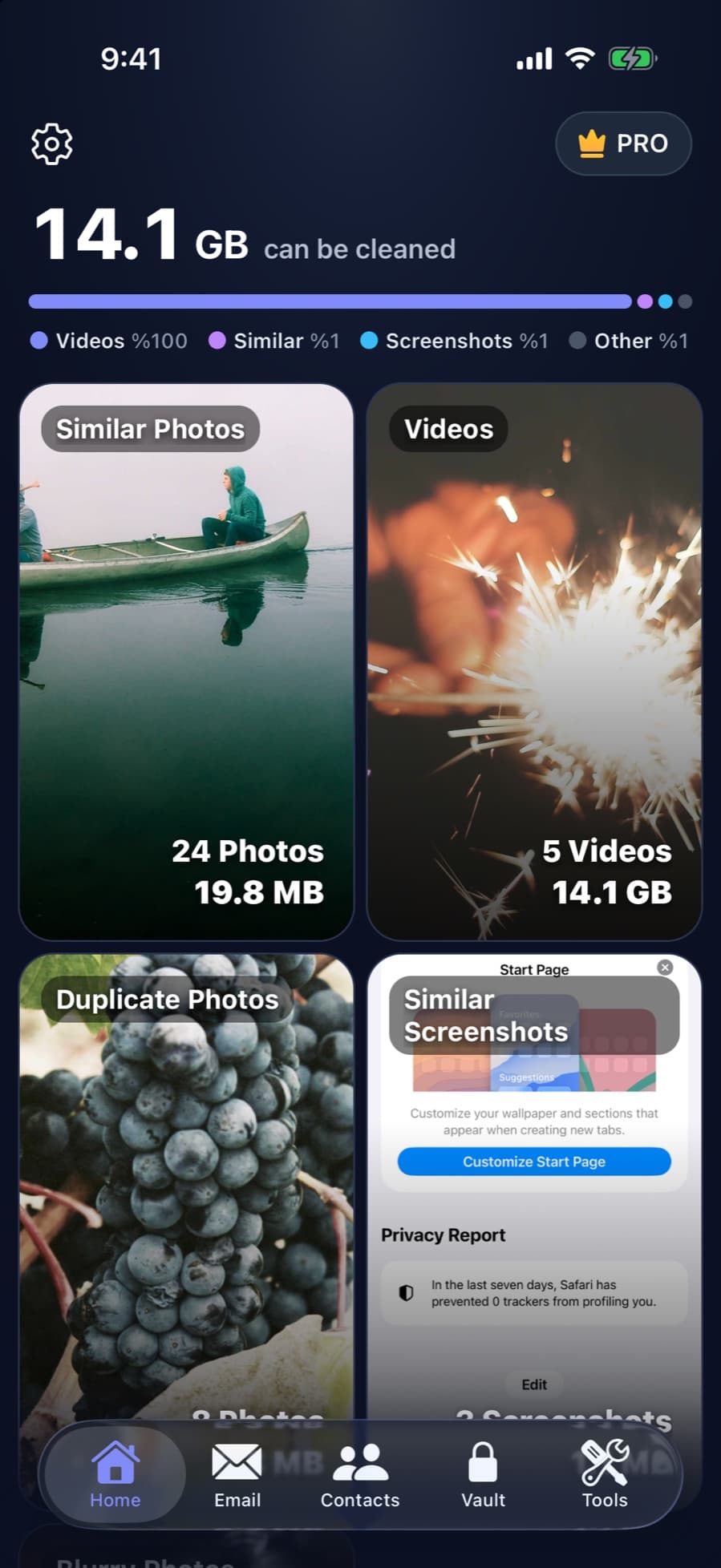
If photos and videos fill your iPhone, CleanX groups duplicate and similar photos and similar screenshots, lists blurry shots, and shows how much space they take. Pick what to delete, or compress a large video to a smaller size. Deleted items go to Recently Deleted in Photos, so empty it afterwards to get the space for the update.
- Duplicate and similar photos, with the space each group takes
- Compress large videos
- Scanning is free; deleting and compressing need CleanX Pro
After the update
- Offloaded apps stay on your Home Screen; tap the icon with the cloud symbol to reinstall one.
- Storage looks full again? See what System Data is on iPhone.
Frequently asked questions
How much space do I need to update my iPhone?
It depends on the update. Apple doesn’t give one number; it says you need enough storage to download it, and iPhone may ask to temporarily remove apps if it needs more.
Can I update my iPhone without deleting anything?
Possibly: if iPhone asks to temporarily remove apps, tap Continue. Apple says they’re reinstalled after the update, and offloading keeps your app data.
Will updating with iTunes or a Mac avoid the storage problem?
Not necessarily. Apple’s Finder and iTunes update steps also say to free up storage on the iPhone if the update needs more space.
Does deleting apps delete their data?
Delete App removes the app and its data (data stored in iCloud isn’t deleted). Offload App removes the app but keeps its documents and data.
Why is my storage full after the update?
Check Settings › General › iPhone Storage to see what’s using it. If System Data is large, see our System Data guide.
Related guides
- Recently Deleted Photos on iPhone: Find, Recover or EmptyWhere deleted photos go, how to get them back, and how to clear them for good.
- How to Free Up Space on iPhoneSee what fills your iPhone and clear it with the settings Apple already gives you.
- System Data on iPhone: What It Is and What You Can DoWhat System Data really is, why it changes size, and what you can do instead.
