
iPhone Storage Full for No Reason? Where the Space Really Went
By CleanX TeamPublished
Quick answer
- Open Settings › General › iPhone Storage and wait for the bar to fill in: it shows which category is really large.
- Photos you deleted stay in Recently Deleted for 30 days and still take space. Empty it.
- Free iCloud space doesn’t add space to your iPhone. If you use iCloud Photos, check that Optimize iPhone Storage is on so the iPhone keeps smaller copies.
- Also check Messages attachments and apps whose Documents & Data is large. System Data can’t be cleared from Settings.
When your iPhone says storage is full but it doesn’t look like you have much on it, the space is usually in places you don’t see every day. Go through these in order; the first ones are the quickest to check.
See what’s really using space
Step 1: Open iPhone Storage
Go to Settings › General › iPhone Storage. The bar at the top shows each category. Below it, iPhone may show recommendations: tap Show All to review them. Below that is a list of apps by size.
Step 2: Look at the biggest category
Apple’s categories include Apps, Photos, Media (music, videos, podcasts, ringtones and voice memos), Mail, Messages, iCloud Drive and the system. Start with whichever is largest.
Step 3: Tap the largest apps
Tap an app to see the app’s own size and its Documents & Data. A small app can hold a lot of data.
Why iPhone storage is full when it doesn’t look full
1. Deleted photos are still in Recently Deleted
Apple says deleted photos and videos stay in Recently Deleted for 30 days. Until then they still take space. In Photos, open Collections, then Recently Deleted under Utilities, and delete them there. See Recently Deleted on iPhone.
2. iCloud has space, but your iPhone doesn’t
Apple describes iCloud storage and device storage as separate: iCloud space doesn’t add to what your iPhone holds. By default, photos and videos are kept on the iPhone in full resolution. With iCloud Photos, Apple says Optimize iPhone Storage keeps the full-resolution versions in iCloud and space-saving copies on the iPhone when needed. Check it in Settings › [your name] › iCloud › Photos (in iOS 27, then iPhone Storage).
3. Messages attachments add up
Apple counts photos and videos in chats under Messages (messages and their attachments), not under Photos, so they’re easy to miss. Check Messages in iPhone Storage and review large attachments. See how to free up Messages storage.
4. Apps keep data you can’t see
Content inside apps, such as downloads, offline maps and saved videos, counts under Apps. Apple says Apps also include files in On My iPhone in the Files app and Safari downloads. If an app’s Documents & Data is large and the app has no way to clear it, deleting it removes the app and its data from this iPhone, so make sure anything you need is saved first; data synced to an account may come back when you sign in again. Offload App removes the app but keeps its documents and data.
5. System Data is large
iOS describes System Data as caches, logs and other resources in use by the system, and says its size changes with system needs. There’s no setting to clear it. Apple says iPhone removes cached and temporary files when it needs space. See what System Data is.
| Reason | Where to check | CleanX |
|---|---|---|
| Deleted photos still on the iPhone | Photos › Recently Deleted | Not covered; empty Recently Deleted in Photos |
| Photos and videos | iPhone Storage › Photos | Shows how much space similar photos, duplicates, screenshots, blurry shots and videos take |
| Large videos | Photos › Media Types › Videos | Lists videos largest first and compresses them |
| Messages and app data | iPhone Storage › Messages or the app | Not covered |
| System Data | iPhone Storage › System Data | Not covered; it can’t be cleared |
CleanX
Find the photos and videos taking space with CleanX
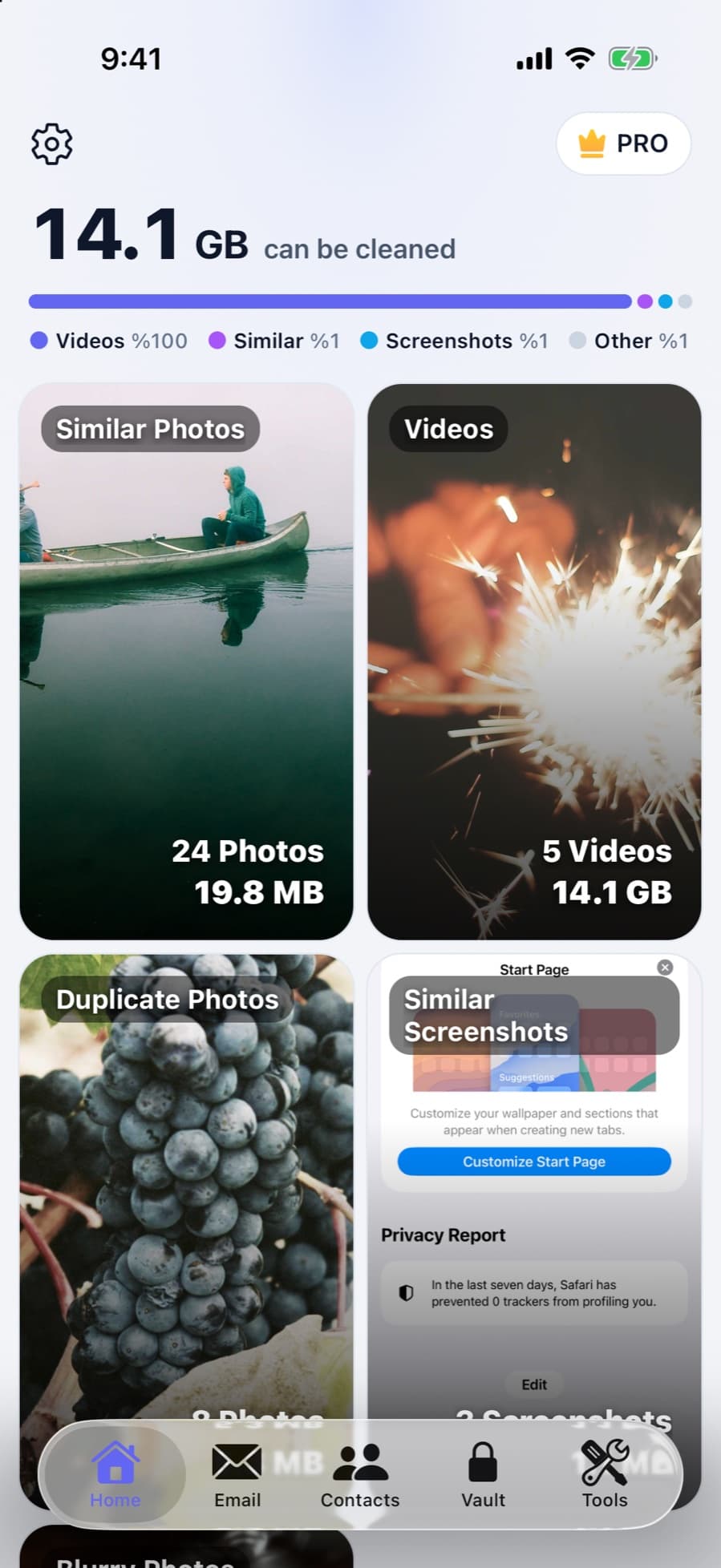
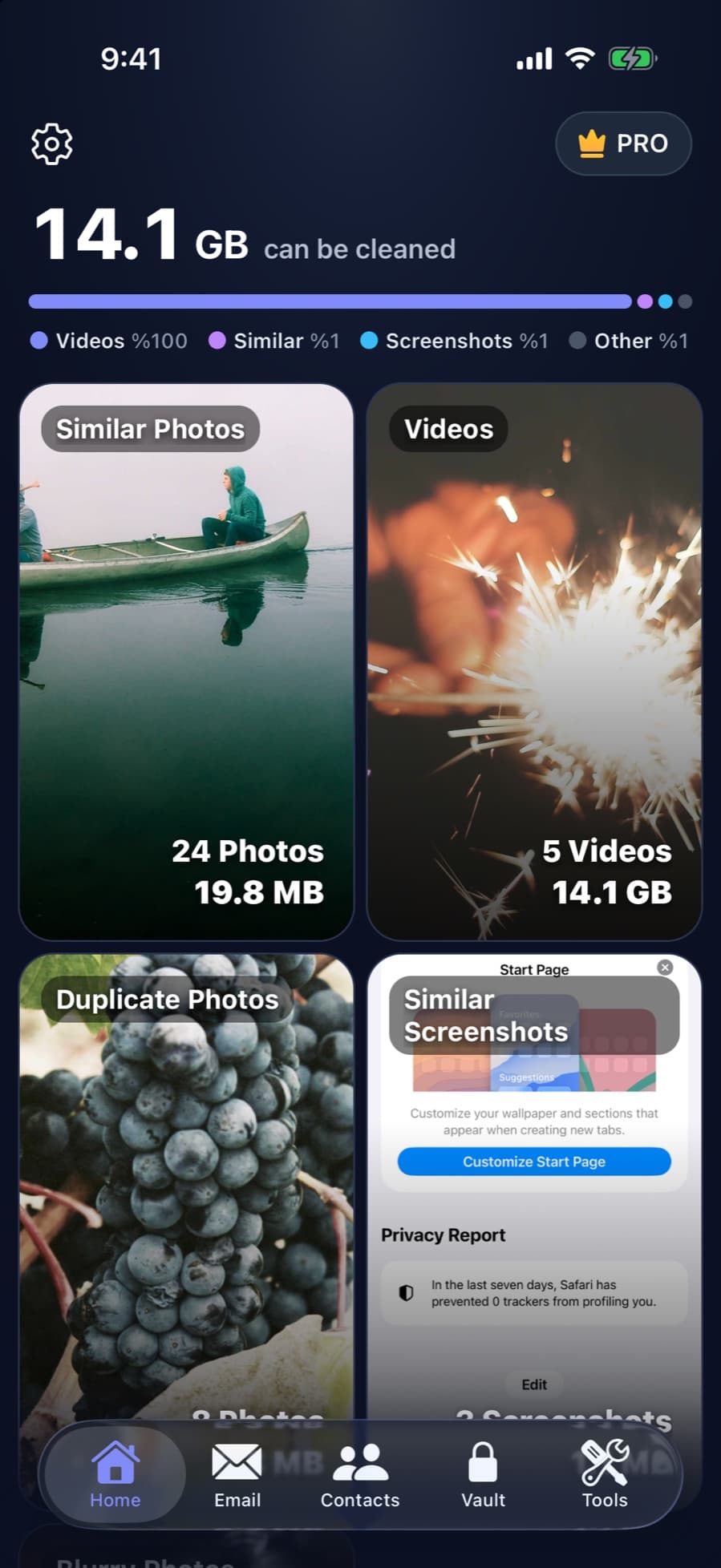
If Photos is the biggest category, CleanX scans the photos and videos on your iPhone and shows how much space similar photos, duplicates, screenshots, blurry shots and videos take, so you can see where the space went before you delete anything. Deleted photos go to Recently Deleted for 30 days, like any deletion in Photos.
- Space taken by similar photos, duplicates, screenshots and videos
- Videos listed largest first, with compression
- Scanning is free; deleting and compressing need CleanX Pro
If it’s still full
- Turn on Offload Unused Apps: in Settings › Apps › App Store, so iPhone removes apps you don’t use when storage is low, keeping their data.
- Clear Safari’s website data: see how to clear cache on iPhone.
- Go through the full list: see how to free up space on iPhone.
Frequently asked questions
Why is my iPhone storage full when I have nothing on it?
The space is usually in Recently Deleted, Messages attachments, app data or System Data. Settings › General › iPhone Storage shows which category is largest.
I deleted photos. Why is my storage still full?
Deleted photos stay in Recently Deleted for 30 days. Delete them there to get the space back now.
Why is my iPhone storage full if I have iCloud?
iCloud storage and iPhone storage are separate. If you use iCloud Photos, turn on Optimize iPhone Storage so the iPhone keeps space-saving copies and the originals stay in iCloud.
Can I clear System Data on iPhone?
Not from Settings. iOS says its size changes with system needs, and Apple says iPhone removes cached and temporary files when it needs space.
Why don’t the categories add up to my total storage?
Apple notes that cached and temporary data might not count as usage, which is one reason the categories may not match the total exactly.
Related guides
- Recently Deleted Photos on iPhone: Find, Recover or EmptyWhere deleted photos go, how to get them back, and how to clear them for good.
- How to Free Up Space on iPhoneSee what fills your iPhone and clear it with the settings Apple already gives you.
- System Data on iPhone: What It Is and What You Can DoWhat System Data really is, why it changes size, and what you can do instead.
- Messages Taking Up Storage on iPhone? How to Clear ItDelete attachments by conversation, set Keep Messages, then empty Recently Deleted in Messages.
