
Gmail Storage Full? How to Free Up Google Storage
By CleanX TeamPublished
Quick answer
- Gmail, Google Drive and Google Photos share the same storage, up to 15 GB on a free account. When it’s full, Google says you can’t send or receive email.
- Quickest fix: empty Gmail’s Trash and Spam and the Trash in Drive and Photos, then delete a few emails with large attachments (search has:attachment larger:10M).
- For the rest, open the storage page in Google One to see which service uses the most, then clean that up or buy more storage.
The “storage full” warning in Gmail is about your whole Google Account, not just email. Google says each account includes up to 15 GB shared across Gmail, Google Drive and Google Photos, and that WhatsApp backups on Android count too. A large photo library can fill Gmail even if your inbox is small.
What happens when your Google storage is full
- Email stops: Google says you can’t send or receive emails, and messages sent to you go back to the sender.
- Uploads stop: you can’t upload or create files in Drive or back up photos and videos to Google Photos.
- After 2 years over quota: Google says your content in Gmail, Drive and Photos may be deleted. It notifies you at least 3 months before.
- You can still sign in to your Google Account.
See what’s using your storage
On a computer, go to one.google.com and click Storage. On iPhone, when you’re over your quota, open Gmail, Drive or Google Photos and tap Manage storage (or Clean up space), then Usage details to see the split by service.
Quick fix: get Gmail working again
Step 1: Empty Trash and Spam
Google says items in these folders count against your storage until you permanently delete them. In the Gmail app on iPhone, tap Menu › Trash, then Empty trash now. Empty Drive’s and Google Photos’ Trash too.
Step 2: Delete emails with large attachments
On a computer, search Gmail for has:attachment larger:10M, tick the emails you no longer need and click Delete, then empty Trash. older_than:2y has:attachment finds emails with attachments older than two years.
Step 3: Give it time
Google says storage updates shortly after you delete, but after deleting many files at once it can take up to 48–72 hours.
Clear Drive, Photos and backups
- Drive: on a computer, click Storage on the left; Google lists your files from largest to smallest. Files shared with you only count against the owner’s storage, unless you make a copy.
- Photos: Google says photos and videos backed up in Original quality count against your storage. Storage saver ones count too if backed up after June 1, 2021.
- WhatsApp on Android: Google says to turn off Include videos in WhatsApp › Settings › Chats › Chat backup first. If you delete a backup without changing settings, a new one appears at the next backup. Deleting a WhatsApp backup is permanent: if you change phones or reinstall WhatsApp before a new backup is made, you lose your chat history.
- Device backups: check the Backups section of the Google One storage page for device backups you no longer need.
| CleanX | ||
|---|---|---|
| See what uses space | Google One storage page, split by Gmail, Drive and Photos | Gmail senders from your latest 2,000 inbox emails, by the space they take |
| Find what to delete | Search operators like has:attachment larger:10M; Google One storage manager, by service including Gmail | Senders by the total size of their emails; whole categories such as Promotions with age filters |
| Drive, Photos and backups | Google One storage manager | Not covered |
| Cost | Free | Scanning free; moving to Trash needs CleanX Pro |
CleanX
Find what fills Gmail from your iPhone with CleanX
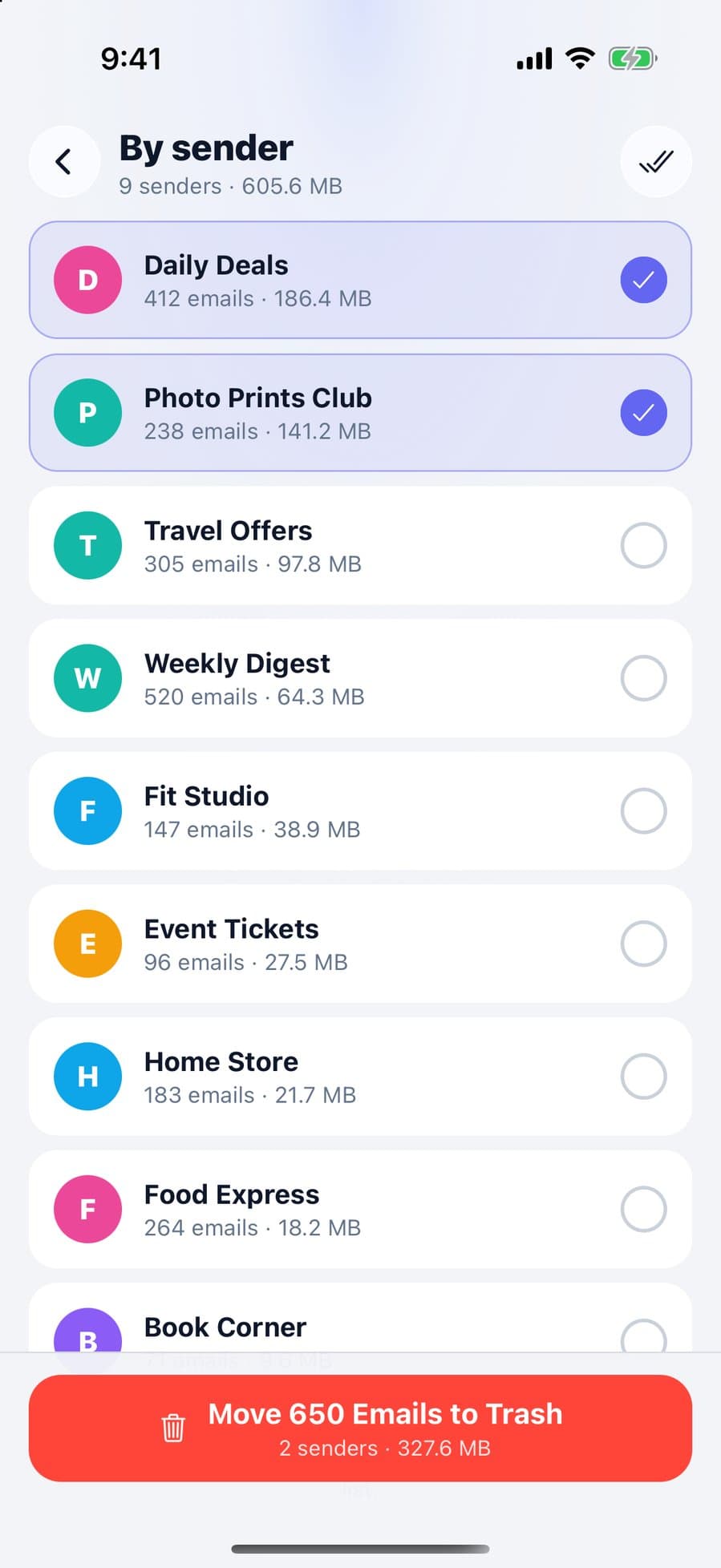
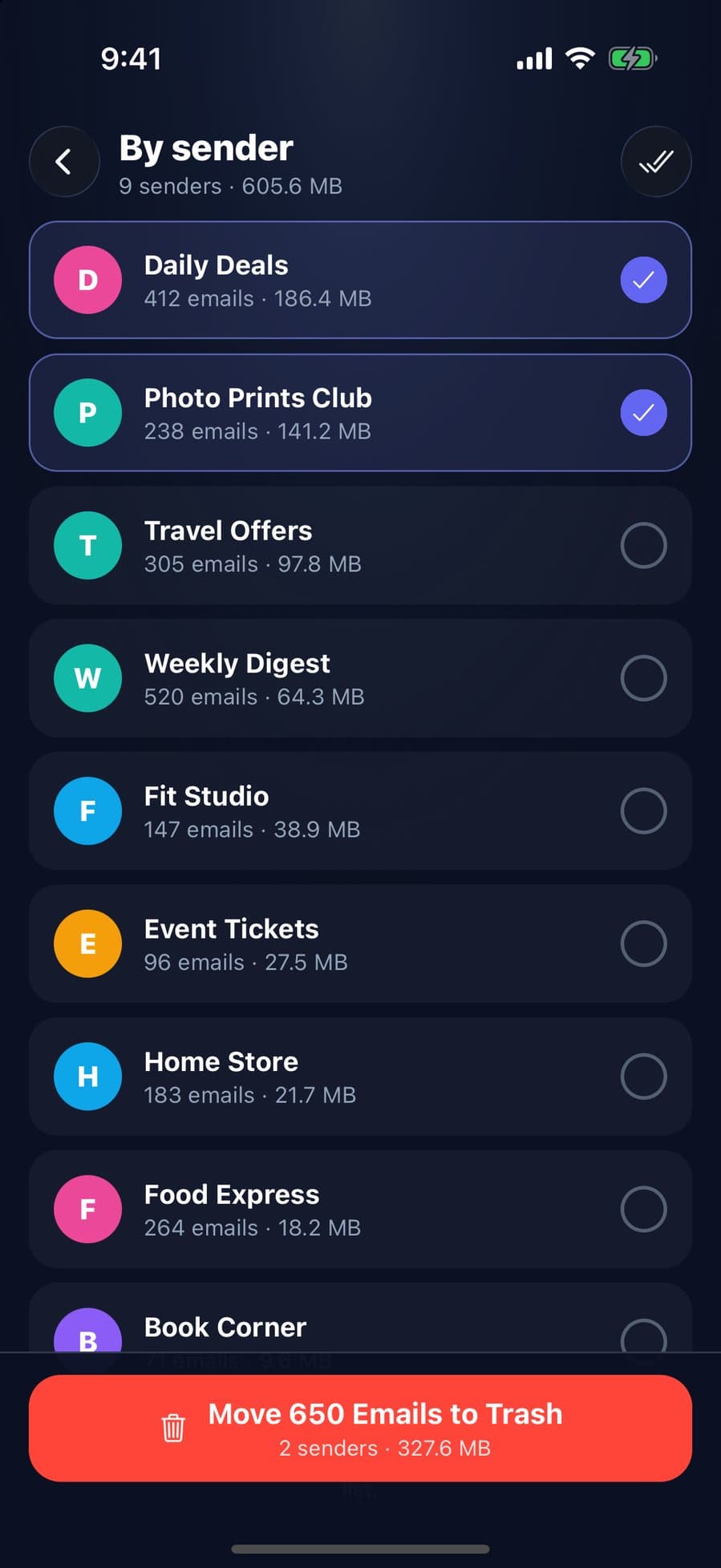
Sign in with Google and CleanX lists the senders in your latest 2,000 inbox emails with how many of those emails each sent and how much space they take, largest first. Select senders, or pick a category such as Promotions and add filters like older than 1 year, and CleanX moves those emails to Gmail’s Trash. They stay there for 30 days, so you can restore them; to free the space without waiting 30 days, empty Gmail’s Trash afterwards.
- Senders sorted by the space their emails take
- Whole Gmail categories with age and keep filters
- Scanning is free; moving to Trash needs CleanX Pro
Keep it from filling up again
- Unsubscribe from newsletters you don’t read: see how to unsubscribe from emails in Gmail.
- Clear old mail in bulk: see how to delete all emails in Gmail.
- Download before deleting anything you want to keep: Google lists downloading files to your device and then deleting them from the cloud as another way to free up space.
Frequently asked questions
Why does Gmail say my storage is full?
Gmail shares up to 15 GB with Google Drive and Google Photos, and Android WhatsApp backups count too. Check the storage page in Google One to see which service uses the most.
What happens to my emails when Gmail storage is full?
Google says you can’t send or receive emails and messages sent to you go back to the sender, but you can still sign in to your account. If you stay over quota for 2 years, content may be deleted after at least 3 months’ notice.
Why is my storage still full after deleting emails?
Deleted emails sit in Trash and still count until you empty it. After deleting a lot at once, Google says storage can take up to 48–72 hours to update.
Does Google Photos use Gmail storage?
Yes. Gmail, Drive and Photos share the same storage. Original quality backups count, and Storage saver backups made after June 1, 2021 count too.
How do I free up Gmail storage without deleting emails?
Clear space elsewhere: Drive files, Photos and backups share the same storage. Or upgrade with Google One; Google says a new plan can take up to 24 hours to show.
Related guides
- iCloud Storage Full? How to Free Up iCloud StorageWhat stops working when iCloud is full, and the built-in ways to free it up.
- How to Delete All Emails in Gmail (Bulk Delete)Select every conversation on a computer, target mail with search, then empty the Trash.
- How to Unsubscribe From Emails in Gmail (Many at Once)Use Manage subscriptions for every list, the Unsubscribe link for one, and know when to block.
- Google Photos Storage Full? How to Free Up SpaceSee what uses your 15 GB, clean up with Manage storage, switch to Storage saver and free space on the phone too.
