
“Your iCloud Storage Is Full” Email: How to Tell If It’s a Scam
By CleanX TeamPublished
Quick answer
- Don’t tap links or buttons in the email. Check your real iCloud storage in Settings › [your name] › iCloud.
- If Settings shows plenty of free space but the email says you’re full, it’s fake. Either way, act only from Settings. Apple says to forward suspicious emails that look like they’re from Apple to reportphishing@apple.com.
- If you entered your Apple Account password or card details on a site from the email, change your password right away and contact your bank.
Emails saying your iCloud storage is full, often with a warning that your photos will be deleted and an offer of “extra storage”, are a known phishing tactic. Apple says scammers send emails that look like they’re from legitimate companies, including Apple. The safe rule: never act from the email; check in Settings.
Check your real iCloud storage
Step 1: Open Settings, not the email
Go to Settings › [your name] › iCloud. The bar at the top shows how much iCloud storage you’ve used.
Step 2: See what’s using it
Tap Storage or Manage Account Storage for details. If you really need space, see how to clear iCloud storage.
Step 3: Change your plan only in Settings
If you want more storage, buy or upgrade iCloud+ from Settings on your device, never from a link in an email. Apple says to update payment details only in Settings on your device, and your Apple Account password only in Settings or at account.apple.com.
Signs the email is fake
- It doesn’t match Settings: Settings says you have space, but the email says you’re full.
- Urgency: Apple says scammers usually create a strong sense of urgency so you don’t stop to think.
- It asks for payment or details: a link to “update your payment” or enter your password. Apple says it never asks for your Apple Account password or verification codes to provide support.
- Threats to delete your photos: Apple says that when you run out of iCloud storage, your device stops backing up to iCloud and new photos stop uploading; it doesn’t describe deleting your library.
- Odd sender or links: Apple says to watch for a sender address or link that doesn’t match the company. On iPhone, Apple says you can touch and hold a link to see where it really goes.
If you already clicked or entered details
- Change your Apple Account password now: in Settings or at account.apple.com. Apple says to do this right away if you might have entered your password on a scam site, and to make sure two-factor authentication is on.
- Call your bank: if you entered card details, contact your bank or card issuer through the number on your card.
- Check your card statement: card details entered on a scam site can be misused, so look for payments you don’t recognize.
| Real (Settings) | Scam email | CleanX | |
|---|---|---|---|
| Where you check | Settings › [your name] › iCloud | A link in the email | Not covered; check iCloud in Settings |
| Buying storage | iCloud+ in Settings | A payment page from a link | Not covered |
| Making space | Manage Account Storage in Settings | An offer of “extra storage” | Finds duplicate and similar photos to delete, and large videos to delete or compress |
| Your password | Never asked for through a link or by support | Often asked for | Never asks for your Apple Account password |
CleanX
If your iCloud really is full of photos
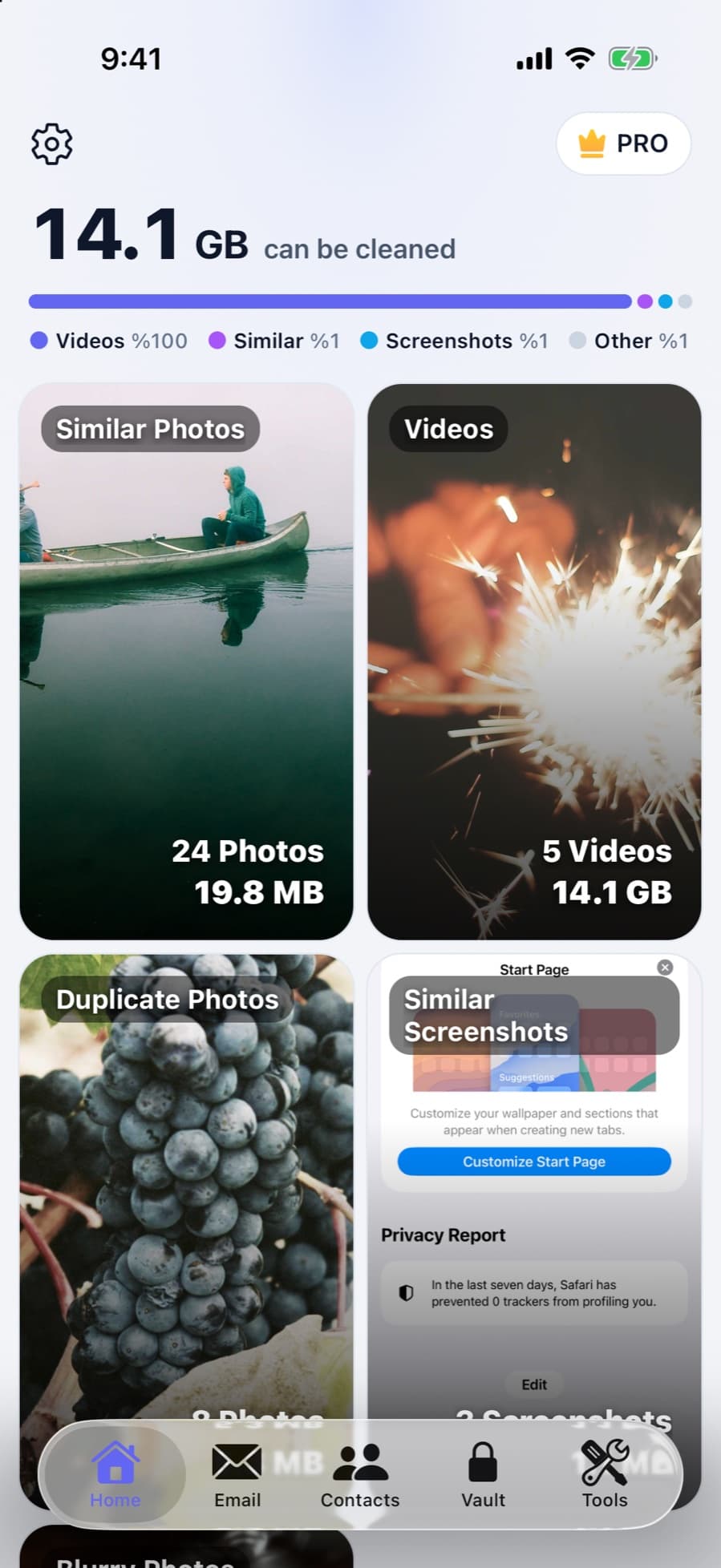
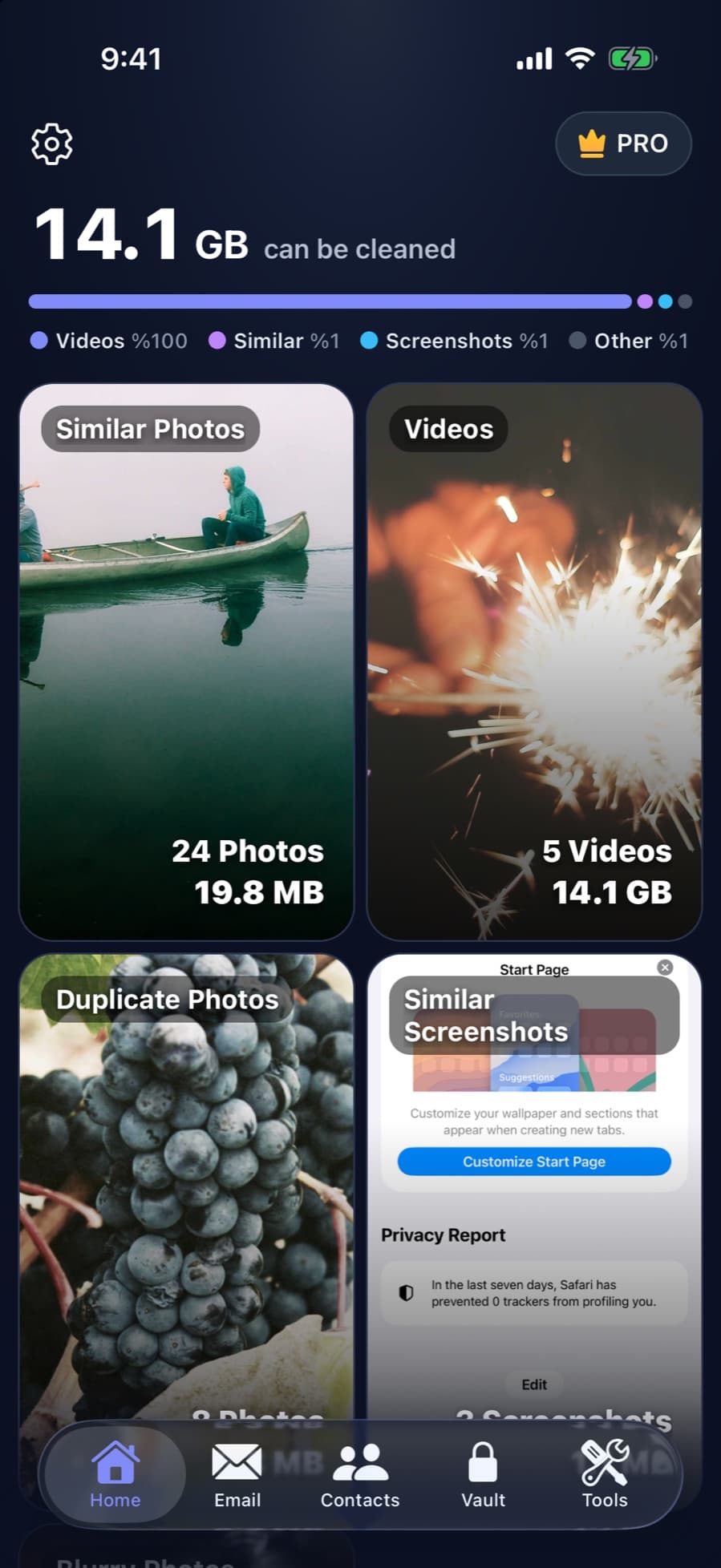
If Settings shows that Photos is what fills your iCloud, CleanX scans the photos and videos on your iPhone and shows how much space duplicates, similar shots, screenshots and large videos take. With iCloud Photos on, what you delete is removed from iCloud too, like any deletion in Photos. If you’re already over your iCloud limit, Apple says deleted photos and videos are removed right away and can’t be recovered from Recently Deleted, so check before you delete. CleanX asks for access to your photos through iOS; it never asks for your Apple Account password.
- Duplicates, similar photos and large videos, with the space they take
- Uses iOS photo access, never your Apple Account password
- Scanning is free; deleting and compressing need CleanX Pro
Report it
Step 1: Forward it to Apple
Apple says to forward suspicious emails that look like they’re from Apple to reportphishing@apple.com. For a text message, send a screenshot to the same address.
Step 2: Mark it as junk
In an iCloud.com, me.com or mac.com inbox, Apple says to mark it as Junk or move it to the Junk folder, which helps iCloud Mail filtering.
Frequently asked questions
Is the “iCloud storage is full” email real?
Apple does send storage alerts, but don’t trust the email itself. Open Settings › [your name] › iCloud: if it shows plenty of free space while the email says you’re full, it’s fake.
Will Apple delete my photos if iCloud is full?
Apple says that when you run out of iCloud storage, your device stops backing up to iCloud, new photos and videos stop uploading to iCloud Photos and iCloud Drive stops staying up to date. Apple doesn’t say it deletes your photos; scam emails often threaten that to rush you.
Where do I report a fake Apple email?
Apple says to forward it to reportphishing@apple.com. For a suspicious text message, send a screenshot to the same address.
I clicked the link. What should I do?
If you entered your Apple Account password, change it right away and make sure two-factor authentication is on. If you entered card details, contact your bank.
Related guides
- iCloud Storage Full? How to Free Up iCloud StorageWhat stops working when iCloud is full, and the built-in ways to free it up.
- Are iPhone Cleaner Apps Safe?What cleaner apps can access, where people actually get burned, and what to check first.
- iPhone Storage Full for No Reason? Where the Space Really WentDeleted photos still in Recently Deleted, iCloud space that isn’t iPhone space, Messages and app data are the usual reasons.
