
How to Back Up Contacts on iPhone
By CleanX TeamPublished
Quick answer
- Keep contacts in iCloud: Settings › [your name] › iCloud, tap See All, then turn on Contacts.
- Export a copy: in Contacts, tap the Lists button, touch and hold a list, tap Export, then save or send the contact cards.
- iCloud also archives your contacts automatically, so an earlier version can be restored on iCloud.com.
iCloud Contacts keeps your contacts in sync rather than as a file you control. Apple says changes you make on one device, like adding a contact or deleting an email address, automatically appear on all your devices, so a contact you delete disappears everywhere too. That’s why it’s worth having a file you keep yourself.
Back up contacts with iCloud
Step 1: Open iCloud settings
Go to Settings › [your name] › iCloud.
Step 2: Turn on Contacts
Tap See All (or Show All), then turn on Contacts.
Apple says the contacts you see in the Contacts app are then stored in iCloud and appear on every device signed in with the same Apple Account that has Contacts turned on, and on iCloud.com (contacts from other accounts, such as Gmail, stay in those accounts).
Export contacts as a vCard file
Step 1: Open your lists
In Contacts, tap the Lists button (or the Show Sidebar button).
Step 2: Export
Touch and hold a list (or create one with Add List), tap Export, choose the fields to include, then tap Done.
Step 3: Save or send it
Choose a way to save or send the exported contact cards, such as Messages or Mail.
iCloud’s automatic contact archive
Apple says contacts stored in iCloud are archived automatically, and an earlier version can be restored on iCloud.com. When you restore, your current version is archived first, and the restored contacts appear on all your devices with Contacts turned on.
| iPhone and iCloud | CleanX | |
|---|---|---|
| Ongoing sync | iCloud Contacts on all your devices | Not covered |
| A copy you keep | vCard export from Contacts or iCloud.com | Backups saved inside the app on this iPhone; deleted with the app |
| Getting contacts back | Restore an archived version on iCloud.com | Add back backed-up contacts that aren’t in your address book with the same name and numbers |
| Cost | Free | Restoring free; creating backups needs CleanX Pro |
CleanX
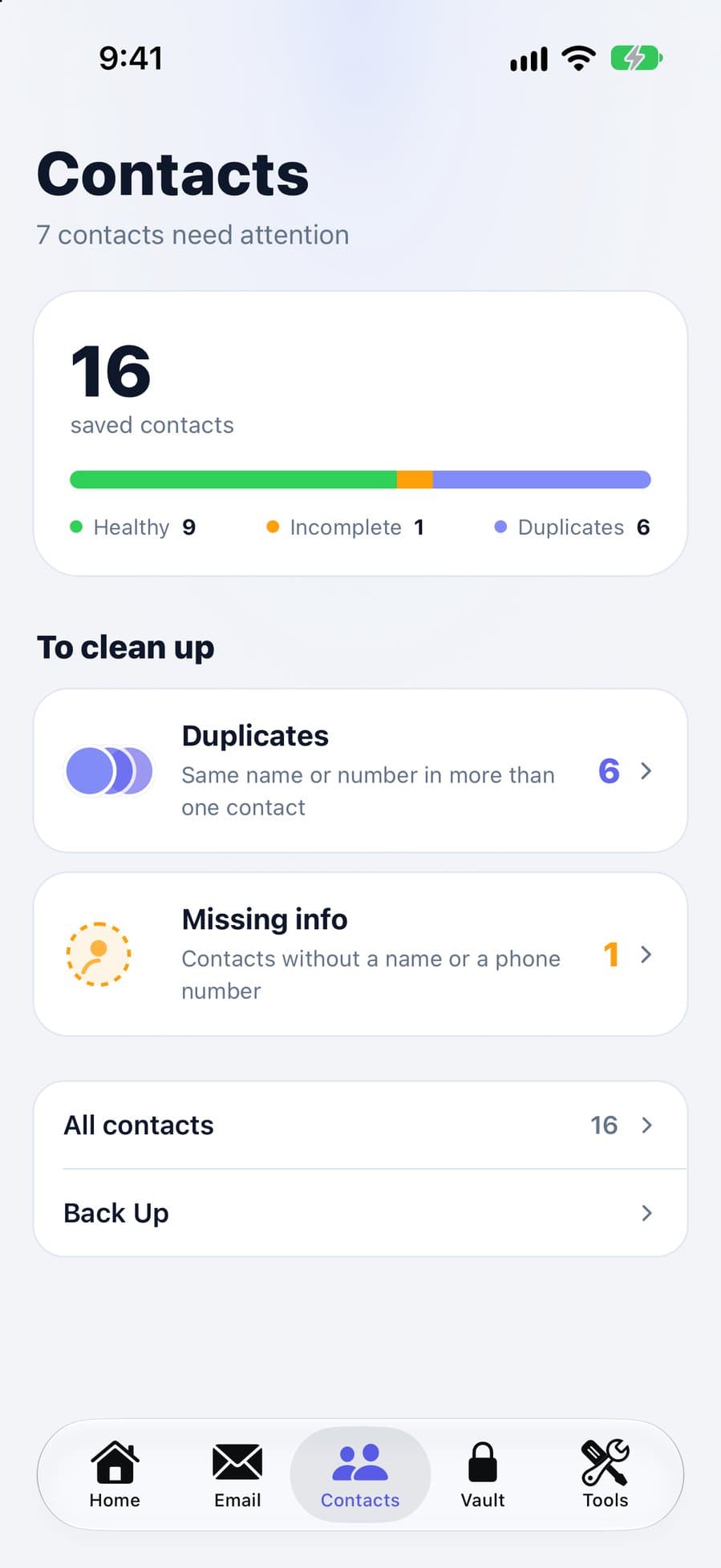
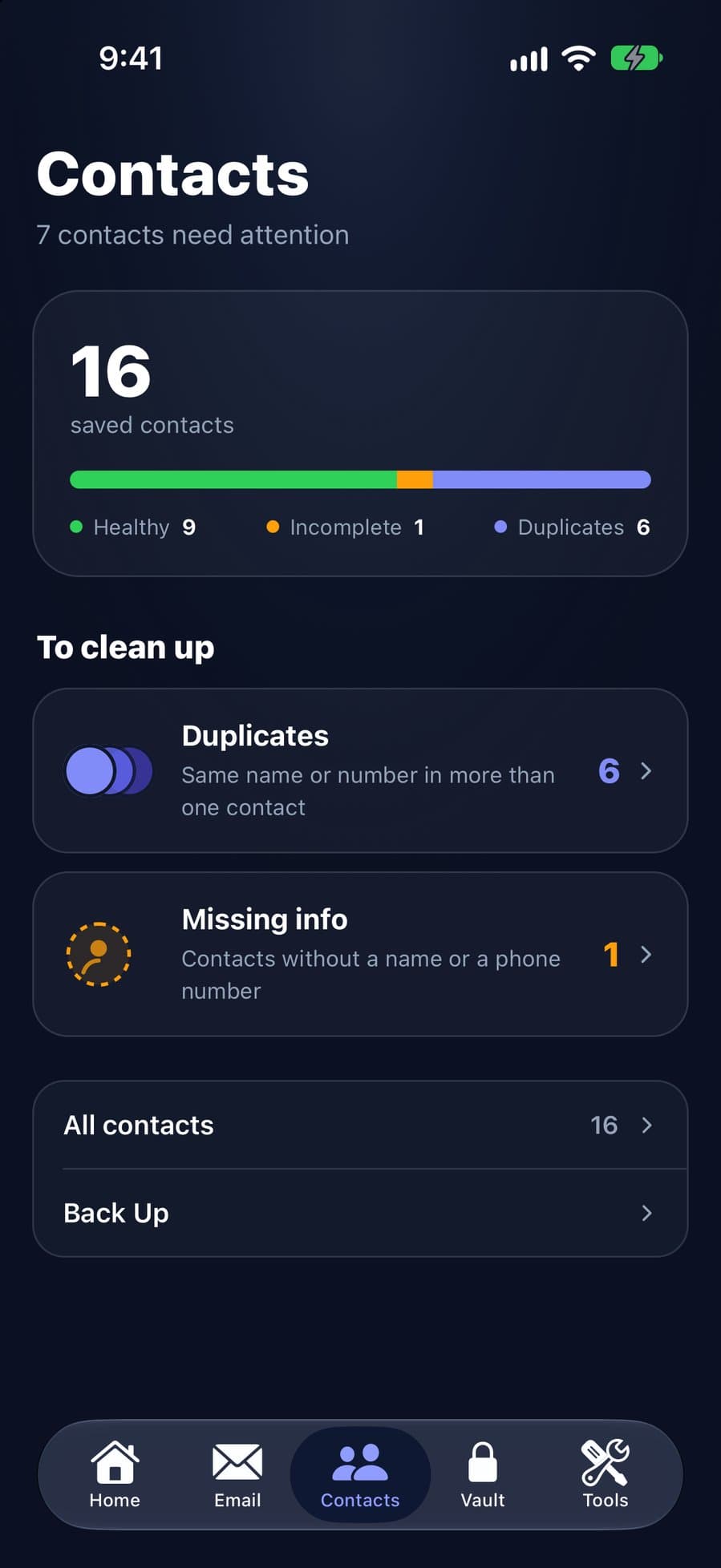
A quick backup before you delete contacts, with CleanX
Before you delete contacts in CleanX, tap Back Up on the Contacts tab, then the plus button, to save a backup inside the app. Restoring adds back contacts from the backup that aren’t in your address book with the same name and phone numbers, without changing or removing any current contact. Names, phone numbers and email and postal addresses come back; photos, birthdays and notes don’t. If you’ve merged contacts or changed a contact’s name or numbers since the backup, the older cards are added back next to the current ones. The backup stays inside CleanX on this iPhone and is deleted if you delete the app, so keep iCloud or a vCard export as your main backup.
- Backups listed by date
- Restore adds back missing contacts only
- Restoring is free; creating backups needs CleanX Pro
Before you change your contacts
- Export before big changes. A vCard you saved yourself doesn’t change when your contacts do.
- Know where your contacts live. Contacts from Gmail or a work account are stored in that account; manage them in Settings › Apps › Contacts › Contacts Accounts.
- Cleaning up afterwards? See how to merge duplicate contacts and how to delete contacts.
Frequently asked questions
How do I back up my contacts on iPhone?
Turn on Contacts in Settings › [your name] › iCloud, and export a vCard from the Contacts app or iCloud.com to keep your own copy.
Where are iPhone contacts saved?
With iCloud Contacts on, Apple says they’re stored in iCloud. Contacts from other accounts, such as Gmail, are stored in that account.
Is iCloud Contacts a backup?
It keeps contacts in sync, so a deletion appears everywhere. iCloud also archives contacts automatically, and an earlier version can be restored on iCloud.com.
Does iPhone back up contacts automatically?
With iCloud Contacts on, Apple says contacts are stored in iCloud and archived automatically. A vCard you export yourself is a copy that doesn’t change.
Related guides
- How to Merge Duplicate Contacts on iPhoneUse View Duplicates in Contacts, link the rest, and catch same-number duplicates.
- How to Delete Contacts on iPhone (One, Several or All)Delete one contact, several at once on iCloud.com, or all contacts from an account.
- How to Restore Deleted Contacts on iPhoneCheck iCloud first, then restore from the iCloud archive, Google Contacts or a vCard.
- How to Export Contacts From iPhone (vCard, CSV or Excel)Export a list or all contacts as a vCard, then get a CSV or Excel file with Numbers on a Mac or Google Contacts.
