
How to Delete All Promotions Emails in Gmail
By CleanX TeamPublished
Quick answer
- On a computer, open Gmail, click Promotions, check the Select box, click the link that selects all conversations, then Delete.
- Starred emails also show in Promotions, so search category:promotions -is:starred first if you want to keep them.
- Deleted emails go to Trash for 30 days and still count against your storage until then.
Google says Gmail’s Default inbox sorts “deals, offers, and other promotional emails” into the Promotions category. That makes it one of the easiest places to clear a lot of email at once.
Delete all Promotions emails on a computer
Step 1: Open Promotions
Open Gmail in a browser and click Promotions.
Step 2: Select the page
At the top left, above your messages, check the Select box.
Step 3: Select them all
In the notification above your messages, click the link to select all conversations in Promotions.
Step 4: Delete
At the top, click Delete.
Delete only some promotions with a search
- Keep starred emails: search category:promotions -is:starred. Google notes that a conversation can still show up if it has one unstarred message, so check before deleting.
- Only old promotions: search category:promotions older_than:1y.
- One store or brand: add from: and the sender, for example category:promotions from:shop@example.com.
- Then check the Select box, select all conversations that match, and click Delete.
On iPhone
In the Gmail app, with inbox categories on, tap Menu, then Promotions. Touch and hold an email, then tap the box next to Select all. Google says this selects up to 50 messages at a time, so for a big Promotions tab a computer is faster. See how to delete all emails in Gmail.
Empty Trash to free storage
Google says deleted messages stay in Trash for 30 days, and items in Trash and Spam count against your storage until you permanently delete them. To free the space now, open Trash and click Empty Trash now. See Gmail storage full.
| Gmail | CleanX | |
|---|---|---|
| Whole Promotions tab | Select all conversations on a computer (a category:promotions search also covers archived ones); up to 50 at a time in the iPhone app | Up to 20,000 matching emails per run from your iPhone, archived ones included |
| Keep some | Search operators like -is:starred and older_than | Filters for age, starred (kept by default), read or unread, and keywords to keep |
| After deleting | Trash for 30 days | Moved to Gmail’s Trash, 30 days |
| Cost | Free | Scanning free; moving to Trash needs CleanX Pro |
CleanX
Clear Promotions from your iPhone with CleanX
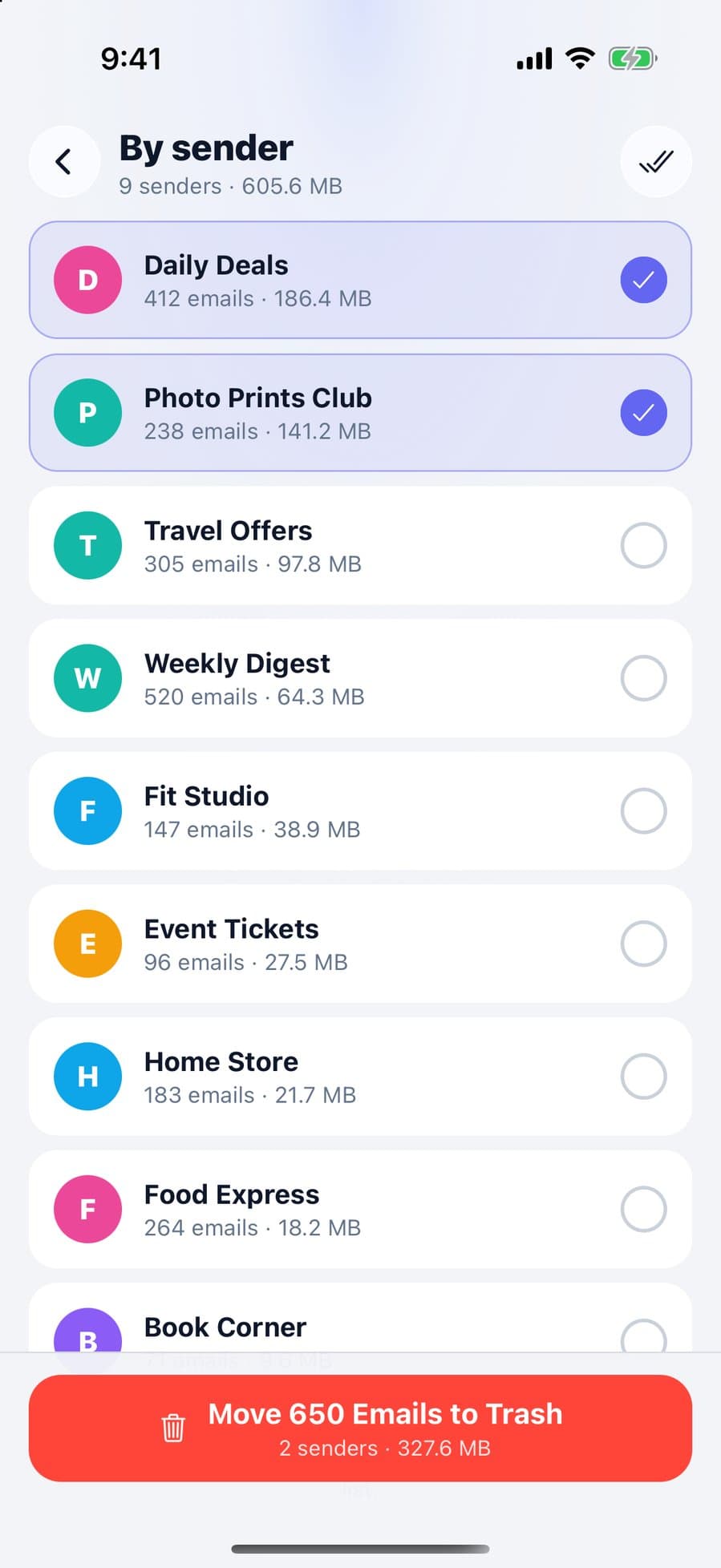
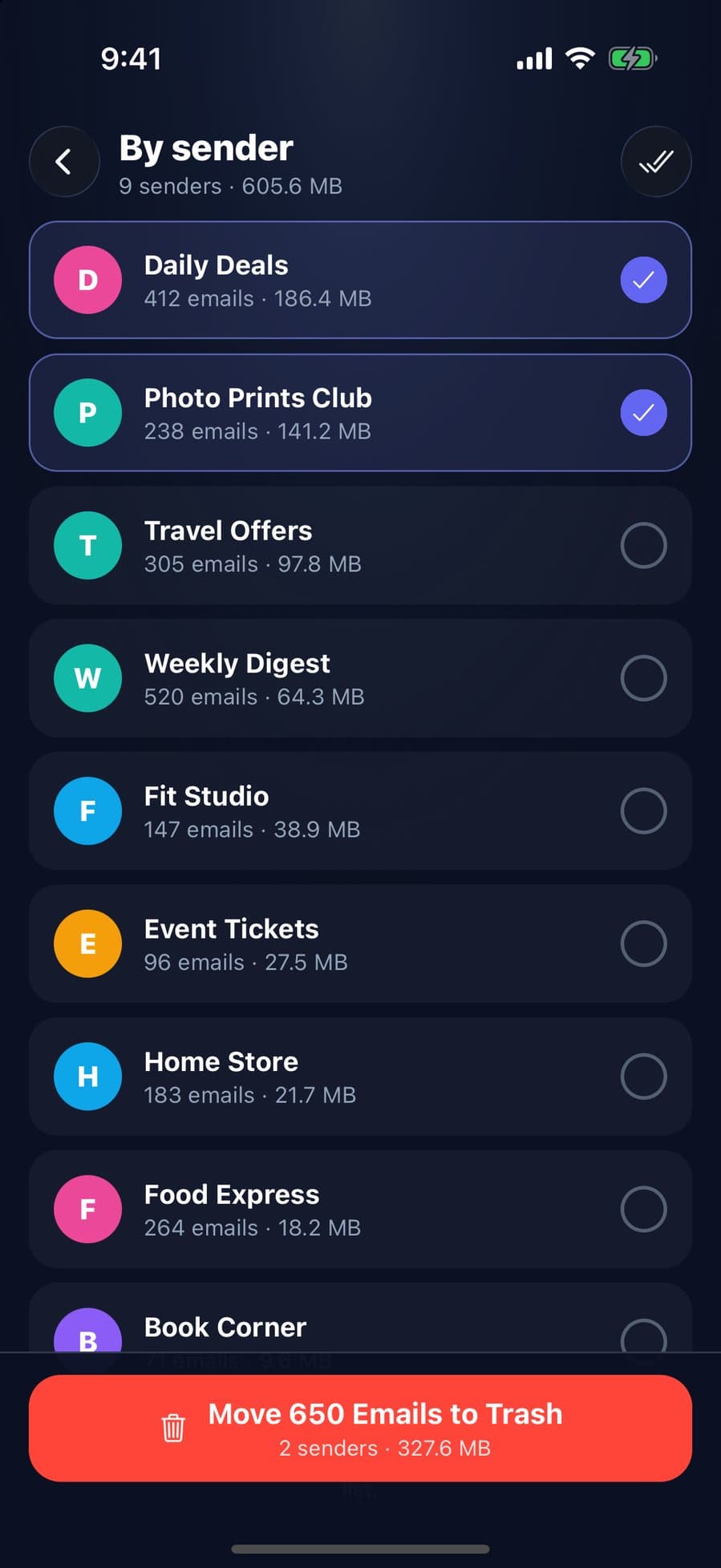
Sign in with Google, tick Promotions in CleanX’s category list and set filters (top right) such as older than 1 year; starred emails are kept by default, and you can keep emails that contain words you choose. CleanX moves up to 20,000 matching emails from that category to Gmail’s Trash in one go, including archived ones, and you can restore them for 30 days. You can also clear by sender.
- Up to 20,000 matching emails per run, not 50 at a time
- Starred emails kept by default
- Scanning is free; moving to Trash needs CleanX Pro
Get fewer promotions
Deleting clears what’s there; unsubscribing stops new ones. See how to unsubscribe from emails in Gmail.
Frequently asked questions
How do I delete all Promotions emails in Gmail at once?
On a computer, open Promotions, check the Select box, click the link to select all conversations in Promotions, then click Delete. Empty Trash afterwards to free storage.
Can I delete all Promotions on the Gmail app?
The iPhone app selects up to 50 messages at a time with Select all, so a computer is faster for a full Promotions tab.
Will deleting Promotions delete starred emails?
It can. Google says starred emails show in Primary and in their own category, so search category:promotions -is:starred to leave them out, and check the results: a conversation with one unstarred message can still appear.
Do Promotions emails take up storage?
Yes. Gmail messages count toward your Google storage, including ones in Trash until it’s emptied.
Related guides
- How to Delete All Emails in Gmail (Bulk Delete)Select every conversation on a computer, target mail with search, then empty the Trash.
- How to Unsubscribe From Emails in Gmail (Many at Once)Use Manage subscriptions for every list, the Unsubscribe link for one, and know when to block.
- Gmail Storage Full? How to Free Up Google StorageGmail, Drive and Photos share one 15 GB. Empty Trash, delete large emails, then clean up the rest.
