
Photo Vault Apps: Free Built-in Options and What to Check
By CleanX TeamPublished
Quick answer
- iPhone: hidden photos go to the Hidden collection, locked with Face ID, Touch ID or your passcode by default. You can also lock the Photos app itself.
- Android: Google Photos’ Locked Folder keeps photos out of your grid, search and other apps, behind your screen lock.
- A vault app adds its own passcode. Before you trust one, check what happens if you forget it, change phones or delete the app, and whether the originals really leave your photo library.
A photo vault app keeps private photos behind a separate lock. Both iPhone and Android already have a locked place for photos, so start there and pick a vault app only if you need something those can’t do.
Free on iPhone: the Hidden collection and locked apps
Step 1: Hide the photos
In Photos, tap Select, choose the photos, then tap the More button and Hide. They move to the Hidden collection under Utilities. See how to hide photos on iPhone.
Step 2: Keep the collection locked
Apple says the Hidden and Recently Deleted collections are locked by default. Check that Use Face ID (or Touch ID or Passcode) is on in Settings › Apps › Photos.
Step 3: Lock the Photos app (optional)
Touch and hold the Photos icon on the Home Screen, then tap Require Face ID (or Touch ID or Passcode) and tap it again to confirm. Apple says the app locks again after you quit it. Built-in apps like Photos can be locked but not hidden.
Free on Android: Google Photos Locked Folder
Step 1: Set it up
In Google Photos, tap Collections, then Locked at the bottom, and Set up Locked Folder. Google says it uses your device screen lock; you can’t set a different password.
Step 2: Move photos in
Select a photo, tap Add to › Move to Locked Folder, then Move. Google says items in Locked Folder don’t appear in the photo grid, memories, search or albums, and other apps with photo access can’t see them.
Step 3: Decide on backup
You can turn on backup for Locked Folder. Google says that without backup, you lose the items in it if you uninstall Google Photos, clear its data, reset your phone, or the phone is lost or damaged, and moving a photo there also deletes its Google Photos backup.
What to check before you trust a photo vault app
- Its own passcode: is the vault opened with a separate passcode, or just your phone’s?
- Encryption: are the photos encrypted inside the app, or only hidden behind a lock screen? The app’s description and privacy policy should say.
- Forgotten passcode: can you recover it, and how? If recovery goes through the developer’s server, your photos or keys may be stored there.
- New phone, backup, deleting the app: do the photos come with you, or are they lost? Some vaults keep everything only on the phone; the description should say.
- The originals: after you add a photo, is it still in your library, or in Recently Deleted for 30 days on iPhone? Until it’s gone from there, it isn’t only in the vault.
- Price: check whether a free download limits how many photos you can add or puts features behind a subscription. Read the price before a trial starts. See are cleaner apps safe for what to look for.
| iPhone Hidden collection | Google Photos Locked Folder | CleanX vault | |
|---|---|---|---|
| Opens with | Face ID, Touch ID or the iPhone passcode | Your device screen lock | A separate 4-digit vault passcode |
| Other devices | Hidden on all devices with iCloud Photos | With Locked Folder backup on | This phone only |
| Forgotten passcode | Same as your phone passcode | Same as your screen lock | Can’t be recovered; the vault can only be reset |
| Holds | Photos and videos | Photos and videos | Photos, videos, files and notes |
| Cost | Free | Free | Notes free; adding photos, videos and files needs CleanX Pro |
CleanX
The CleanX vault
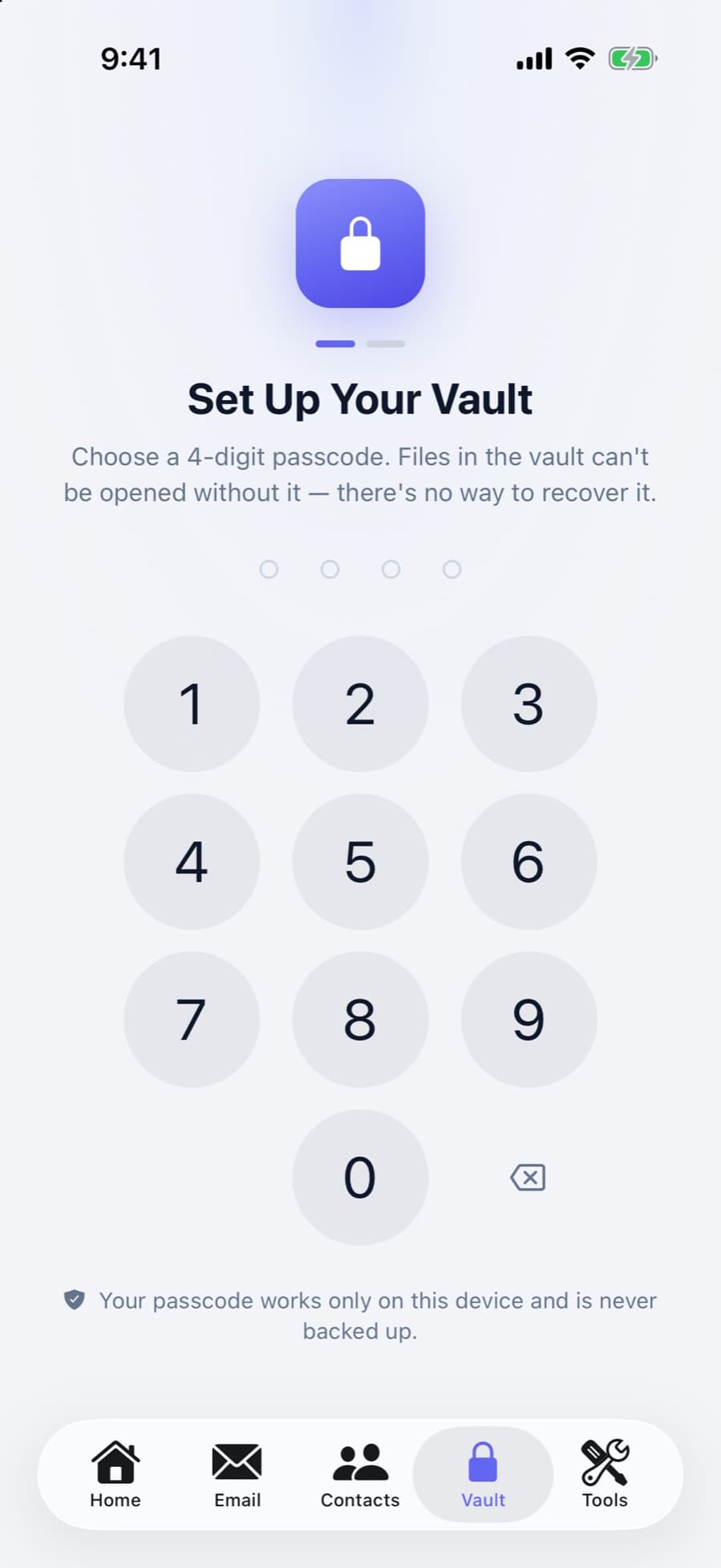
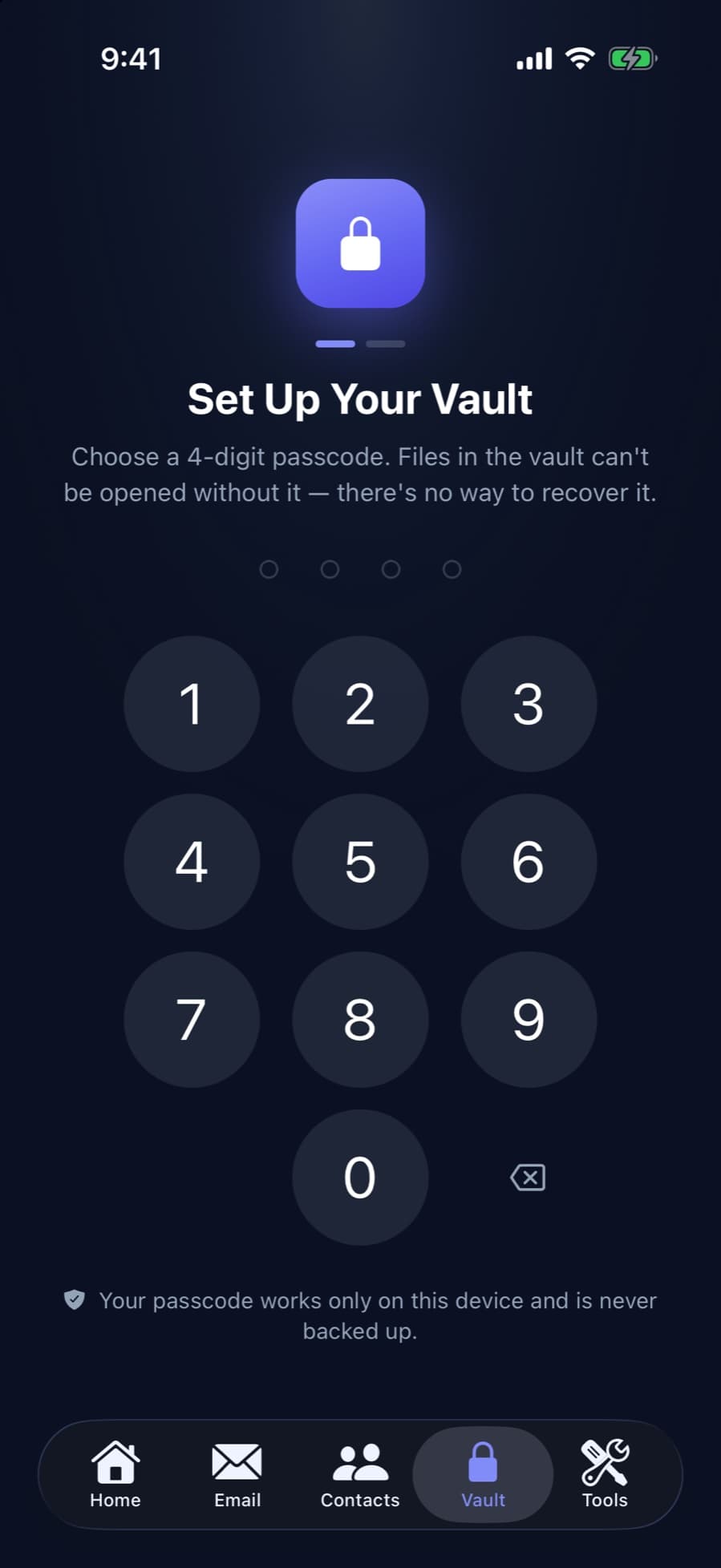
CleanX’s vault on iPhone and Android has its own 4-digit passcode. Photos, videos, files and notes are encrypted with AES-256 as they’re added, using a key tied to your phone, so the vault can’t be moved to another phone, even with a backup. You choose whether to delete the originals from your library (off by default). There’s a decoy passcode that opens an empty vault, the vault locks when you leave the app and, unless you turn it off, when you turn the phone face down, and after a few wrong passcodes you have to wait, longer each time, up to an hour.
- Separate passcode and AES-256 encryption on the phone
- Decoy passcode and lock when face down
- Notes free; adding photos, videos and files needs CleanX Pro
Before you move photos into any vault
- Keep a copy elsewhere if the photos matter: a vault that lives only on your phone is lost with the phone.
- Write the passcode down somewhere safe: if it can’t be recovered, forgetting it means losing the photos.
- Empty Recently Deleted on iPhone: if the originals were deleted, they stay there for 30 days. See Recently Deleted on iPhone.
Frequently asked questions
Is there a free private photo vault on iPhone?
Yes, the Hidden collection in Photos. Apple says it’s locked with Face ID, Touch ID or your passcode by default. You can also lock the Photos app itself from the Home Screen.
Does Android have a built-in photo vault?
Google Photos has Locked Folder: Collections › Locked. It uses your device screen lock, and items in it don’t show up in your photo grid, search or other apps.
What happens to vault photos if I delete the app?
It depends on the app. If the vault keeps photos only on your phone, deleting the app deletes them. Google says Locked Folder items without backup are deleted when you uninstall Google Photos or clear its data.
Can I recover a forgotten vault passcode?
Some apps offer recovery, often through an email or account. Apps that keep the key only on your phone, like CleanX, can’t recover it; the vault can only be reset, deleting everything in it.
Are photos in a vault app removed from my camera roll?
Only if the app deletes the originals. On iPhone, deleted originals stay in Recently Deleted for 30 days, so empty it if you want them gone.
Related guides
- Recently Deleted Photos on iPhone: Find, Recover or EmptyWhere deleted photos go, how to get them back, and how to clear them for good.
- Are iPhone Cleaner Apps Safe?What cleaner apps can access, where people actually get burned, and what to check first.
- How to Hide Photos on iPhoneUse the Hidden collection, keep it locked, take it out of view, and know its limits.
