
How to Compress a Video for Discord on iPhone
By CleanX TeamPublished
Quick answer
- Discord says the maximum upload without Nitro is 20 MB; Nitro Basic allows 50 MB and Nitro up to 1 GB.
- Discord now checks the file size before compressing on mobile too, so the video itself must be under the limit.
- Make a smaller copy in the free iMovie app at 360 or 540, or trim it in Photos, then upload that copy.
Discord says that as of August 2026 the free upload limit is 20 MB, up from 10 MB. It also says that mobile now uses the same check as desktop: the size is checked before Discord compresses the file, so the number you see is the one that applies.
How long a video fits in 20 MB
Apple lists approximate sizes for one minute of video at each iMovie export resolution. Divided into Discord’s 20 MB, that gives a rough idea of how much fits:
- 1080p: 70–105 MB a minute, so under 20 seconds fits
- 720: 19–27 MB a minute, about 45 seconds to 1 minute
- 540: 12–16 MB a minute, about 1¼ to 1⅔ minutes
- 360: 6–9 MB a minute, about 2 to 3⅓ minutes
Make a smaller copy with iMovie (free)
Step 1: Start a project
Open iMovie, tap Start New Project, then Movie.
Step 2: Choose the video
Tap Media, then Video, pick the video and tap Create Movie. Tap Done.
Step 3: Open the export options
Tap the Share button, tap Save or Share Video, then tap Options.
Step 4: Pick 540 or 360
Choose 540 or 360, tap Done, then Save Video. The original stays as it is.
Or send a shorter clip
If only part matters, trim it: in Photos, open the video, tap Edit, drag the ends of the frame viewer, tap Done, then Save Video as New Clip. Trimming and a lower resolution together fit the most.
| iMovie | CleanX | |
|---|---|---|
| Original video | Kept; the smaller copy is saved separately | Replaced by the smaller copy after you confirm |
| Size before you start | Check the copy afterwards in Photos | Estimated size for each level (tap a level to see it) |
| Resolutions | 1080p, 720, 540 or 360 | High (1080p), Medium (720p) or Low (480p-class; a widescreen video comes out 640×360) |
| Cost | Free | Viewing sizes free; compressing needs CleanX Pro |
CleanX
Shrink a video you’re keeping with CleanX
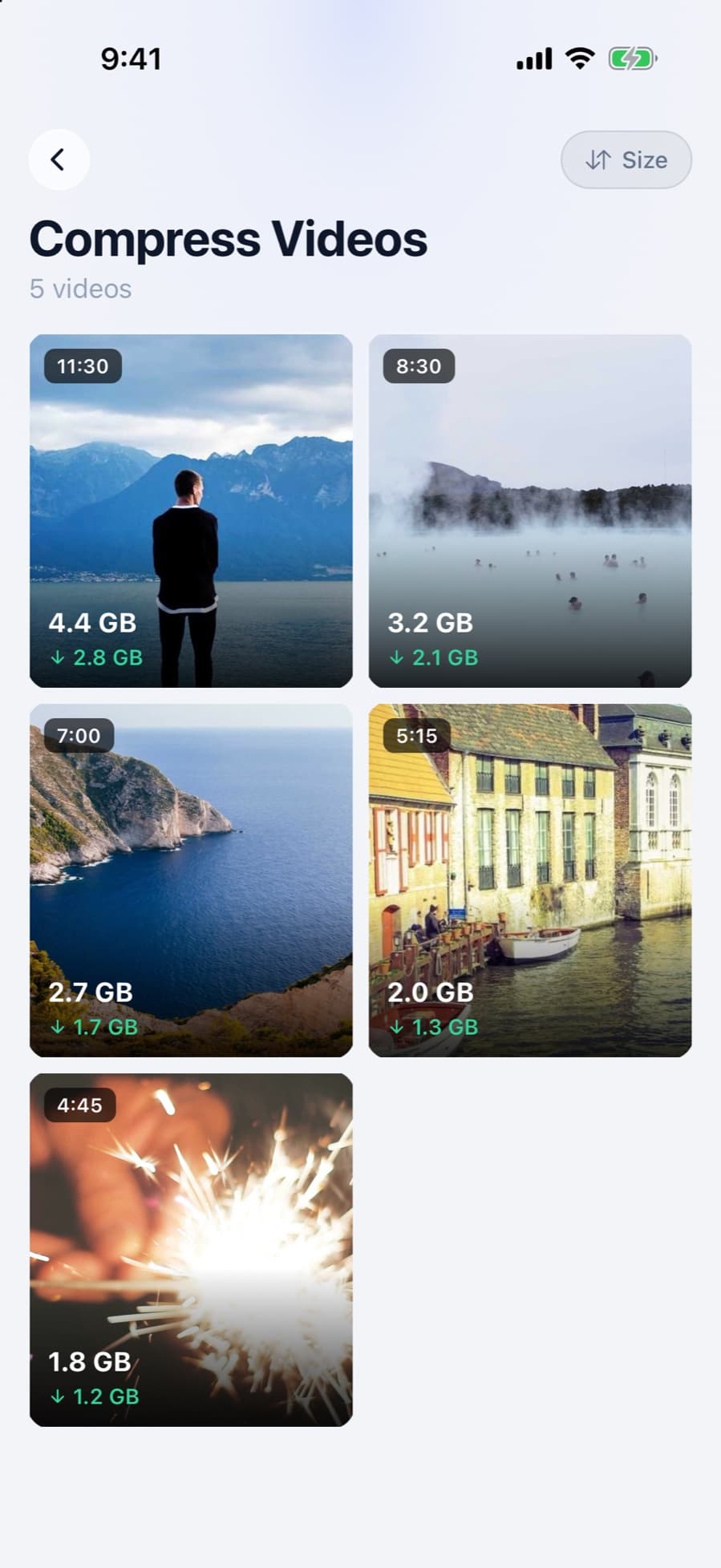
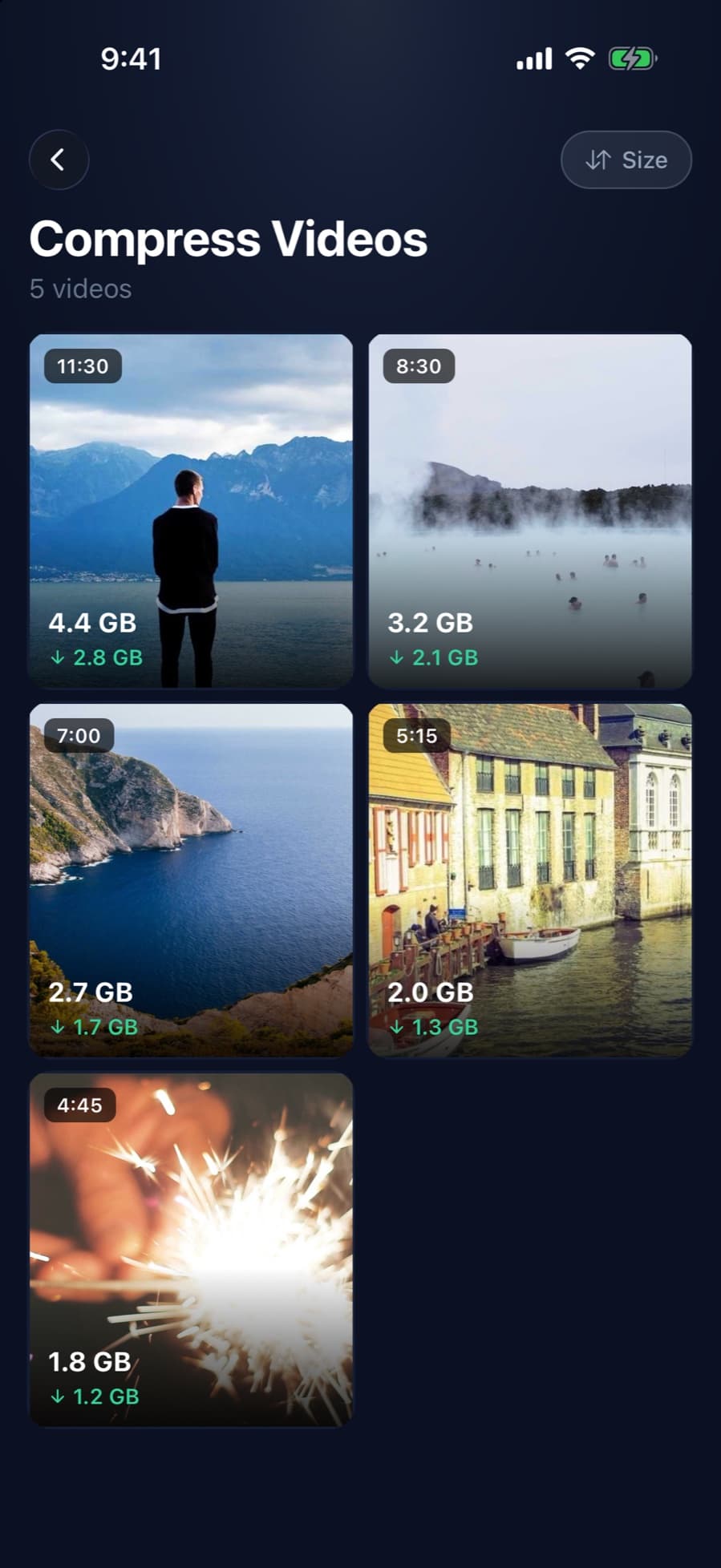
CleanX shows an estimated new size for each quality before you start, so you can see roughly whether a video will get well under 20 MB. Its sizes differ from Apple’s iMovie figures above, so go by the estimate it shows. Note that it replaces the original: it saves the smaller copy with the original date and location, then deletes the original after iOS asks you to confirm. To keep the full-quality original, make the Discord copy in iMovie instead.
- Estimated size for High, Medium and Low before you compress
- One video at a time
- Viewing sizes is free; compressing needs CleanX Pro
Upload it to Discord
In the Discord app, tap the plus sign in the text field of the channel or message, tap Upload a File, and choose the smaller copy. For a long video that won’t fit even at 360, share a link instead; see how to send a large video from iPhone.
More on video size: how to compress a video on iPhone.
Frequently asked questions
What is Discord’s file size limit?
Discord says it’s 20 MB without Nitro. Nitro Basic allows 50 MB and Nitro up to 1 GB. Discord also says it’s testing different limits, so some users may get more.
Why won’t Discord upload my video from iPhone?
Most often the file is over the limit. Discord checks the size before compressing, so a 1080p iPhone video over 20 MB is refused even if Discord could have shrunk it.
How do I make a video under 20 MB on iPhone?
Export a copy at 540 or 360 in iMovie, trim it in Photos, or both. Apple puts one minute at 360 at 6–9 MB.
Does Discord’s Data Saver make videos fit?
Discord says the Video Uploads setting on mobile manages upload quality and that Data Saver uploads faster with less data. Because the limit is checked before compression, make the file smaller first.
